Get all your news in one place.
100's of premium titles.
One app.
Start reading
Tom’s Guide
Tom’s Guide
Technology
Dan Bracaglia

How to use Apple's new wrist flick gesture to dismiss notifications

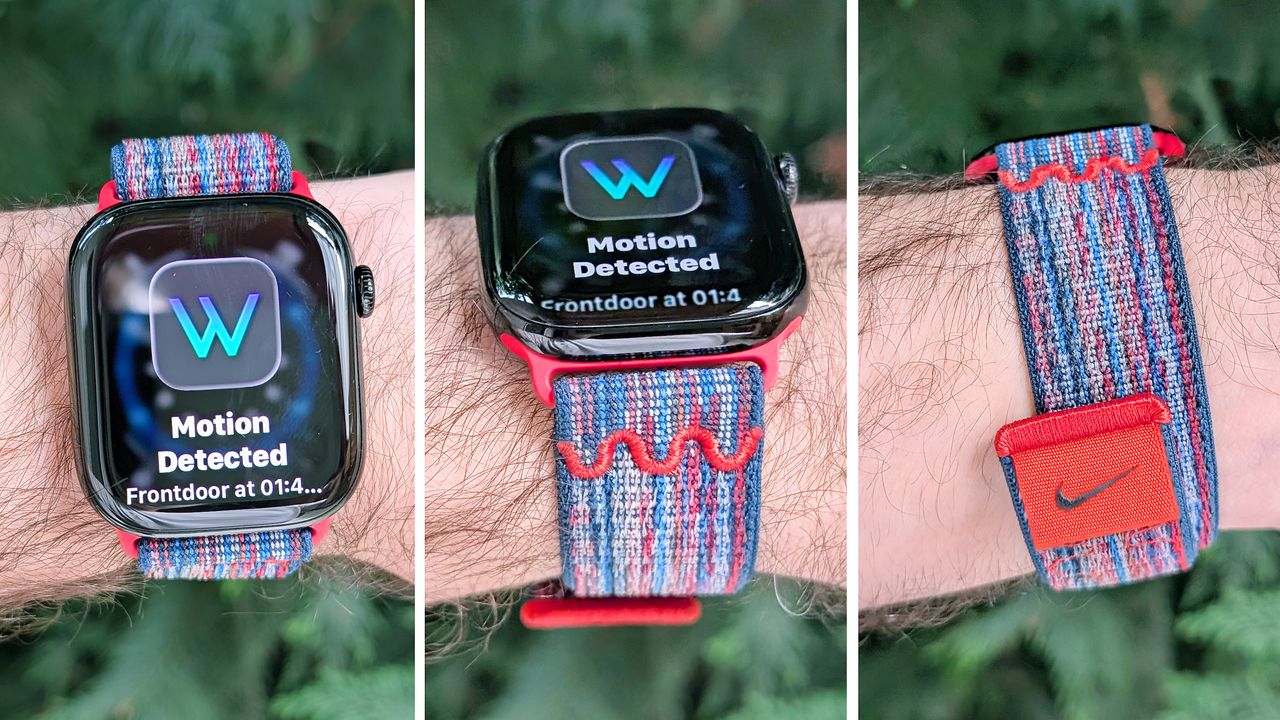
Close-up of the Apple Watch Series 10 on a user's wrist showing the new wrist flick gesture used to dismiss notifications hands free.

The new Apple Watch wrist flick gesture has quickly become my favorite part of watchOS 26, which is available for download now.

The concept behind wrist flick is simple. Rather than having to swipe away incoming notifications on your Apple Watch when they pop up on the screen, the new gesture lets you dismiss them hands-free —as the name suggests — with a flick of the wrist.

Sign up to read this article
Read news from 100's of titles, curated specifically for you.
Already a member? Sign in here
Related Stories
Top stories on inkl right now
One subscription that gives you access to news from hundreds of sites
Already a member? Sign in here
Our Picks
Fourteen days free
Download the app
One app. One membership.
100+ trusted global sources.