Get all your news in one place.
100's of premium titles.
One app.
Start reading
Creative Bloq
Creative Bloq
Technology
Erlingur Einarsson

Want to design a giant mechanical cat? These are the 3 best CAD laptops right meow

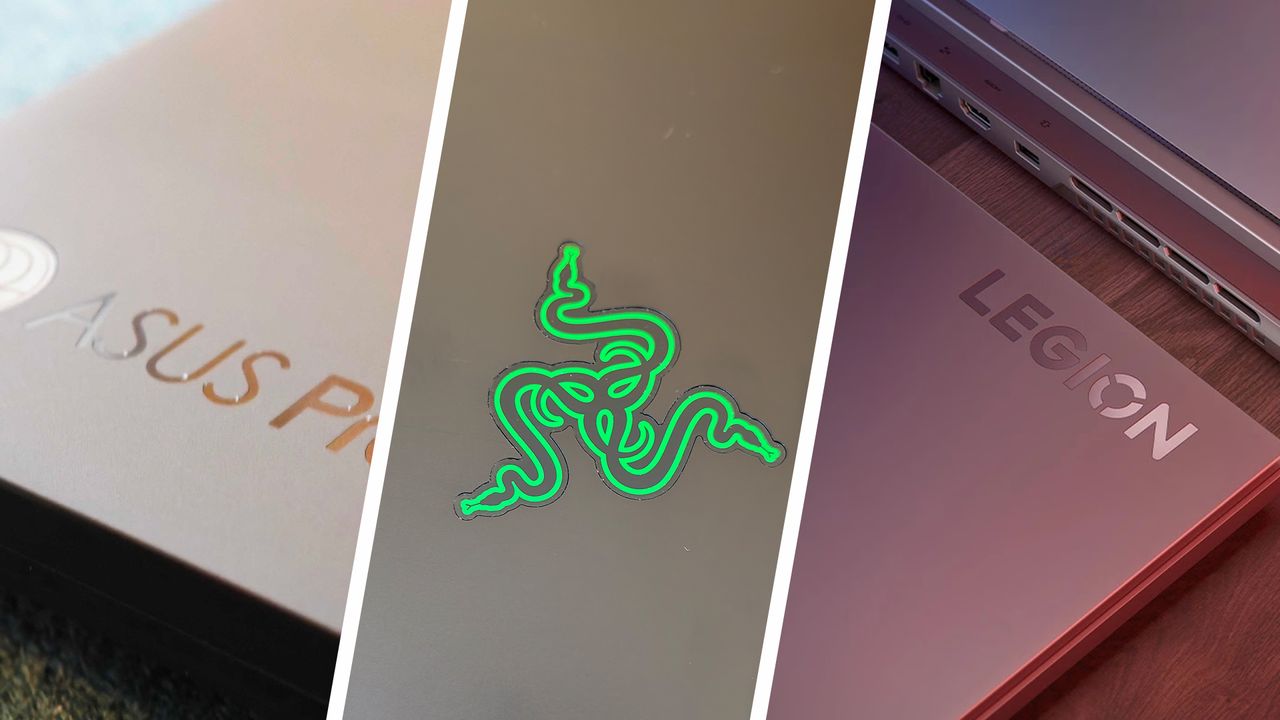
A collage of three laptop close-ups side by side, from left to right ASUS Proart, a Razer lid logo and a Lenovo Legion.

CAD software doesn’t care about your feelings. It cares about clock speeds, thermals, and whether your laptop can survive a 500‑part assembly without bursting into flames. So we’ve rounded up the three machines from our list of the best laptops for CAD that are the best at handling modern CAD workloads without stuttering, throttling, or begging for mercy. You can watch the full two-minute breakdown in the embedded video below.

At the top of the list is the ASUS ProArt P16, which continues its reign as the most capable all‑round CAD laptop you can buy without crossing into workstation territory. With an RTX 5070, AMD Ryzen AI 9, and up to 64GB RAM, it’s the kind of machine that makes AutoCAD, SolidWorks and Fusion 360 feel suspiciously smooth. The integrated ASUS Dial is a surprisingly useful bonus — once you’ve used it for precision zooming or scrubbing through tool palettes, you’ll wonder why every laptop doesn’t have one.

If you want serious CAD performance without serious CAD pricing, the Lenovo Legion Slim 5 is the sleeper hit of the year. The guide calls it a “secret weapon,” and that’s exactly what it is: Ryzen 7 power, RTX 5060 graphics, and thermals that don’t collapse halfway through a render. It’s not OLED, and it still looks a bit “weekend gamer,” but for the money, nothing else comes close.

And for designers who want a screen big enough to replace their external monitor entirely, the Razer Blade 18 is the undisputed champion. Its Calman‑Verified 4K OLED panel is enormous, colour‑accurate, and frankly a little ridiculous, in the best way. Pair that with an RTX 5090 and Thunderbolt 5 that can drive three 4K displays from a single port, and you’ve got the most powerful portable CAD workstation of 2026. Just… maybe don’t expect ultrabook battery life.

If you want the quick-fire rundown of which one suits your workflow, whether your needs revolve around portability, value, or full-fat workstation power, hit play on the video above. And if your work leans more toward 3D modelling, game development, or animation, our other laptop guides have you covered.

Sign up to read this article
Read news from 100's of titles, curated specifically for you.
Already a member? Sign in here
Related Stories
Top stories on inkl right now
One subscription that gives you access to news from hundreds of sites
Already a member? Sign in here
Our Picks
Fourteen days free
Download the app
One app. One membership.
100+ trusted global sources.