
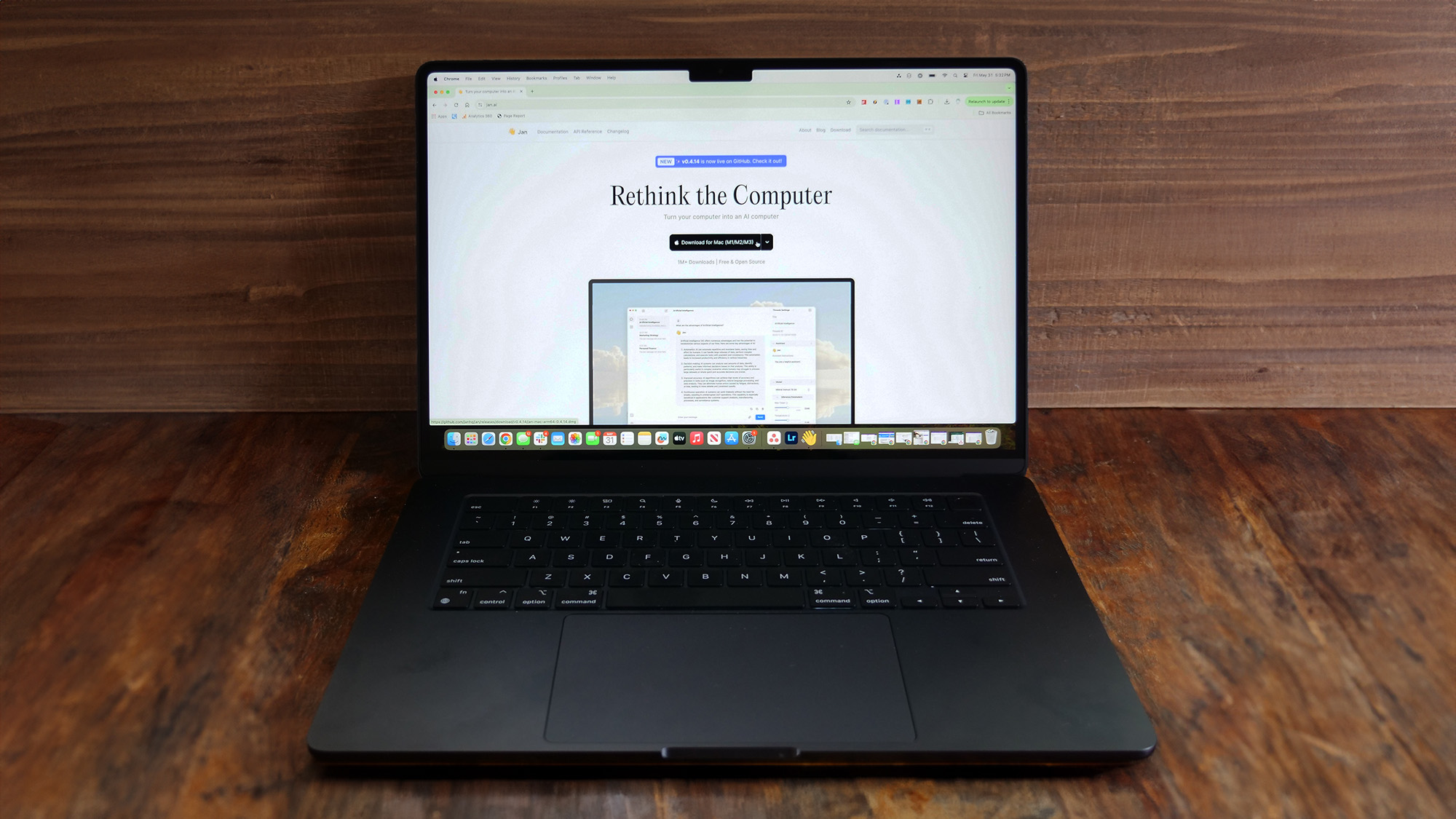
Generative AI chatbots and AI PCs are dominating conversation in the laptop world this year. For most of us, a Generative AI chatbot is yet another browser tab. All we need to access services like ChatGPT is an internet-connected device — we don’t have to worry about hosting their endless flops of computing power or footing their sizable electricity bills. But these perks, like trusting companies with our sensitive data, come at a cost. Have you considered running an AI chatbot locally on your computer instead?
You don't need one of the new Copilot+ PCs to make this happen, whether you use a MacBook, a Windows laptop, or even a Linux laptop you can join in the AI PC fun, and best of all do it without sharing your data with Open AI, Microsoft, Google, or any other big AI company.