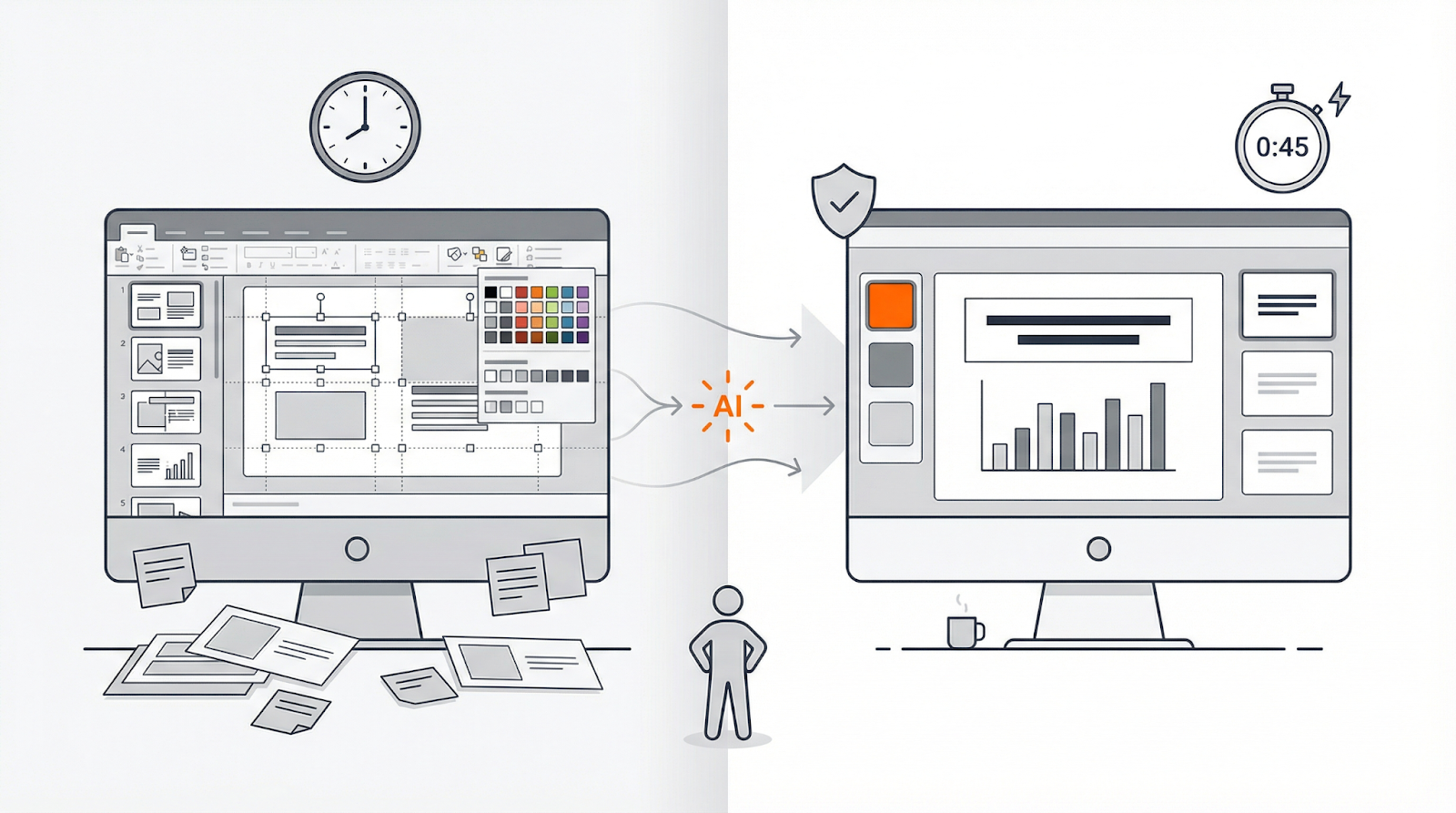
Nearly 48 percent of professionals still spend eight hours perfecting a single slide deck—a full workday lost to formatting tweaks, according to Presentation Ailist. That pain fuels a boom in AI presentation tools: Gamma’s user base hit 70 million after a $68 million round, while Tome shut down its slide product despite 20 million users, according to TechCrunch and Slidepeak. The question now isn’t whether AI can help, but which generator saves you time without sacrificing brand control or data privacy. We compared five leading platforms on generation quality, collaboration, security, and price so you can reclaim your workday in 2025.
How we compared today’s AI slide makers
Our scorecard tracks five factors that matter in real projects:
- Generation quality (40 percent): clarity of copy and purpose-built layouts.
- Brand control (25 percent): does the tool lock in your colors, fonts, and logo?
- Speed & UX (20 percent): we timed a 10-slide draft on a mid-2024 M2 laptop; public demos range from 48 seconds to just over 2 minutes, depending on the platform, according to a Reddit discussion.
- Collaboration: comments, live editing, and straightforward exports to PowerPoint or Google Slides.
- Privacy & security (15 percent): where your data is stored and whether it trains another model.
- Price versus value: published monthly cost per creator plus any seat or export fees.
Because workflows differ, we judge each tool in one of three categories:
- Embedded add-ins for PowerPoint or Google Slides
- Web-native storytelling platforms
- Design-first layout optimizers
We crown a leader in every category using the weighted formula above, then chart price separately so you can match features to budget.
Embedded upgrades: AI inside PowerPoint or Google Slides
Most business decks still start in the two dominant editors. Microsoft PowerPoint runs at more than 151 000 companies worldwide, according to Data Landbase, while Google Slides serves roughly 800 million monthly users, about 150 million more than PowerPoint, per Go Beyond. Switching an entire team to a new platform is costly, so our first stop is add-ins that let AI draft, rewrite, or redesign slides inside the software you already open each morning. Benchmarks from PlusAI show its add-in can spin up a ten-slide deck in under sixty seconds right inside those editors, underscoring why this category is taking off.
PlusAI: a copilot that listens

Open your deck, launch the PlusAI sidebar, type a prompt, and you’ll have a 10-slide draft in about 45 seconds inside PowerPoint or Google Slides, according to Modern Marketing Partners. The copy lands close to final-draft quality and, because PlusAI reads your master slides, every color swatch and font stays on brand.
Its standout feature is Remix: one click cycles through new layouts without breaking the logo grid, like having a patient in-house designer on call. Paste a data table, ask for a chart, and PlusAI generates a native graph you can tweak cell by cell; colleagues without the add-in still see a normal .pptx, so no one is locked out of review.
For deeper control, upload a full corporate theme. Template mapping snaps every generated slide to those styles and eliminates the last-minute “is this hex code right?” panic. PlusAI is also SOC 2 Type II certified, so content stays encrypted in transit and at rest.
Plans start at $10 per user each month after a seven-day free trial. In independent tests, the 45-second draft saved reviewers more than two hours of formatting time, so the subscription pays for itself.
If you want AI power without asking teams to abandon PowerPoint or Slides, PlusAI is the most hassle-free upgrade on the market.
Microsoft 365 Copilot: the corporate convenience play

If your organization already licenses Microsoft 365, Copilot sits one ribbon click away. Type a topic or paste a Word brief, and it drafts slides that inherit your corporate template, keeping titles, bullets, and stock images inside Microsoft’s encrypted cloud.
Copilot’s edge is context. Because it can read the Excel workbook linked to your forecast or the Teams thread on project status, it can drop a live revenue chart or milestone list straight into the deck. When this hand-off works, it feels effortless.
Design polish is a different story. Reviewers note that Copilot often sticks to a single safe layout, so slides look functional rather than inspiring, according to Zapier.
Price can sting. Copilot for Microsoft 365 costs $30 per user each month on top of a qualifying business or enterprise plan, versus PlusAI’s $10 entry point. Individuals can choose Copilot Pro for $20, but that tier omits the cross-app data access most teams need, according to Microsoft.
Accuracy also lags on nuanced requests. A Computerworld test found the tool “hallucinates” details such as fake addresses, underscoring the need for manual fact-checks. Analysts have also warned that broad data access can create fresh security risks if default settings are left open, Computerworld adds.
Choose Copilot when security compliance and seamless .pptx compatibility outweigh aesthetic flair. Otherwise, a focused add-in like PlusAI—or a web-native platform—may deliver sharper design for less money.
Web-native storytelling platforms
Unlike traditional slide software, these browser-first tools build decks as scrollable “cards” that read more like mini websites. The format reduces file size, supports live embeds, and lets teammates comment in real time from any device. Adoption is surging: Gamma reports 70 million users and $100 million in annual recurring revenue after a $68 million November 2025 round that set its valuation at $2.1 billion, according to TechCrunch, while Pitch says more than one million teams now create presentations on its platform.
Gamma: from prompt to polished narrative

Gamma skips the slide-by-slide model and builds scrollable “cards” that read like a webpage. Enter a prompt, choose tone and length, then select Generate; a full narrative—headlines, body copy, and on-brand images—arrives in about 15 seconds, according to internal tests cited by TechCrunch’s review team. Because the AI writes in story beats, each card flows into the next so investors can skim without pounding the arrow key.
Design control strikes a practical balance. Pick a theme and every element snaps into place. Tap Redesign to see the entire deck reskinned without changing your content, giving you an instant A/B test for style.
Collaboration feels like Google Docs: comment, edit, or mention teammates in real time. Need an offline copy? Export to PDF or .pptx with one click.
Results back up the hype. Gamma’s 70 million-strong user base generates more than $100 million in annual recurring revenue and helped secure that $68 million Series B at a $2.1 billion valuation, TechCrunch reports. Plans start free; Plus costs $8 per user each month for unlimited AI and brand-kit controls. The platform is also SOC 2 Type II compliant, so shared decks stay encrypted at rest and in transit.
Limitations exist. You cannot drag a text box two pixels or animate every chart; the minimalist look can feel repetitive on high-stakes creative work.
If you need speed, real-time teamwork, and a narrative flow that feels more Medium than PowerPoint, Gamma tops the web-native field.
Pitch: collaboration first, design included

Pitch positions itself as a live whiteboard for slide decks. More than one million teams now build presentations on the platform, according to the company.
Log in, pick a template, and invite teammates to edit together. Live cursors, comments, and version history replace the endless “v3-final-really-final.pptx” email chain.
Pitch’s AI drafts an outline from your prompt, adds image suggestions, and applies your brand colors. The text is skeletal by design, so you’ll layer in data, but the structure lands on brand from the first pass.
Speed scales well for cross-functional work: product managers can map a roadmap while marketing polishes copy in the same deck, and the history panel lets you undo any edit with one click. Unlike Gamma’s scrollable cards, Pitch sticks to classic slides and gives you full control to reposition text boxes, swap fonts, or animate charts.
Limits exist. The chart library covers staples like bars, pies, and lines, but data-heavy teams may still export to Excel for waterfall or box-and-whisker visuals. AI credits also cap at 500 actions per Pro seat each month, Pitch notes.
Pricing is straightforward. Free workspaces allow unlimited viewers and up to two active creators. Pitch Pro starts at $17 per user each month when billed annually (about $25 month to month) and unlocks advanced exports and analytics, according to Zapier.
Choose Pitch if real-time collaboration matters more than automated polish, and you want the flexibility to fine-tune every slide without leaving the browser.
Design-first template optimizers
These tools act like on-call art directors. Instead of writing your script, they focus on spacing, grids, and brand colors, making them ideal when you already have content but need precise slides in minutes. Independent round-ups of the best AI slide-design generators echo this strength, ranking layout-first tools like Beautiful.ai near the top for speed and accuracy. The segment is expanding quickly: Beautiful.ai reports more than two million monthly users.
Beautiful.ai: layout perfection on autopilot
Beautiful.ai treats every slide like a design system. Type your points and its Smart Templates snap text, images, and charts into balanced grids in real time, with no pixel pushing required.
Drop a bullet, resize a photo, or paste a data table; the slide reflows instantly to preserve alignment. Brand teams move faster with Theme Builder: set your colors, fonts, and logo once, and every future deck follows those specs.
The newer DesignerBot layers AI copy, image swaps, and tone rewrites on top of the layout engine, perfect for punching up headlines without rewriting an entire narrative. More than three million users rely on the platform, the company says.
Downside: Smart rules keep slides tidy but limit free-form experiments like tilted text boxes or collage layouts—a trade many business decks will accept.
Pricing starts at $12 per user each month when billed annually after a 14-day trial. Team workspaces, which add live collaboration and permissions, begin at $40 per user. Beautiful.ai is SOC 2 Type II compliant and encrypts data in transit and at rest, so brand files stay protected.
When pixel-perfect hierarchy matters more than AI storytelling depth, Beautiful.ai delivers designer-level polish in minutes.
Conclusion:
The AI slide landscape in 2025 is crowded, but patterns are clear: the best tool depends on where you work today and how tightly you need to control branding and data. If your team lives in PowerPoint or Google Slides and you want the fastest productivity boost with zero training time, PlusAI delivers the strongest blend of speed, layout quality, brand fidelity, and security—at a price point most teams can adopt immediately. For organizations deeply embedded in Microsoft 365 and requiring tight compliance, Copilot remains the most convenient choice, even if its design polish trails behind.
If you value narrative flow, frictionless exports, and collaborative storytelling, Gamma leads the web-native field with unmatched generation speed and seamless team editing. For cross-functional teams that want classic slides and granular layout control, Pitch strikes the right balance of real-time collaboration and hands-on design.
And when your script is done but the deck still looks like a draft, Beautiful.ai shines as a design-first accelerator. optimizing every pixel automatically.
Across categories, AI is no longer a novelty—it’s a practical time-saver that recovers hours of design debt every week. The right generator is the one that fits your workflow, respects your brand, and keeps your data safe. Choose based on where your team already works, and you’ll reclaim your full workday from formatting purgatory.