Get all your news in one place.
100's of premium titles.
One app.
Start reading
Tom’s Guide
Tom’s Guide
Technology
Kaycee Hill

This smart TV setting is ruining your picture quality — turn it off now

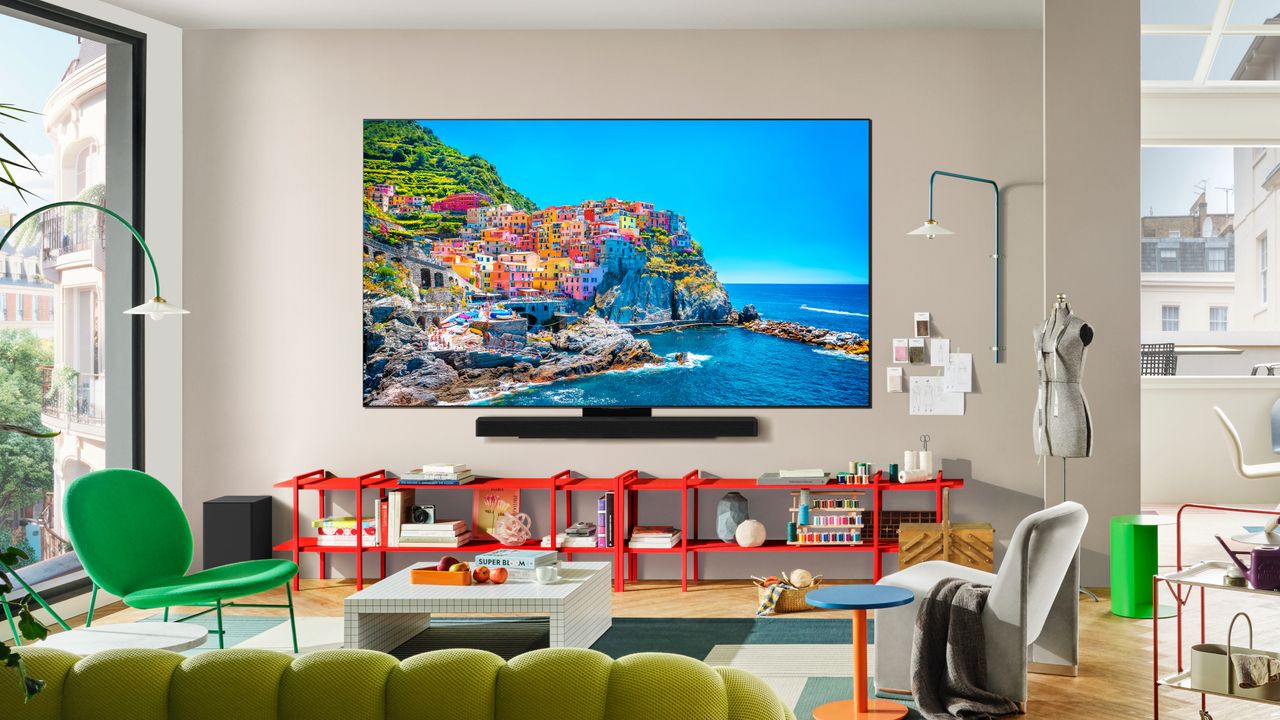
LG C5 OLED .

Most smart TVs have an Eco Mode or Energy Saving setting buried in the picture menu. It sounds environmentally friendly and cost-effective — who doesn't want to save on electricity bills? But this setting actively degrades your picture quality by dimming the screen to reduce power consumption.

If you spent money on a good TV expecting vibrant, bright images, Eco Mode undermines that. Your carefully calibrated brightness settings get overridden by automatic dimming that makes everything look duller than it should.

Here's why Eco Mode ruins picture quality and how to turn it off.

What Eco Mode actually does

Eco Mode reduces your TV's brightness automatically to consume less electricity. The TV monitors ambient light and dims the backlight below your manually set brightness level to save power.

Some TVs call this Energy Saving Mode, Power Saving Mode, or Ambient Light Optimization. Regardless of the name, the function is the same: the TV lowers brightness to reduce energy consumption.

The brightness reduction is noticeable, especially in darker scenes or HDR content where peak brightness matters. Colors look less vibrant, contrast decreases, and details in shadows become harder to see. You're essentially watching a dimmed-down version of what the content is supposed to look like.

If you've ever wondered why your TV suddenly looks darker than usual or why HDR content doesn't pop the way reviews described, Eco Mode is likely the culprit.

How to turn off Eco Mode

The exact steps vary by TV brand, but the setting is always in the picture or display menu.

Open your TV's Settings menu and navigate to Picture Settings or Display Settings. Look for options labeled Eco Mode, Energy Saving, Power Saving, or Ambient Light Sensor. Toggle it off.

On Samsung TVs, it's under Settings, General, Power and Energy Saving, Eco Solution. Turn off all options under Eco Solution.

On LG TVs, go to Settings, Picture, Energy Saving and select Off.

On Sony TVs, it's under Settings, Display & Sound, Picture, Power Saving and select Off.

On Roku TVs, go to Settings, System, Power, Power Saving and disable it.

After disabling Eco Mode, your TV immediately returns to the brightness level you set manually. The difference is instantly noticeable — colors are more vibrant, highlights are brighter, and dark scenes show more detail.


More from Tom's Guide

Sign up to read this article
Read news from 100's of titles, curated specifically for you.
Already a member? Sign in here
Related Stories
Top stories on inkl right now
Our Picks
Fourteen days free
Download the app
One app. One membership.
100+ trusted global sources.