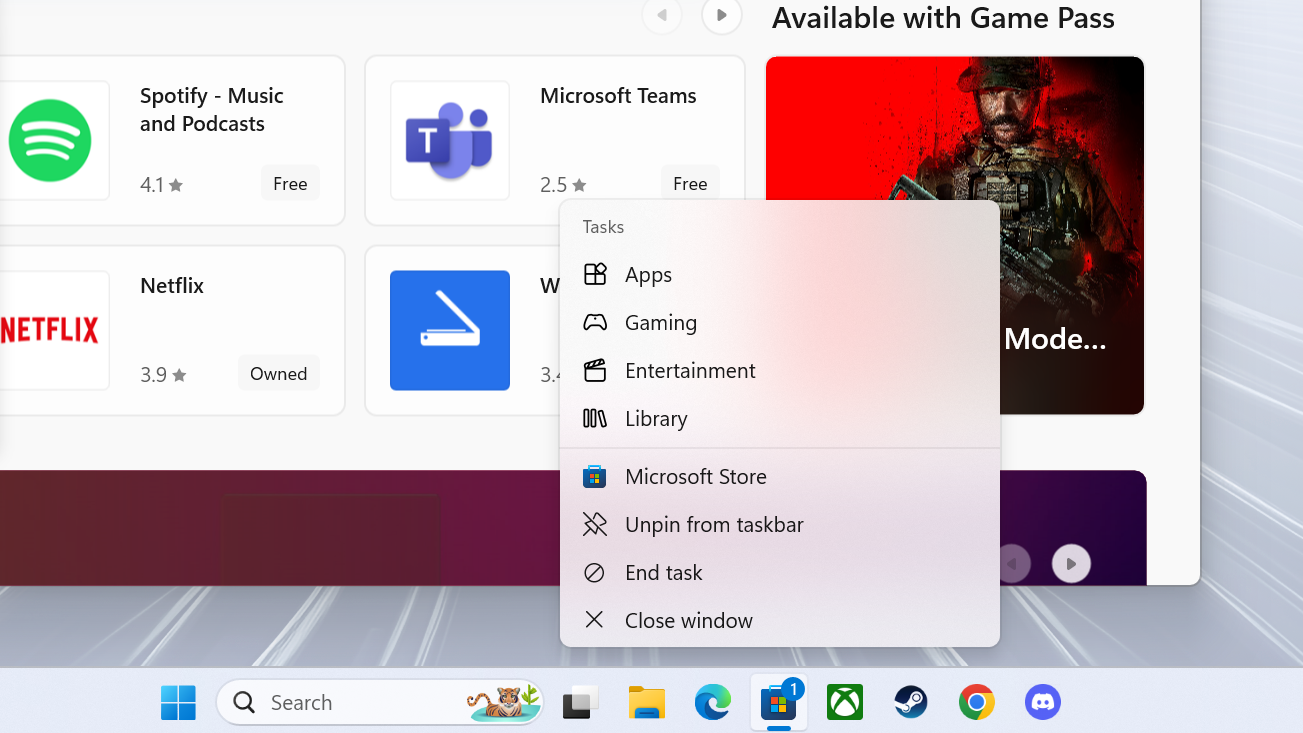
The latest Windows 11 update, released on July 25, makes it quicker and easier for users to end tasks that aren't functioning as intended.
If you've used Windows for any period of time, you've likely needed to force close a malfunctioning application at some point. The only way to do so is to open up Task Manager, either using CTRL+ALT+DEL, right-clicking an empty section of the taskbar and selecting Task Manager, or using the Windows Key and search functions to open the app-killer application. Then, select the application and instruct Task Manager to quit the application using the delete key or right-clicking the app and selecting "end task" from the pop-up menu.