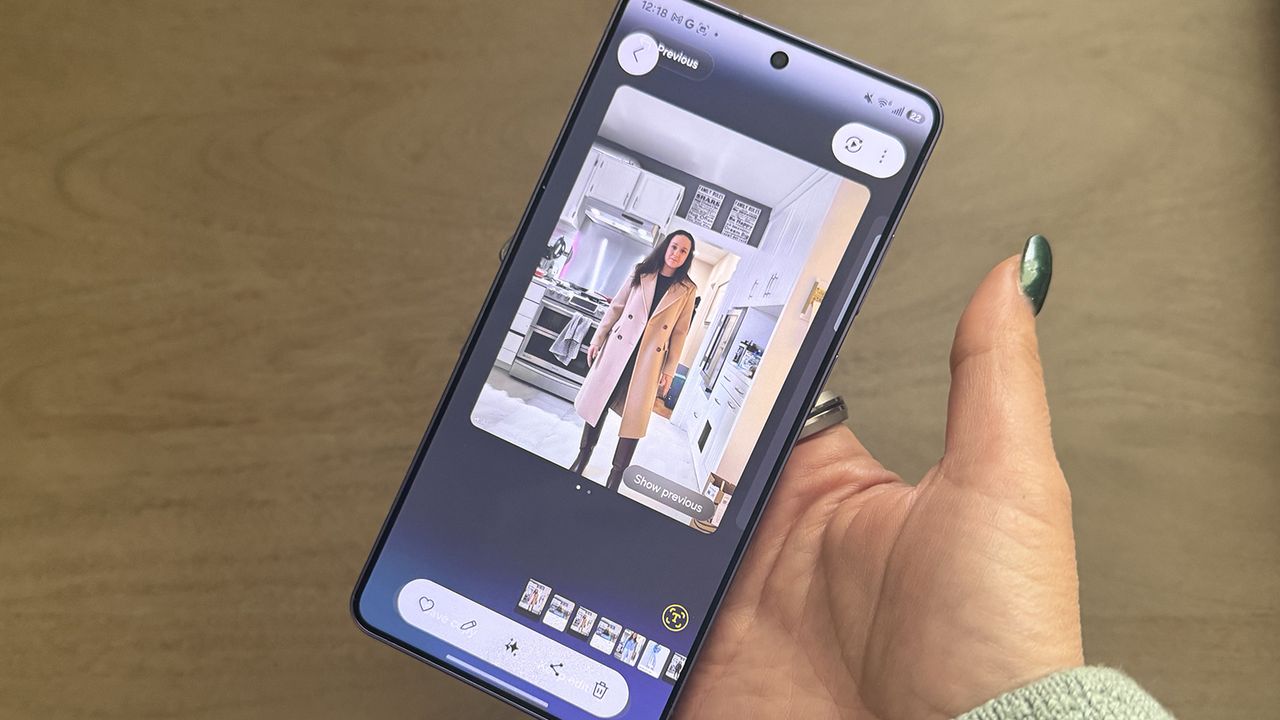
Virtual try-ons have been around for some time, but the idea of being able to change your look has been taken up a few notches with the latest AI technologies. It's not just one basic virtual try-on feature I'm talking about, but several that are either available across any premium Android phone or specific ones.
There are three that I have especially been using and enjoy. First, there's Google's Circle to Search, which has been upgraded to make it easier to find not only outfit items one by one, but all at once. Second is Google's Try On, which helps you visualize how you'd look in a specific outfit before you tap that "buy now" button while online shopping. Finally, there's Photo Assist in the Samsung Galaxy S26 series, which lets you alter photos with personalized prompts and works incredibly well.