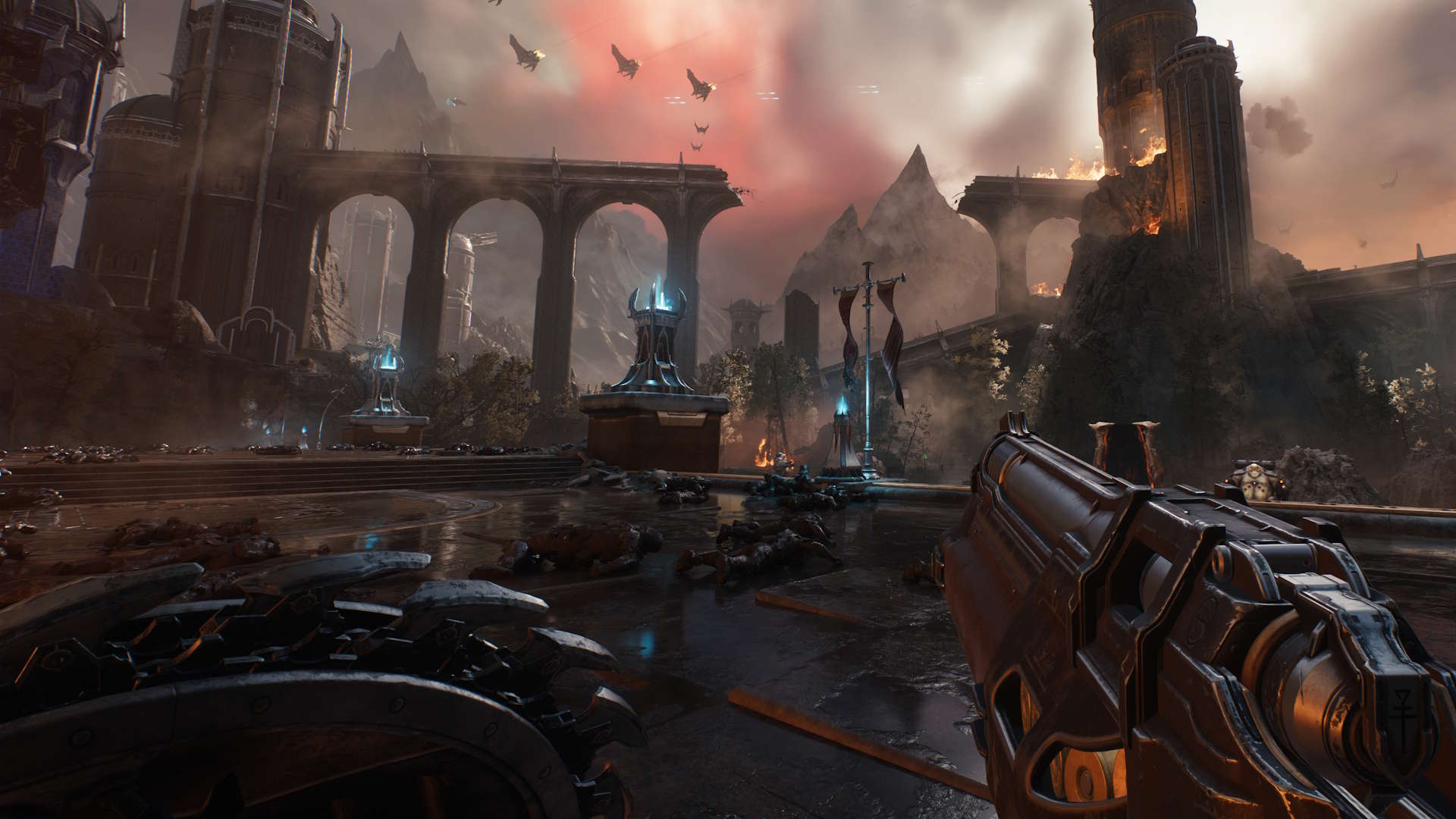
In procuring any new piece of tech, my first question has always been "Can it run DOOM?" It's a query that becomes all the more far-fetched as the game storms through its countless evolutions away from the initial mishmash of bloody pixels on a CRT TV. Thankfully, GPUs are keeping up with the current graphical hellscape as it begs more and more of our gaming PCs. With NVIDIA's 50-series graphics cards in particular, ramping up the fidelity for the latest game in the DOOM series, DOOM: The Dark Ages, is a cakewalk. A bloody, brutal, and ever so twisted cakewalk. At least it can be, you just need to find the best settings in order to achieve it.
Whichever Blackwell GPU you're packing—from NVIDIA's more affordable RTX 5060 all the way up to the rocksteady RTX 5090—there's a spread of graphics settings below that'll deliver devilishly smooth gameplay in just a few short clicks. Even if you're planning to connect up one of the best 4K gaming monitors and run DOOM in all its ray-traced glory, you'll be able to get stuck into some Dark Age demon-slaying thanks to the breadth of technological advancements in NVIDIA's latest GPUs.