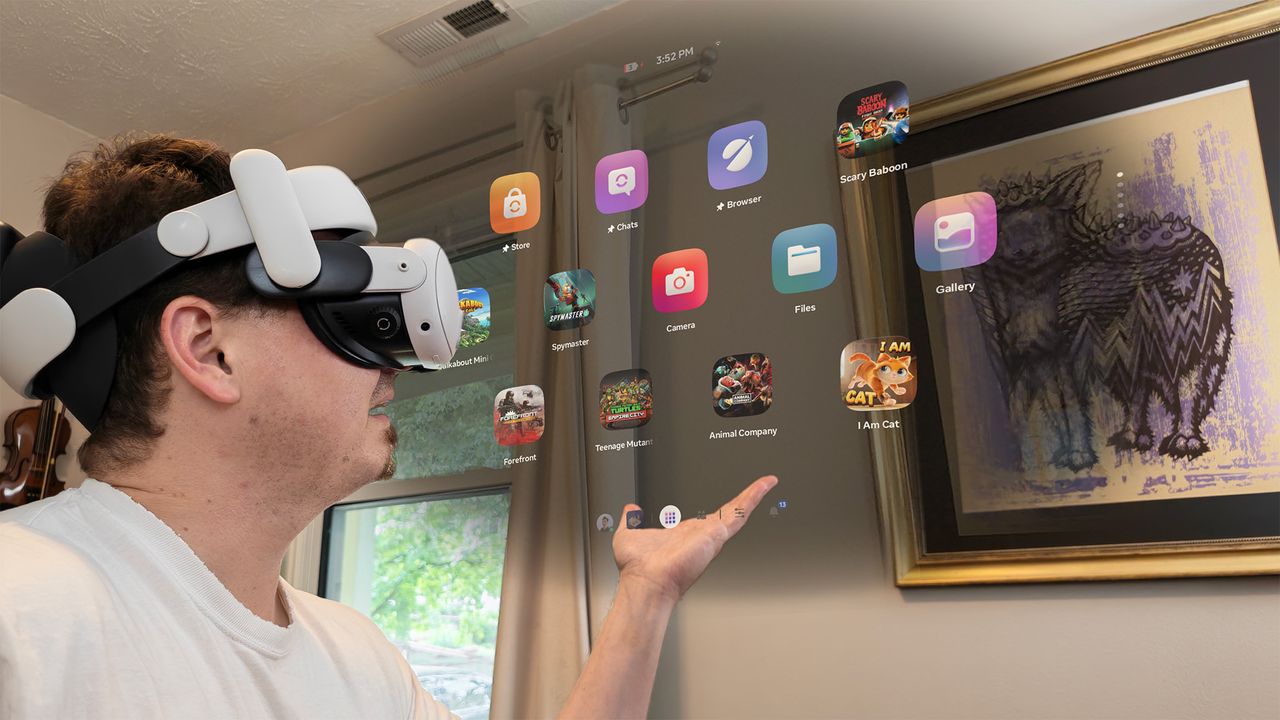
Typically, when a company gives its products a UI overhaul, the new design focuses on fixing problems people complained about in the old version. Meta has been working on it for two years now, but the end result isn't exactly getting the reception Meta was hoping for.
Ever since the update started rolling out to everyone a few weeks ago, I've received countless messages from friends (and the parents of my son's friends) asking how to revert to the old UI. The answer is...you can't. The follow-up questions then usually revolve around how to do all the things they used to do every day, since many of the most common tasks now require several additional clicks or menu selections to find.