Get all your news in one place.
100’s of premium titles.
One app.
Start reading
T3
T3
Technology
Bethan Morgan

T3 answers: How to connect your Echo Dot to other smart home devices

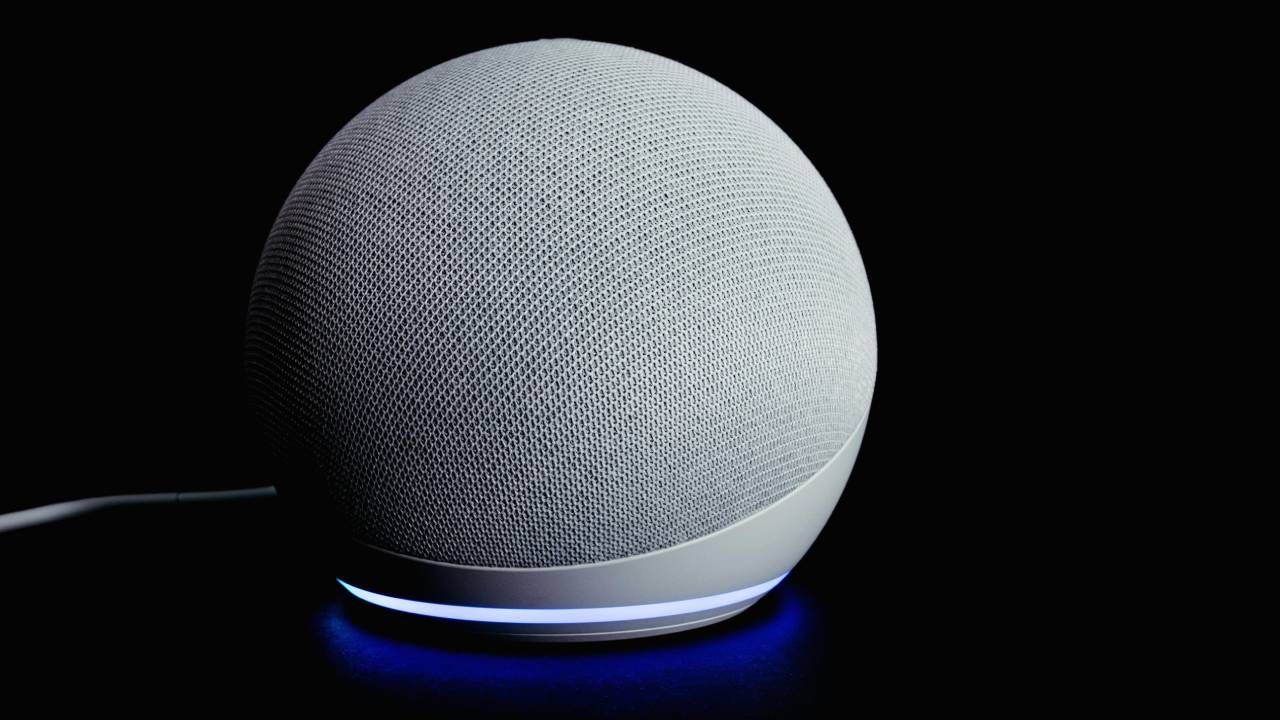
An Echo Dot sitting on a table with a black background.

If you’ve just bought yourself an Amazon Echo Dot smart speaker – or maybe you’re waiting until Black Friday to get one for cheap – then you might not have any clue how to set it up or how to connect it to your other smart home devices.

That’s where T3 comes in. Not only do we have a team of experts who report on and test the latest smart home gadgets, but we’ve reviewed many of Amazon’s Echo Dot and Show range, including the original Echo Dot.

While Amazon and the Alexa app have instructions for you to follow on most of its settings and functions, it’s often easier to understand when it’s laid out in a step-by-step guide – or by an actual human! So, in this tutorial, we’ll be talking you through how to connect your Echo Dot to your other smart home devices.

Tutorial: connecting your Echo Dot to smart devices

Firstly, you’ll have to have your Echo Dot set-up, and connected to your Wi-Fi and the Alexa app. The reason we’re not explaining this here is because these instructions are included in your Echo Dot packaging – and it’s insanely easy to do.

The next thing you’ll want to do is check if your smart home devices are Alexa-compatible. The majority of smart gadgets and brands are compatible with Alexa, but you can check this by looking for a ‘Works With Alexa’ badge that will be on the packaging of your device.

From there, open the Alexa app and go to ‘Devices’. Once you’ve connected your other devices, this section will display them in a list and show you how to make them into groups for specific rooms – but more on that another time.

Click ‘Add Device’ and you’ll be shown all the devices you can add, including smart lights, plugs, TVs, security cameras, hubs, vacuums and much more. You can also select a specific brand, including Echo, Philips Hue and Matter.

(Image credit: Amazon)

Another way to connect your devices is via Bluetooth. In the Devices section, select your Echo Dot, go to Device Settings, Enable Bluetooth and Pair a New Device. Alternatively, you can ask your Echo Dot to search for devices by saying ‘Alexa, find smart home devices.” Of course, you’ll need your devices to be connected to your Wi-Fi or Bluetooth for your Echo Dot to find them.

What smart home gadgets can I connect to my Echo Dot?

You can connect almost every gadget to your Echo Dot as long as it has smart connectivity and is compatible with Alexa. Aside from the devices mentioned above, you can also connect video doorbells, switches, air conditioners, remotes, blinds, sensors, game consoles, and even kettles.

It’s worth mentioning that an Echo Dot is a speaker and not a smart display, so it doesn’t have a screen. So, to use devices like security cameras and video doorbells with your Echo Dot, you’ll only be able to see your footage in the Alexa app or on a device like an Echo Show or Fire TV.

Sign up to read this article
Read news from 100’s of titles, curated specifically for you.
Already a member? Sign in here
Related Stories
Top stories on inkl right now
One subscription that gives you access to news from hundreds of sites
Already a member? Sign in here
Our Picks
Fourteen days free
Download the app
One app. One membership.
100+ trusted global sources.