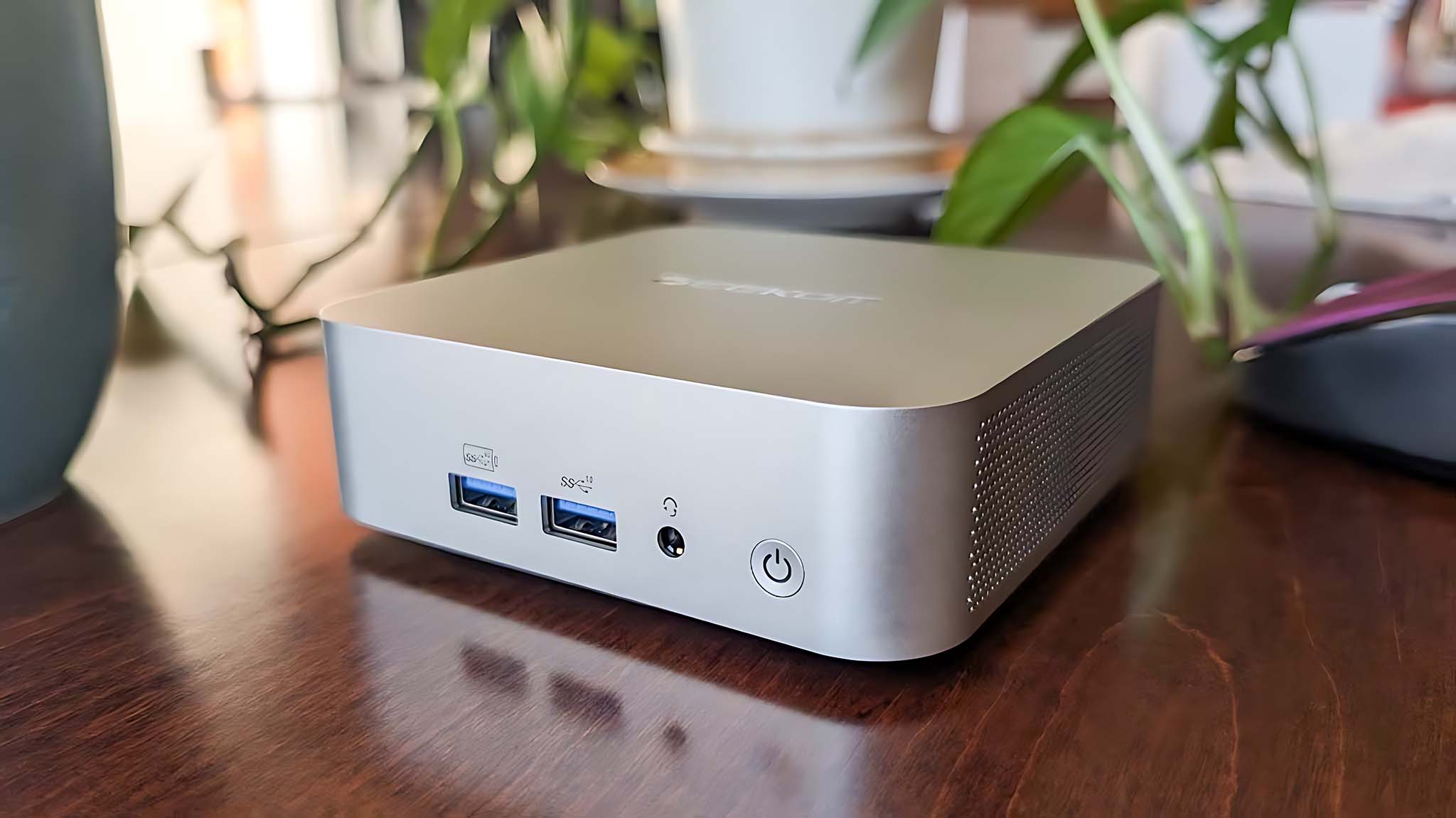
As fun as it can be to test the latest PC hardware like NVIDIA's $2,000 GeForce RTX 5090 Founders Edition graphics card, I don't particularly enjoy writing articles with the same gaming computer I use in my downtime. My bulky Windows 11 files and folders are neatly organized, rarely popping up in places I don't want them, but there's still a certain level of zen achieved when the end of a work day triggers a disconnecting shutdown.
To this day, I maintain that the "ultimate" Windows 11 experience is often found on laptops more than on a desktop PC because you can access touchscreens, guaranteed built-in Wi-Fi and Bluetooth connectivity, and a genuine use for power-saving plans that try to incorporate with flaky sleep and hibernate modes. Sure, Microsoft has some serious improvements to make in the latter category, but there is a third option that I somehow overlooked.