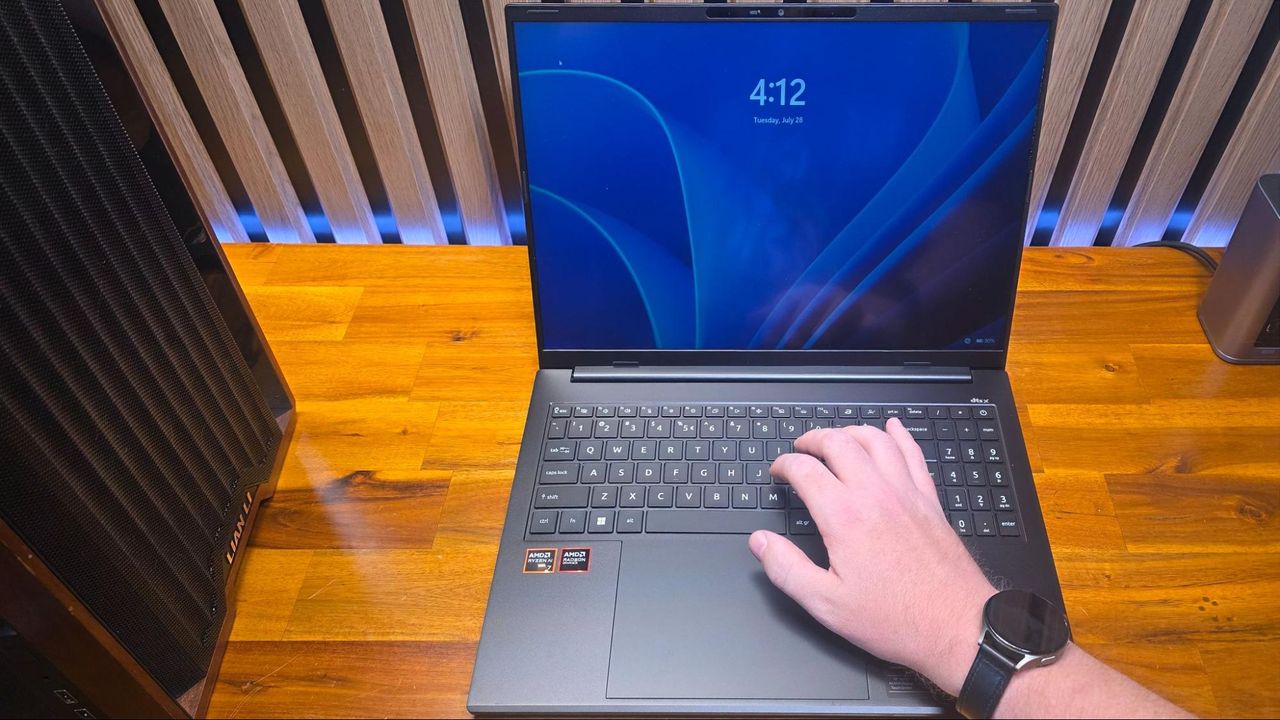
I’ve used thousands of laptops over the years, between testing and trade shows, so it isn’t often that an issue pops up that I haven’t encountered before. But that’s exactly what happened recently while working with Acer’s Swift Go 16 AI (review coming soon). This unassuming mid-range portable packs AMD’s Gorgon Point silicon, alongside a large IPS screen and a roomy 7-inch touchpad – nothing groundbreaking, but a solid, svelte system with a metal shell and an affordable price (at least when it’s on sale).
But pretty quickly, when I started setting it up and photographing it, I noticed that the screen would often go black, briefly, when I tried typing, and I would then get kicked out to the Windows lock screen. Since I was using a local account with no password to type in, this was only a minor annoyance at first. But it kept happening – not every time I tried to use the laptop, but often enough that I pretty quickly decided that the review unit must be faulty. Eventually, I reached out to Acer to explain and show them the problem.