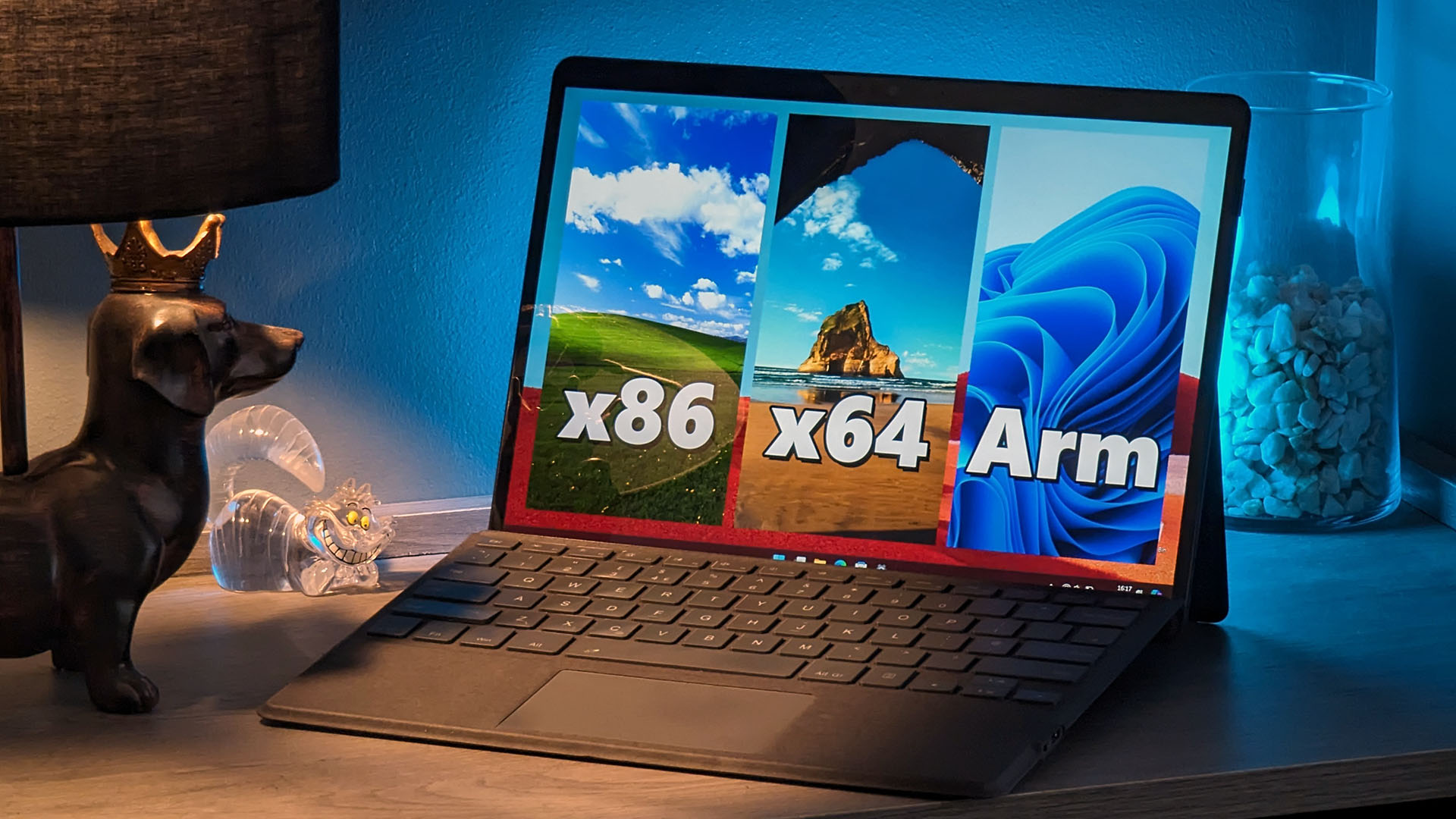
Running traditional apps with Windows on Arm devices might seem unusual to some, and it's not unreasonable to assume that compatibility isn't guaranteed when so few devices with ARM64 processors from Qualcomm and Microsoft enjoy mainstream popularity. Chromebook laptops powered by Snapdragon CPUs rely on Google's ChromeOS, and hundreds of tablets support Microsoft's Android apps but never native x86-64 versions. In fact, for the past few years, you've regularly been able to count the number of supported Arm Windows laptops on one hand.
So, for those considering a device like the Surface Pro 9 running Microsoft's customized SQ1 ARM processor or a Robo & Kala 2-in-1 with Qualcomm's stock Snapdragon 8cx Gen3, how many apps from your daily workload could you carry over from an Intel or AMD-based Windows PC? The good news is that practically everything works. The better news is that the next generation of Snapdragon CPUs, like the X Elite range, will dramatically boost performance on these traditional x86-64 apps. I tested my most common apps, and here's what I learned: there's no reason to be wary of Windows on Arm.