Get all your news in one place.
100’s of premium titles.
One app.
Start reading
Windows Central
Windows Central
Technology
Sean Endicott

PowerToys will finally fix Windows 11’s multi-monitor headache — better brightness controls are on the way

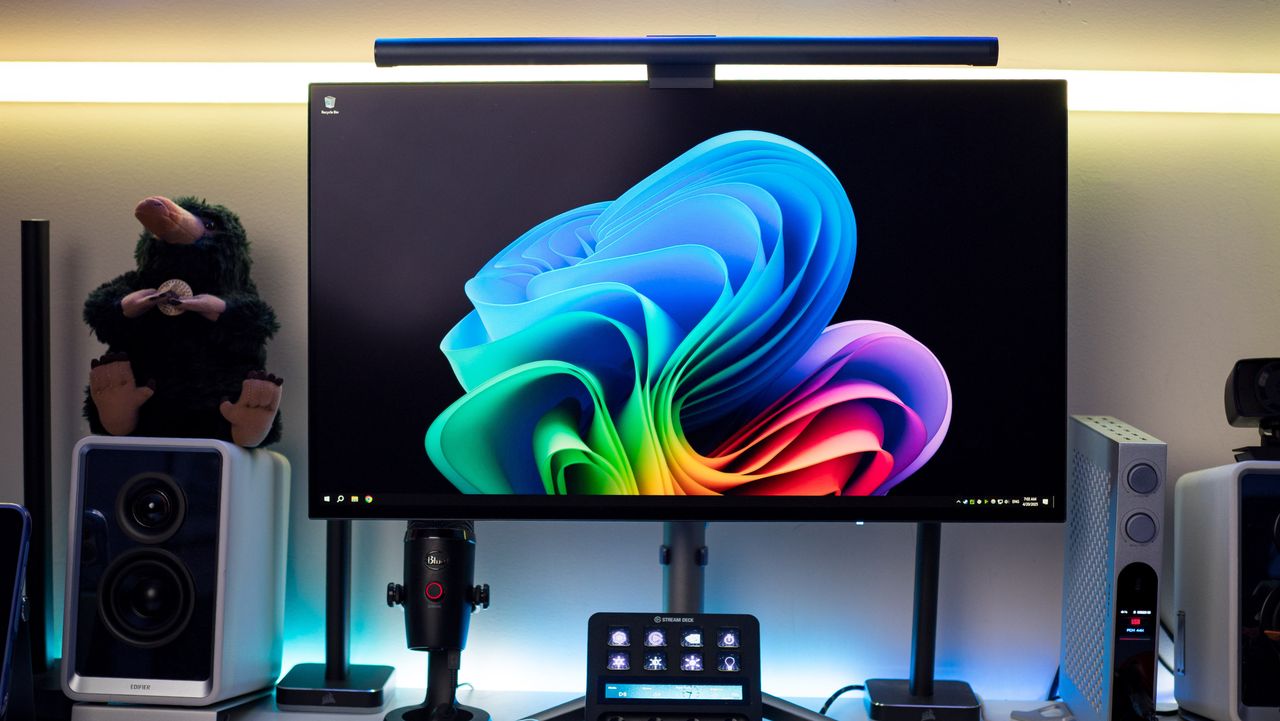
KTC G27P6S OLED gaming monitor review on Windows Central.

One of the best apps on Windows 11 is about to get even better. PowerToys, a collection of free utilities that enhance the Windows 11 experience, will soon add a feature called "PowerDisplay." The feature will allow you to control the brightness and other settings of multiple monitors through a shortcut accessed via the system tray.

Niels Laute, a program manager at Microsoft, teased PowerDisplay on X.

PowerDisplay is still in its early stages. The GitHub page for the utility notes that the original user interface is generated by AI, though it has since been overhauled. The utility's code also needs to be reviewed and bugs need to be squashed.

Laute shared on X that the current plan is for PowerDisplay to ship in January, but that's not set in stone. He also discussed the fact that several other apps exist with similar functionality, such as DisplayBuddy and Twinkle Tray.

While there are other apps that make it easy to manage the settings of multiple monitors, Windows 11 struggles in the same area.

Inspiring Windows 11

A PowerToys utility called FancyZones inspired improvements to snapping on Windows 11. (Image credit: Ben Wilson | Windows Central)

PowerToys is a lovely standalone app that's easy to recommend to both casual and power users. It also serves as a bit of a testing ground for features and ideas on Windows 11.

As PowerToys expands and its features are refined, some of its concepts trickle into Microsoft's operating system. For example, PowerToys has a windows manager utility called FancyZones. Improved snapping on Windows 11 takes cues from FancyZones, though the functionality is simplified on Windows.

I'd love to see PowerDisplay follow a similar trajectory, resulting in the fine-tune controls and power options remaining exclusive to the PowerToys utility but Windows 11 gleaning some of the best bits.

Follow Windows Central on Google News to keep our latest news, insights, and features at the top of your feeds!

Sign up to read this article
Read news from 100’s of titles, curated specifically for you.
Already a member? Sign in here
Related Stories
Top stories on inkl right now
One subscription that gives you access to news from hundreds of sites
Already a member? Sign in here
Our Picks
Fourteen days free
Download the app
One app. One membership.
100+ trusted global sources.