Get all your news in one place.
100’s of premium titles.
One app.
Start reading
T3
T3
Technology
Matt Kollat

Polar brings dark maps, smarter training tools and more to its watches via a free software update

Polar Grit X2 review.

Polar has started rolling out Polar OS 5, the next major firmware update for its range of GPS sports watches, bringing a host of usability and training improvements.

The update, arriving on models including the Vantage V3, Vantage M3, Grit X2 / Grit X2 Pro and Ignite 3, introduces features that address both everyday watch use and deeper training metrics.

These include multiple alarms, making it easier to distinguish weekday wake-ups from weekend sessions.

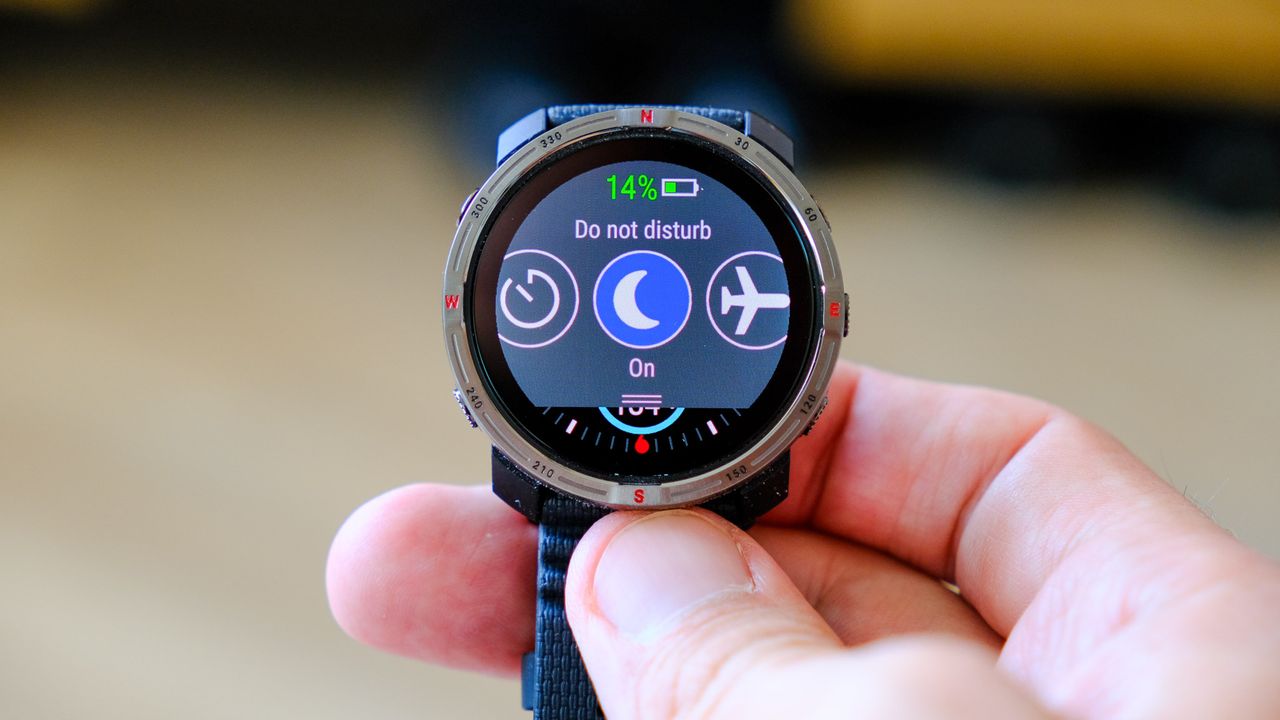
Night Mode has also been refined so that, when Do Not Disturb is active, the display stays dimmed even with button presses.

Polar OS 5 adds two widgets directly to the main watch face. One of these shows your 'Nightly Recharge' status, while the other summarises weekly activity.

These help reduce the need to dive through menus to see your recent performance and recovery.

(Image credit: Polar)

There’s now a dark map mode for low-light runs, smoother pinch-to-zoom controls, and improved route previews to show the direction of your route before you start.

Mapping remains unsupported on models without onboard maps, like the Ignite 3.

Workout summaries during paused sessions now show expanded data, including distance, heart rate (average and max), speed, and calories burned.

New features, at a glance

Polar OS 5 also adds RPE (Rate of Perceived Exertion) scoring directly on the watch, letting athletes rate their effort on a 0–10 scale post-workout, a feature long popular in Polar Flow.

A seven-day SpO₂ trend graph is also included on compatible watches.

The update also addresses repeated iOS notification bugs, improves 3D speed accuracy for hilly routes, and adds the current time to the charging screen.

Polar is rolling out the new operating system to all eligible watches now. Make sure the wearable is connected to the Flow app.

Once connected, and if an update is available, the app will automatically prompt you.

Keep the watch close to your phone and follow the on-screen instructions. Don’t close the app or let the battery die while the update is in progress.

For more info on the new features, visit Polar.

[via GadgetsandWearables]

Sign up to read this article
Read news from 100’s of titles, curated specifically for you.
Already a member? Sign in here
Related Stories
Top stories on inkl right now
One subscription that gives you access to news from hundreds of sites
Already a member? Sign in here
Our Picks
Fourteen days free
Download the app
One app. One membership.
100+ trusted global sources.