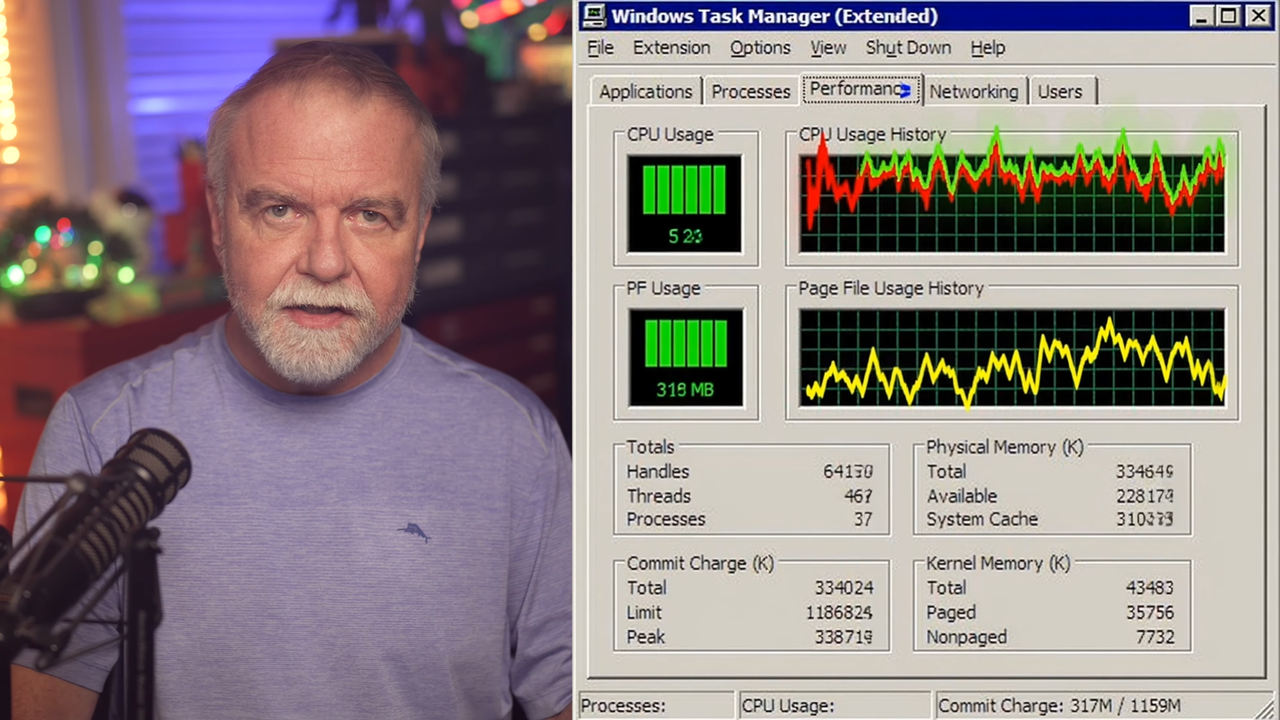
Former Microsoft engineer Dave Plummer, who has worked on iconic projects like adding ZIP file support to Windows and the Windows NT Start Menu, revealed how the Task Manager actually reads CPU usage. Plummer built the original Task Manager, and made the tool so simple (in programming and engineering terms) to ensure that it does not use up your computer’s resources unnecessarily. However, there have also been some complaints that it sometimes felt that the numbers it showed were a bit off, so he explained why looking up CPU usage is quite complicated, how Task Manager gets the CPU utilization numbers, and why it might show results that are a bit different from what you see and feel on your PC.
“But measuring CPU usage sounds like it ought to be one of the easiest jobs in computing — I mean, either the CPU is busy, or it’s not, right? It’s silicon, not interpretative dance. Surely, you just ask Windows, ‘Hey, how busy are you?’ and it tells you 73%, and then we all go home early — except none of that is true,” Plummer said. “Because the first uncomfortable question is ‘Busy doing what, exactly?’ Busy on one core or all of them? Busy right now, or averaged the last second or two seconds, or however often your UI happens to wake up? Busy is user mode or kernel mode or interrupt time or deferred procedure calls or the idle loop or some weird accounting bucket that only exists because the scheduler needed somewhere to hand the bill? And once you start asking those questions, what looks like a simple speedometer starts looking more like forensic accounting.”