Get all your news in one place.
100's of premium titles.
One app.
Start reading
Android Central
Android Central
Technology
Jay Bonggolto

One UI 7 is putting you in charge of filtering unwanted notifications

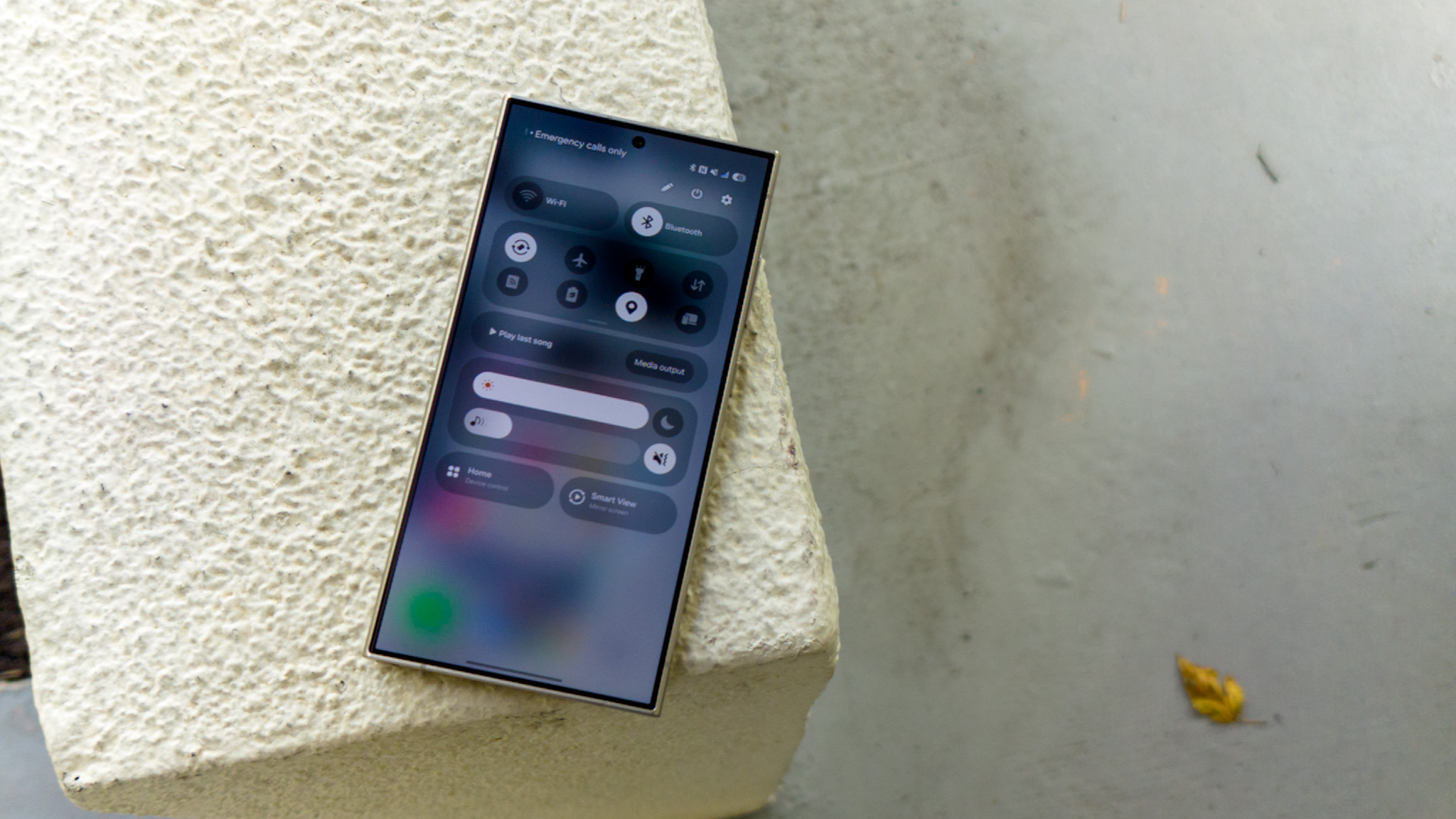
The new split notification pane on One UI 7 beta 2 on a Samsung Galaxy S24 Ultra.

What you need to know

  • One UI 7 is bringing big changes to how you handle notifications, with the latest beta introducing the 'Filter Notifications' feature.
  • This feature helps you sort your notifications into two categories: important ones stay at the top, and less urgent ones are tucked below.
  • Filtered notifications aren’t deleted, just moved to a section called 'Other Notifications,' which you can access by tapping the 'X more notifications' bubble.

Sign up to read this article
Read news from 100's of titles, curated specifically for you.
Already a member? Sign in here
Related Stories
Top stories on inkl right now
One subscription that gives you access to news from hundreds of sites
Already a member? Sign in here
Our Picks
Fourteen days free
Download the app
One app. One membership.
100+ trusted global sources.