Get all your news in one place.
100’s of premium titles.
One app.
Start reading
Android Central
Android Central
Technology
Nickolas Diaz

Nothing sends its lock screen ads, bloatware packing in its latest update

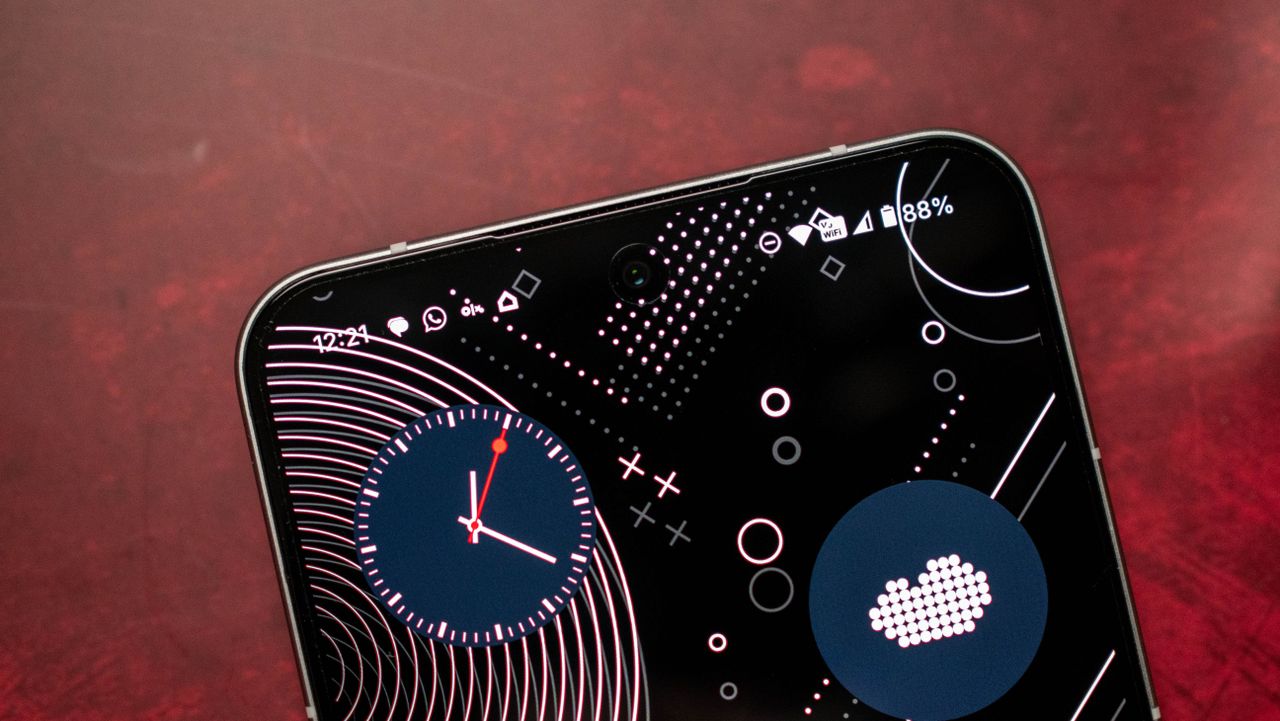
Nothing Phone 3 review on Android Central.

What you need to know

  • Nothing detailed an update today (Jan 9), stating that it's removing Lock Glimpse from Phone a Series phones, except the Lite, after user feedback.
  • The company also states that it's giving users a true way to remove bloatware, such as Meta service apps, by disabling them, and then restarting.
  • Nothing's bloatware was an aspect users didn't take too kindly too late last year, voicing their displeasure across its channels.

Nothing's here with an update to end the week, and it's all about delivering fixes for the grievances users have had with its software.

In an updated community thread, Nothing's January 9 update talks about bloatware, app recommendations, and Lock Glimpse. There are two huge talking points here, so things kick off with Lock Glimpse, as Nothing is removing the feature entirely. The post states that the feature will disappear from the Nothing Phone a Series, except for the Lite.

Nothing says it has made the decision "based on feedback" and that it will only return Lock Glimpse to devices "once it’s meaningfully improved to feel less intrusive and more considered."

The other major side of this Friday update is bloatware. Nothing states users can now "fully remove" the Meta App Installer, Meta App Manager, and Meta Service from the Phone 3a lite. Entering the setting's page for the app and tapping "Disable" is how you get the ball rolling. After disabling, Nothing says your device will prompt you to restart. It adds that once this reboot concludes, "all Meta services are removed from the system partition."

The post notes that if you factory reset your device, these Meta services will return.

(Image credit: Nothing)

Lastly, Nothing is adding "app recommendations." This feature is stated to be a part of your device's setup experience; however, it may also appear "after certain updates." The post says that users can easily dismiss these notifications by swiping them away. A more permanent fix would be to disable it completely: Settings > Apps > All apps > Top-right icon > Show system > App Services > Disable.

These recommendations are headed for Nothing Phone a Series and CMF phones. The company states it's also looking to bring support for uninstalling App Services, like Meta's services, in a future OTA for more phones.

Solving problems, one at a time

(Image credit: Apoorva Bhardwaj / Android Central)

Users raised their voices about a problem late last year: the heavy bloatware needs to go. Nothing faced backlash over its OS 4.0 software after users discovered instances of bloatware, such as Meta App Installer, Meta App Manager, and Meta Services. The company highlighted that it previously only let users disable such apps, but offering a true removal option is exactly what users were chasing.

This was something Nothing alluded to during the Open Beta, stating that it would pre-install "partner apps and services" to help its BOM costs (Bill of Materials). While this is common in the industry, users quickly used Nothing's own words against it, resurfacing an old tweet: "Nothing OS takes out the bloatware."

Sign up to read this article
Read news from 100’s of titles, curated specifically for you.
Already a member? Sign in here
Related Stories
Top stories on inkl right now
One subscription that gives you access to news from hundreds of sites
Already a member? Sign in here
Our Picks
Fourteen days free
Download the app
One app. One membership.
100+ trusted global sources.