Here's an understatment: The internet is not designed to help you focus. Every platform and notification is engineered for the opposite. I'm guilty of picking up my phone for a 2-step verification, logging on to Gmail and forgetting that I was in the middle of verifying something. Yea...it's bad. Or, it was.
After several weeks of testing dozens of productivity tools, that I didn't even know existed, I've found that AI might finally be the way to get my focus back. I know that sounds crazy considering the amount of AI slop on the internet, but here are the seven AI-powered Chrome extensions that genuinely reduced the bottlenecks and distractions from my work.
TL;DR Quick list
- Best for research: Sider
- Best for note-taking: Glasp
- Best for video/long-form: Merlin AI
- Best for removing visual noise: uBlock Origin
- Best all-in-one assistant: Monica AI
- Best for understanding complex content: Gemini in Chrome
- Best for extracting insights & deep analysis: Claude in Chrome
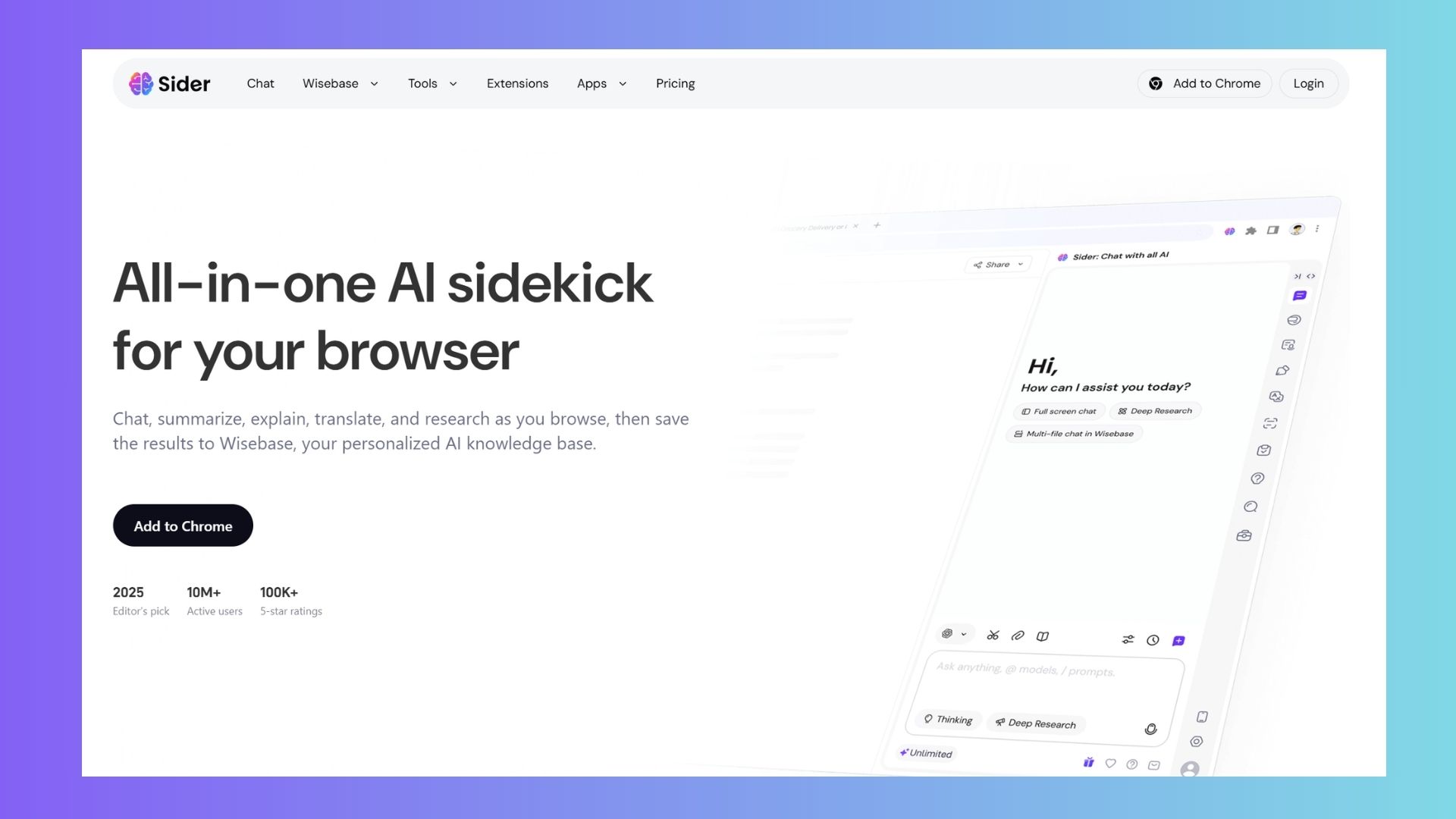
1. Sider: Best for staying in flow while researching
The “tab-switching spiral” is a silent productivity killer. You open one tab to fact-check and 40 minutes later you’ve got 11 tabs open and no memory of the sentence you started with.
Sider helps break that cycle by bringing answers directly to you. It lives in a collapsible sidebar, responding instantly when you highlight text or need a summary, so you don’t have to leave the page. During testing, I completed an entire research session without opening a single reference tab.
I really like that it collapses and reduces context switching by giving me answers insid my reading flow rather than pulling me away from it.
2. Glasp: Best for turning reading into actionable notes
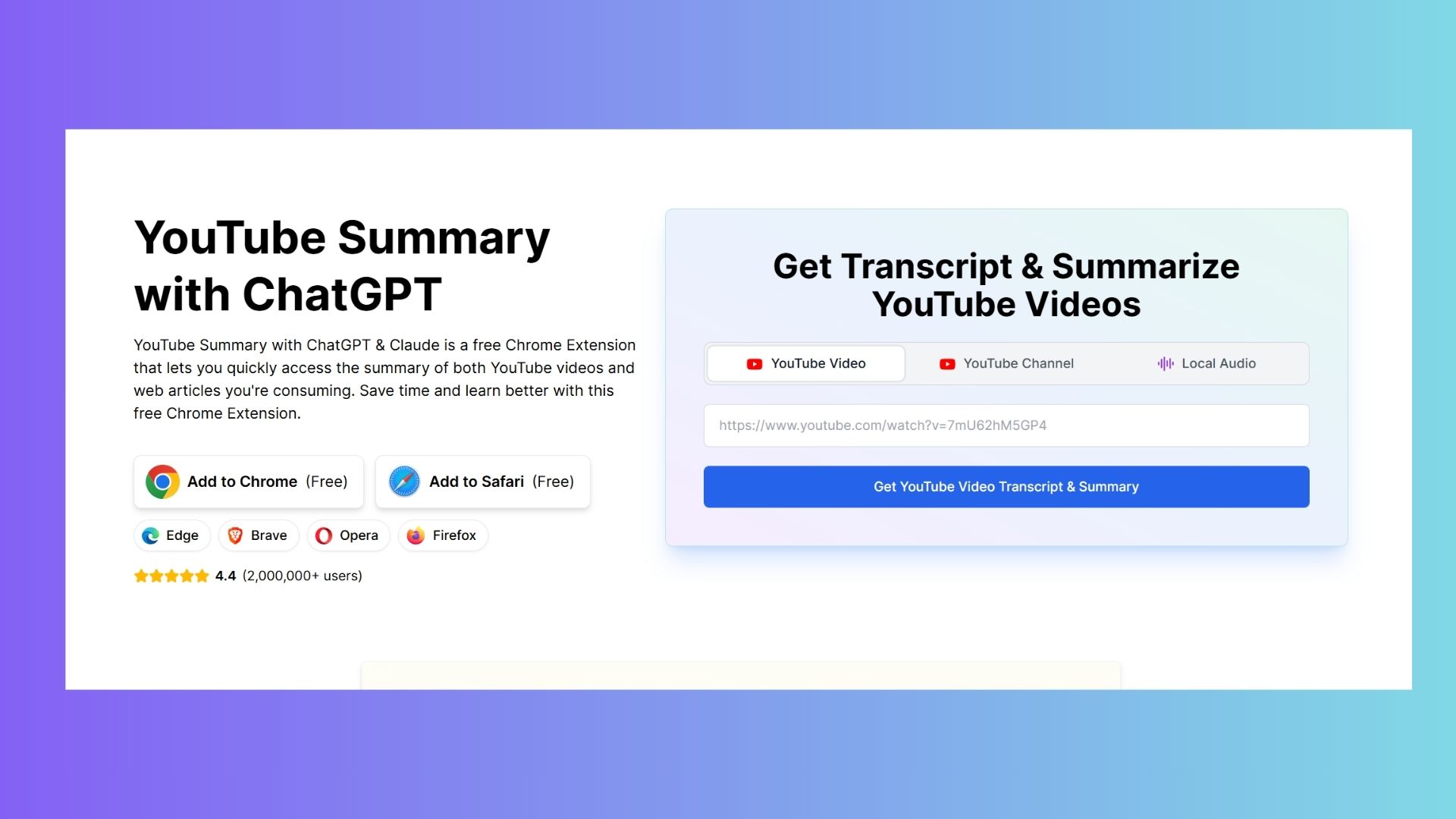
I'm guilty of collecting bookmarks like I'm some sort of digital hoarder but then never return to them because I forget that I bookmarked them in the first place. Glasp rewires the reading-to-thinking pipeline by turning highlights into an organized, AI-summarized library of ideas. As you highlight articles, PDFs or videos (yes, even YouTube!), it captures key insights and generates summaries you can revisit later.
I noticed my behavior shift from passive scrolling to active extraction — instead of rereading pages, I had a synthesized output waiting for me. This extension replaces passive consumption with active capture to reduce my mental clutter and retain what matters. Any time AI encourages critical thinking, I feel is a win.
3. Merlin AI: Best for quick summaries instead of deep dives
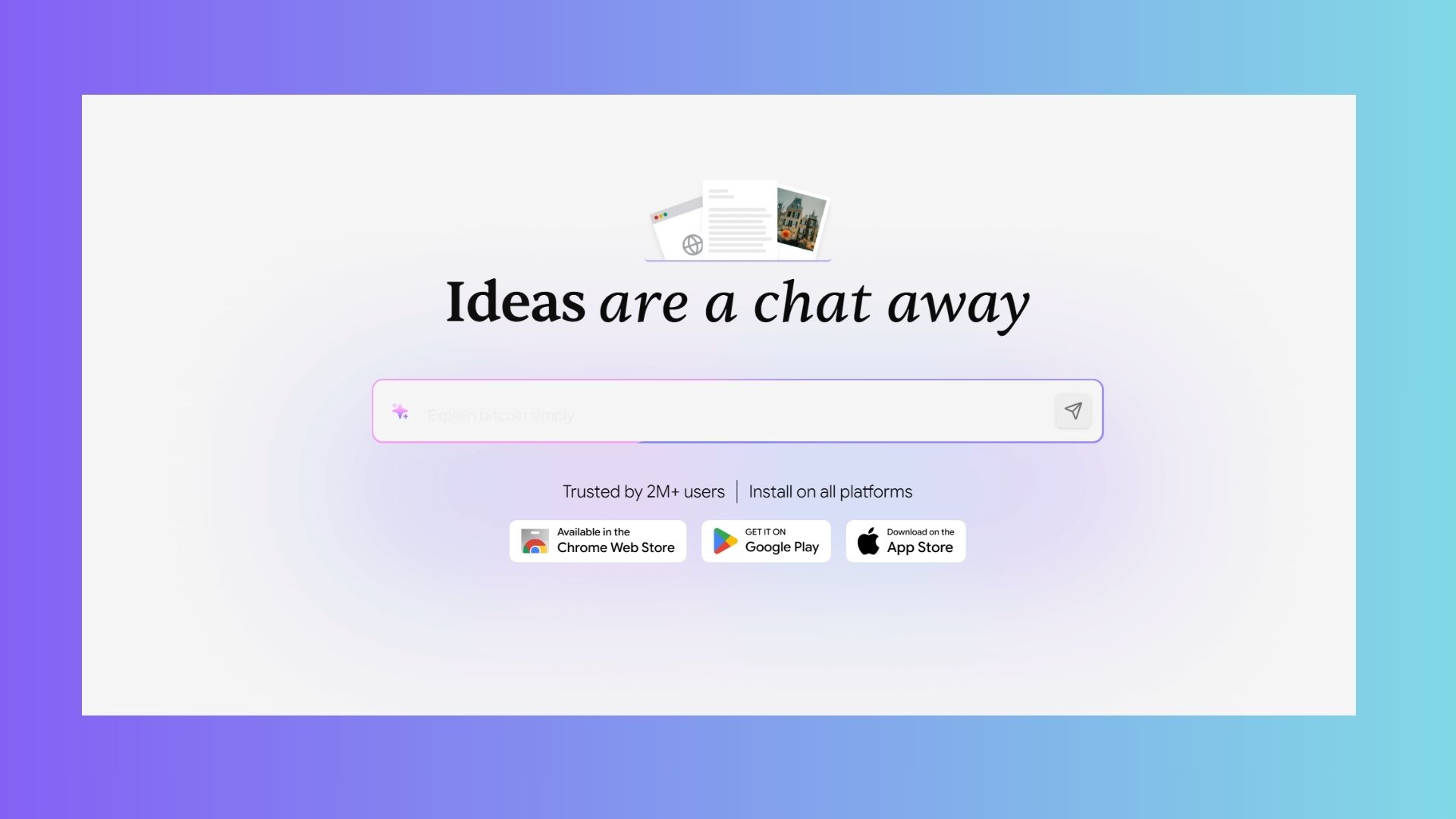
If you're like me, you've clicked a 43-minute YouTube video for a “quick tip” and lose half an hour. Merlin AI summarizes videos, long-form articles and documents in seconds, letting you gauge the value before committing your time. The real benefit in my opinion is it’s intentionality. You read the summary, decide whether the content is worth your attention and move on if it isn’t. What could have become a rabbit hole turns into a 60-second decision.
For me this is a focus win because it takes minutes instead of hours to evaluate the value of content before consuming it. Surprisingly, I find that Merlin has made me more engaged with the content I do decide to consume.
4. HARPA AI: an automation powerhouse hiding in your browser
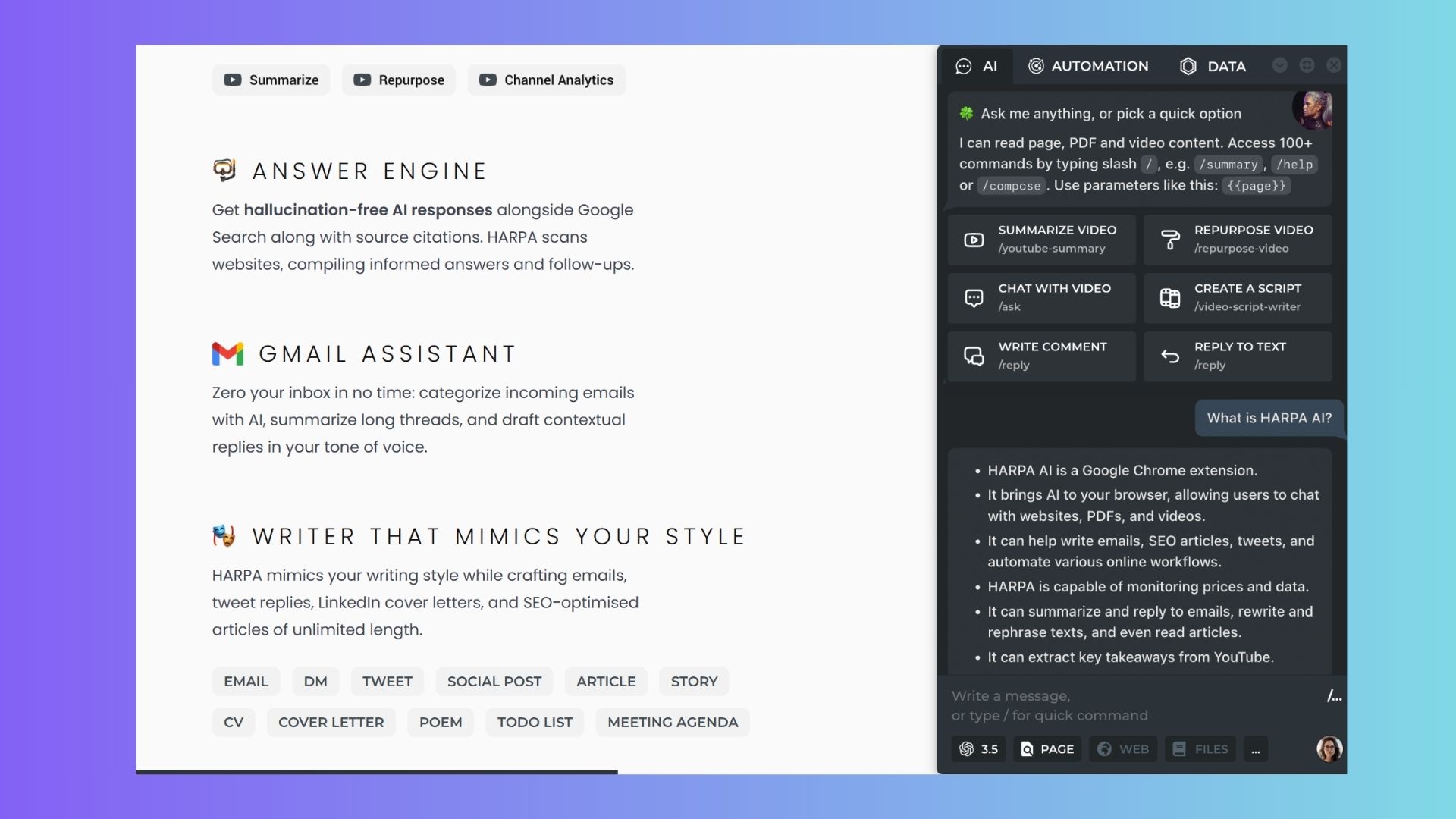
HARPA AI is a chatbot, but that's only one of its many capabilities. It's more like a behind-the-scenes assistant that quietly handles things like summaries, extracting data and even monitors sites for changes like price drops, restocks or updates, so you don’t have to keep checking back.
The automation is where it really shines. I set it it to handle repetitive tasks, so instead of bouncing between tools and refreshing pages, it does it all for you. If you regularly watch price drops on sites beyond Amazon, this one is worth checking out. It helps to free your attention for other things.
5. Monica AI: Best for keeping tasks moving
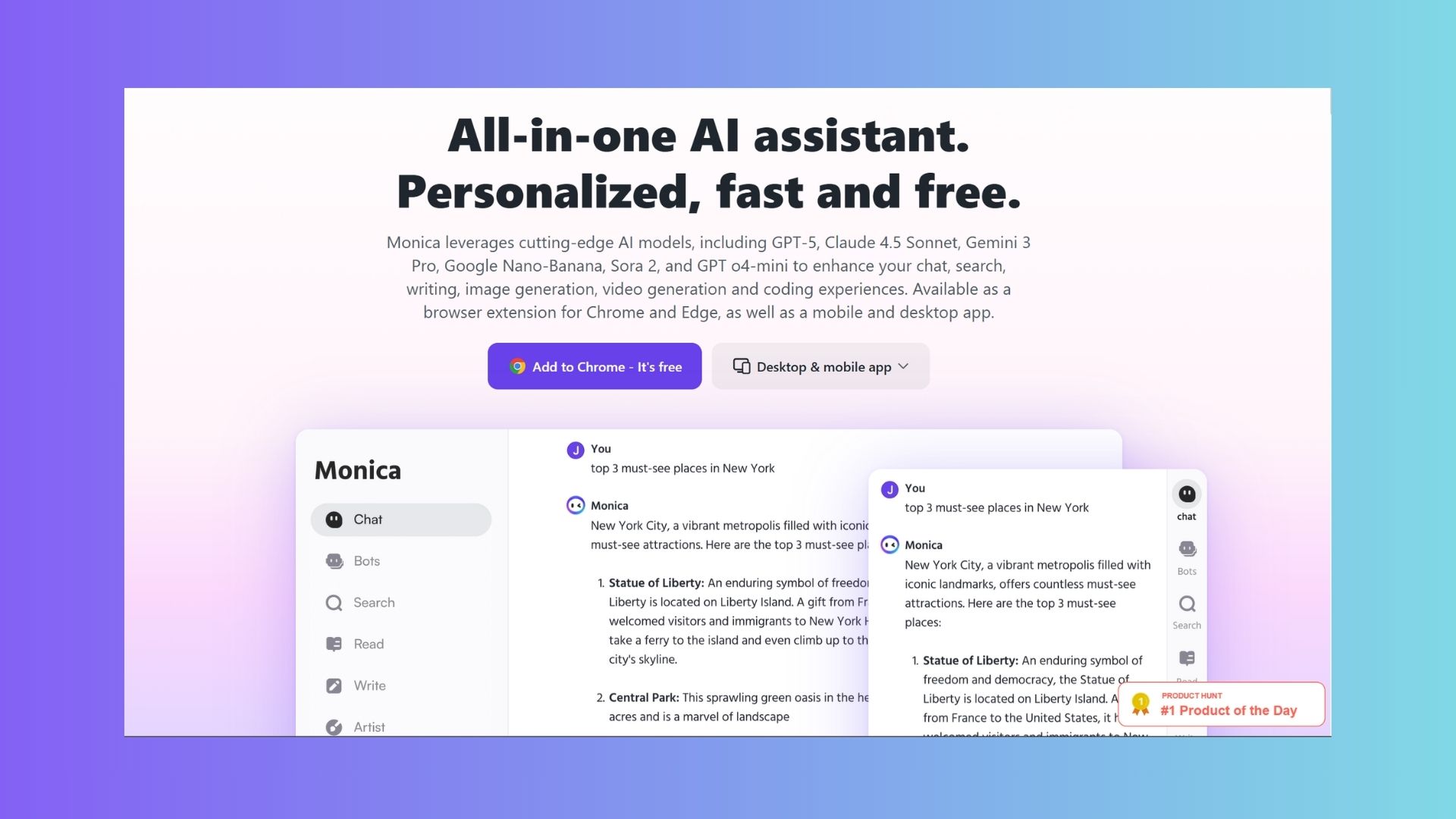
I have found that the “context tax” is the hidden cost of leaving your work to ask an AI question. I do it all the time — an idea will come to me out of nowhere and I'll have to leave what I'm doing and open ChatGPT, Claude or something else. But,
Monica AI reduces that tax by living inside your workflow.
Instead of copying text into ChatGPT, opening new tabs or juggling multiple tools, Monica sits in a sidebar and helps you read, understand, summarize and act on information without leaving the page. It can summarize articles, explain complex passages, translate text and answer questions about what you’re viewing, all in context.
Because Monica AI works directly inside the browser, it reduces the constant start-stop cycle of switching apps and re-explaining context — one of the biggest hidden drains on focus for me.
Gemini in Chrome
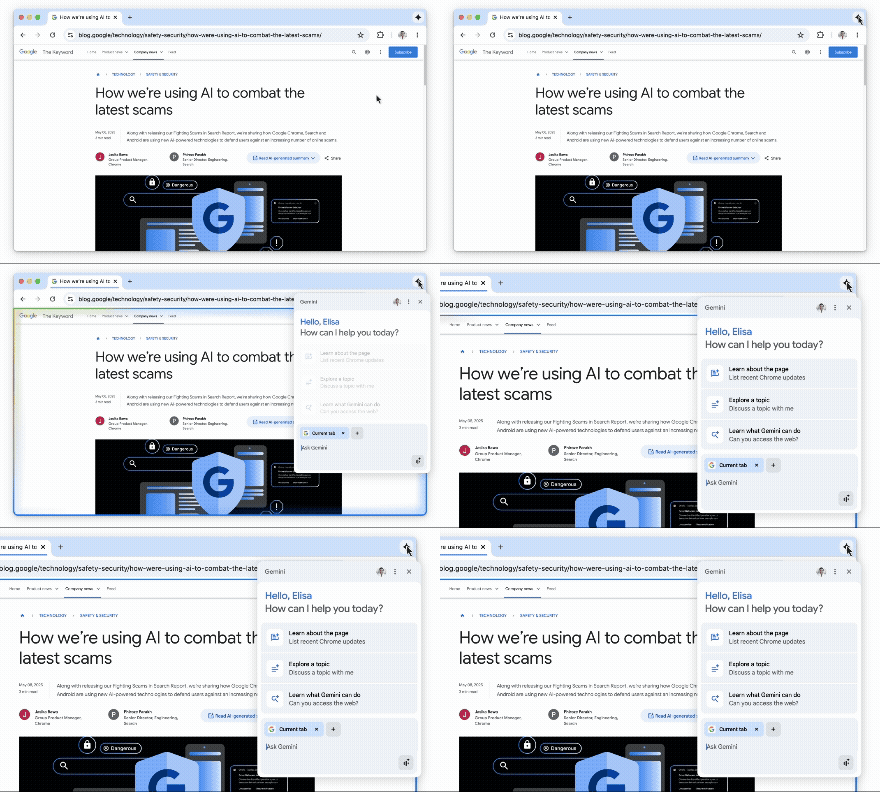
I use Gemini a lot and have found that Gemini in Chrome helps with everything from search to summaries to clarifying key points. Because the AI help arrives in context, it allows me to stay oriented to any particular task instead of mentally resetting every time I switch tools.
Over the course of a workday, those avoided interruptions add up to noticeably better focus. Less tab-hopping and fewer mental resets is a huge win because I stay anchored to the task while still getting the clarity I really need.
Claude in Chrome
Sometimes I prefer Claude, especially for coding. Gemini and Claude are completely different tools (seriously, they are so much more than chatbots). As with Gemini in Chrome, I can summarize long articles, extract key insights or ask targeted questions about what I'm reading without switching apps or re-explaining context.
When I prefer Claude, it's right there, and that continuity keeps my working memory intact and prevents the subtle bottleneck that builds every time I leave a task mid-flow. Instead of juggling tools, I stay immersed in the material while Claude offers the assistance I need.
Bottom line
I have tried AI browers and can honestly say they aren't for me. I like being apple to uninstall or pick the AI I want in Chrome. That's why after running these produtivity tools for several weeks, I have seen measurable results.
From fewer open tabs to zero 20-minute spirals or 30-second detours, having the AI in my browser assists with productivity in ways I never knew I needed.
AI shouldn't be another thing you have to manage; it should be the reason you have less to manage in the first place. If you’re looking for new ways to stay focused, give these tools a try. You don’t need to install all of them at once. I suggest starting with Sider and Merlin. They address the most common friction points — tab overload and content rabbit holes— with the least amount of setup.
Give them a try and let me know which ones are your favorite.

Follow Tom's Guide on Google News and add us as a preferred source to get our up-to-date news, analysis, and reviews in your feeds.