Get all your news in one place.
100’s of premium titles.
One app.
Start reading
Dot Esports
Dot Esports
Shreyansh Katsura

Multiplayer in Marathon explained: How to invite and join friends

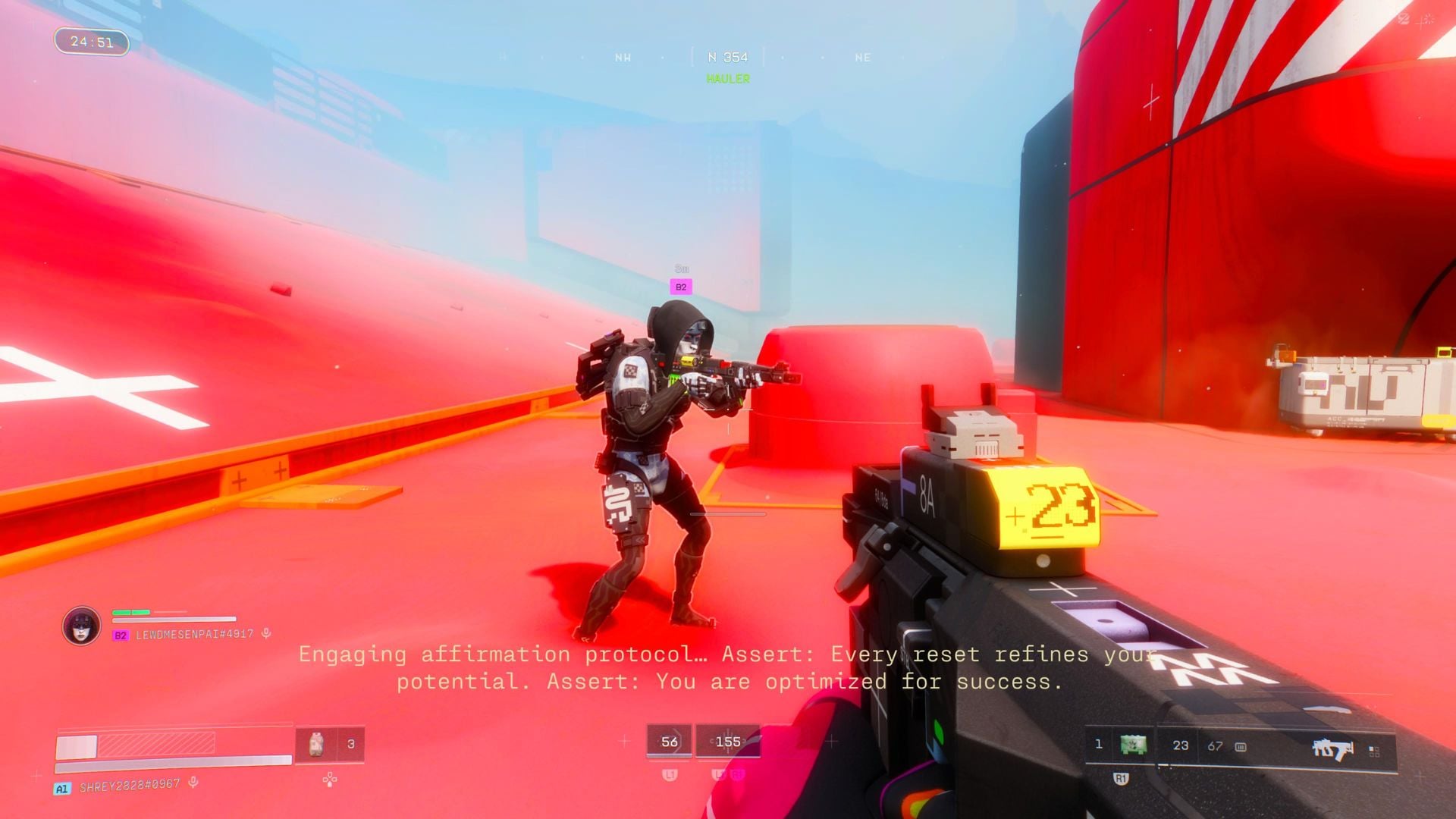
Bungie’s extraction shooter, Marathon, is here, and it’s no walk in the park, especially when playing solo. AI enemies hit hard, and other players are naturally unpredictable, which is why it’s better to bring a friend or two to explore Tau Ceti IV.

​However, inviting or joining your friends’ sessions in Marathon can be slightly confusing, especially if you haven’t played Destiny 2 before and have crossplay enabled. As such, in this guide, we explain how to invite friends and play multiplayer in Marathon.

How to play Multiplayer with friends in Marathon

friend invite menu
You need to make a Bungie account to invite your friends on other platforms. Screenshot by Dot Esports.

You can play Marathon with friends on the same platform by hovering over to the Invite Runner option at the bottom of the screen, where you find the option to invite Platform Friends. If you’re on PS5, you’ll see the list of your PSN friends that you can invite. 

If you want to invite friends on a different platform, the process is slightly tedious. To begin, you (and your friend(s)) will first need to make a Bungie account. For this, follow the steps below to make  

  • Head to Bungie.net.
  • Select Join Up from the Sign in tab. 
  • Select platform of preference (PlayStation, Xbox, Steam, Epic Games).
  • Log in to your preferred platform.

And that’s pretty much it! Doing so will automatically create a Bungie name for you, which includes the name and a four-digit number. Now, select the Invite Runner option from the bottom of the screen, and select the option to search for other players by entering their Bungie Name.

bungie name on display
All Bungie names include a four-digit number at the end. Screenshot by Dot Esports.

​It’s worth mentioning that if you have previously linked your Bungie account with other platforms for playing Destiny 2, your Bungie friends should already show up on your friend list.

​If you’re still having trouble inviting your friends to play Marathon, go to the Social setting and make sure the Bungie Friend Request option is set to Public. Additionally, don’t forget to set your Crew Invites to Friends Only or Public.

That sums up our Marathon multiplayer guide. Happy hunting, Runner(s)! While you’re here, why not check out our guide on All Marathon Runner Shells?


Sign up to read this article
Read news from 100’s of titles, curated specifically for you.
Already a member? Sign in here
Related Stories
Top stories on inkl right now
One subscription that gives you access to news from hundreds of sites
Already a member? Sign in here
Our Picks
Fourteen days free
Download the app
One app. One membership.
100+ trusted global sources.