Get all your news in one place.
100’s of premium titles.
One app.
Start reading
Tom’s Guide
Tom’s Guide
Technology
Amber Bouman

Microsoft's first Patch Tuesday of 2026 fixes over 100 bugs and one active zero-day flaw — don't wait to update your PC

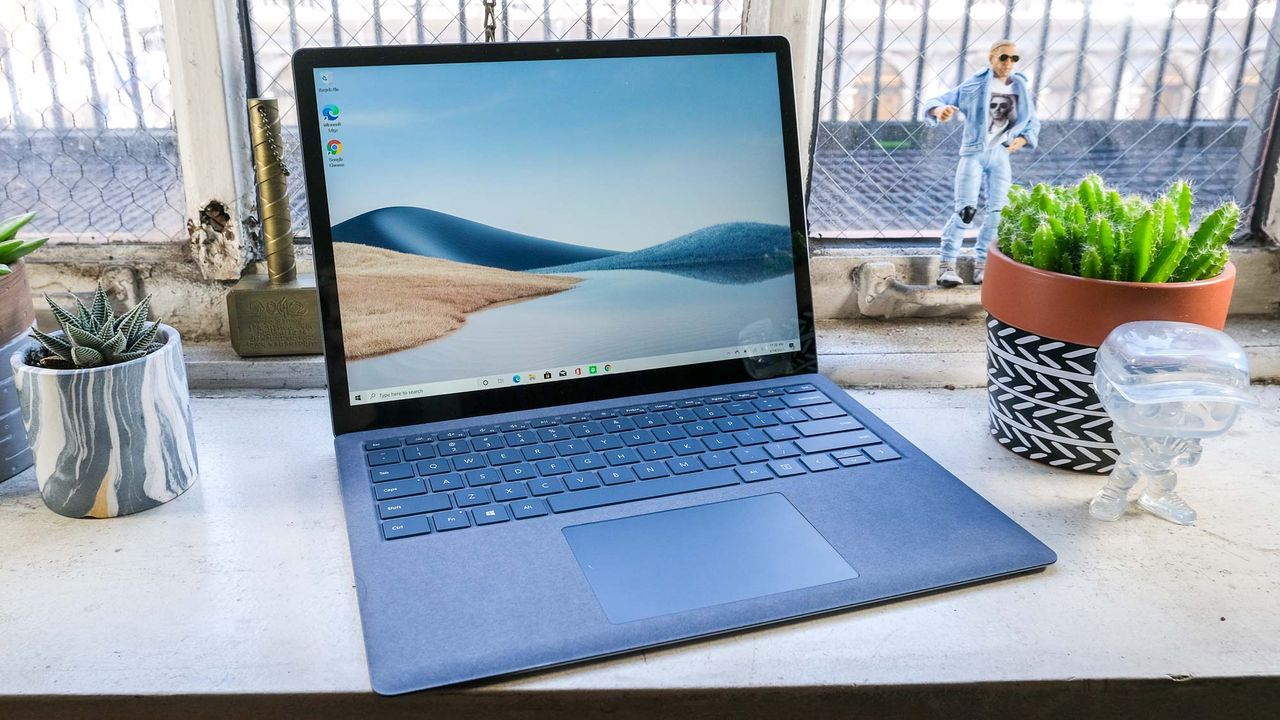
Microsoft Surface Laptop 4 review.

January's first 2026 security update rolled out to address 114 flaws in Windows: Eight are rated critical and 106 have been deemed important. However, the one that is of most concern has already been exploited in the wild

Tracked as CVE-2026-20805 and with a CVSS score of 5.5, this information disclosure flaw impacts the Desktop Windows Manager. The Microsoft Threat Intelligence Center and Security Response Center teams were responsible for identifying and reporting the flaw, but there is no additional information about how it’s being used by cybercriminals or which group is exploiting it.

Microsoft's advisory states that if an unauthorized user is allowed to access sensitive information in the Desktop Windows Manager, they could disclose that information locally. "The type of information that could be disclosed if an attacker successfully exploited this vulnerability is a section address from a remote ALPC port, with is user-mode memory."

Of the other flaws, 58 of them are related to privilege escalation, 22 are classified as information disclosure, 21 as remote code execution, and 5 as spoofing flaws but two in particular bear mentioning.

The first, tracked as CVE-2026-21265, lets threat actors bypass security mechanisms that make sure firmware modules are coming from trusted sources. If compromised, it could potentially enable malware to run during the boot process.

The other, tracked as CVE-2026-20876, gives hackers Virtual Trust Level 2 privileges. This allows them to corrupt security controls, evade detection from the operating system and even establish deep persistence which means the malware will remain even after a restart.

How to stay safe after Patch Tuesday

(Image credit: Shutterstock)

Obviously, the first step is to install any new system updates or patches on your Windows laptop or desktop as soon as they're available. Fom there, you want to make sure that Windows Defender is set to periodically scan your system for any dangerous malware. We always recommend using one of the best antivirus software suites alongside it for extra protection (and useful additional features).

Besides using antivirus software, you also want to take steps and change your habits to better protect yourself online. Don’t click on links or attachments from unknown senders as they could contain malware or send you to a phishing site designed to steal your personal information. Likewise, hover over any links to see where they redirect to, be careful about any emails or texts that seem to contain a sense of urgency or a deal that sounds too good to be true. Use the scam, phishing and browser features on your antivirus software too!

By practicing good cyber hygiene and regularly updating your computer, you should be safe from the majority of attacks but remember that you are the last line of defense. Stay calm and stay aware.

Follow Tom's Guide on Google News and add us as a preferred source to get our up-to-date news, analysis, and reviews in your feeds.

More from Tom's Guide

Sign up to read this article
Read news from 100’s of titles, curated specifically for you.
Already a member? Sign in here
Related Stories
Top stories on inkl right now
Our Picks
Fourteen days free
Download the app
One app. One membership.
100+ trusted global sources.