Get all your news in one place.
100's of premium titles.
One app.
Start reading
Windows Central
Windows Central
Technology
Kevin Okemwa

Microsoft fixes annoying BitLocker lockout — but only for Windows 11, leaving Windows 10 stuck

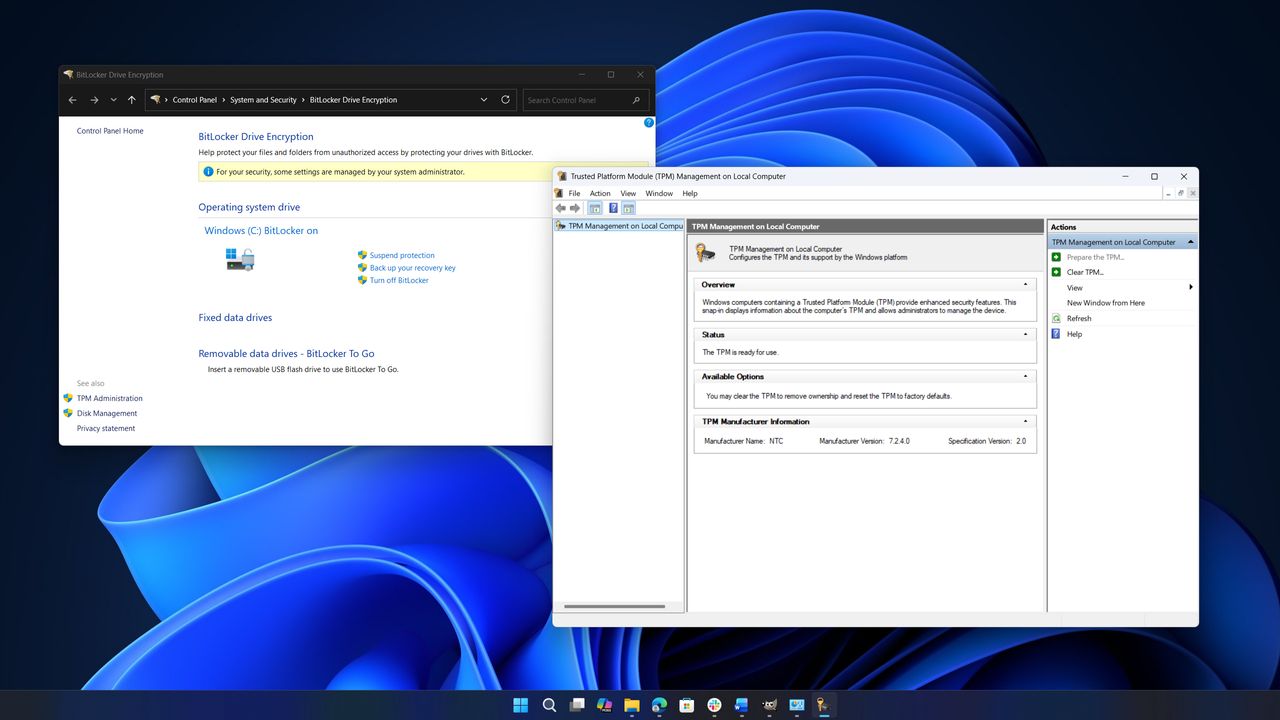
Two computer windows are open on a desktop. The left window shows "BitLocker Drive Encryption" settings, and the right one shows "Trusted Platform Module Management." The background features a blue abstract swirl.

Last month, Windows Central reported on an issue with the April 2026 Security Update (KB5083769) for Windows 11. The update shipped with a faulty BitLocker-related issue, causing affected devices to boot directly into the BitLocker recovery screen — consequently locking users out of their Windows PCs.

My colleague Mauro Huculak published a comprehensive guide to fix the issue by undoing the Group Policy configuration or entering the recovery key when prompted.

Sign up to read this article
Read news from 100's of titles, curated specifically for you.
Already a member? Sign in here
Related Stories
Top stories on inkl right now
One subscription that gives you access to news from hundreds of sites
Already a member? Sign in here
Our Picks
Fourteen days free
Download the app
One app. One membership.
100+ trusted global sources.