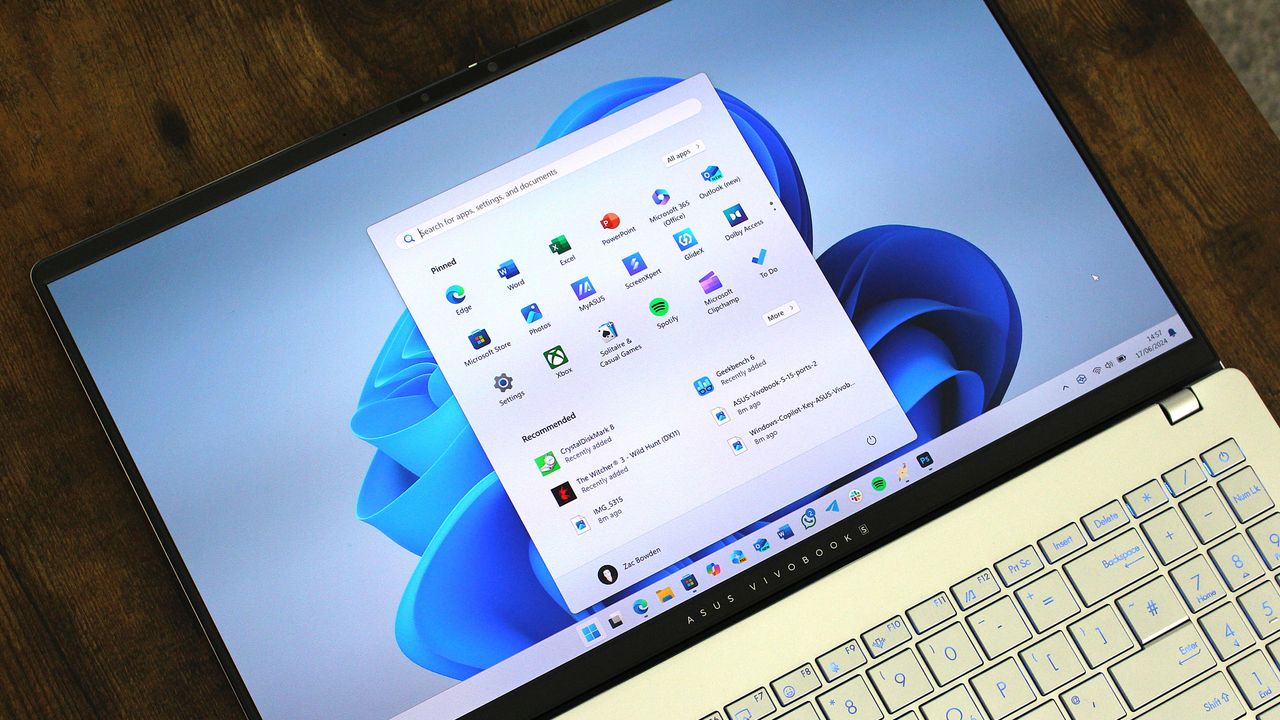
Microsoft has confirmed two known issues that are shipping as part of the latest Windows 11 non-security preview update released on December 1, 2025. The update introduces a number of new features, including a more consistent Dark Mode in File Explorer, Xbox full screen experience support for more devices, Widget Board improvements, and much more.
Unfortunately, the update will also introduce an annoying issue that results in File Explorer now flashing a white screen at you when using dark mode. When you open File Explorer with dark mode enabled, users will notice the app briefly flash white before showing the UI of the app.
"After installing KB5070311, you might experience issues when opening File Explorer in dark mode. The window might briefly display a blank white screen before loading files and folders." This will happen whenever the user does the following:
- Navigate to or from Home or Gallery (including launching to Home)
- Create a new tab
- Turn the Details pane on or off
- Select More details while copying files
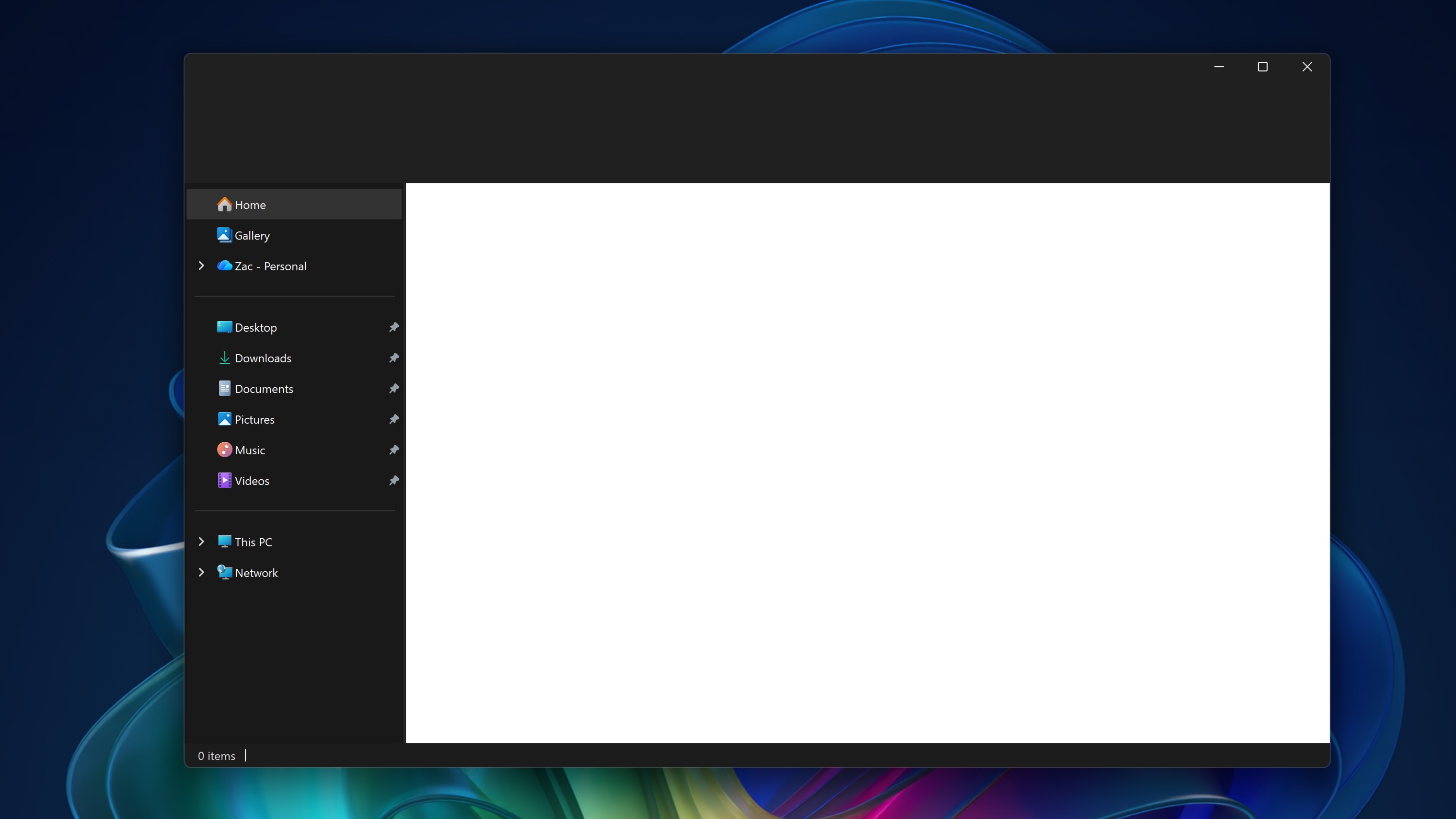
In our testing, the white flash that appears when opening File Explorer is present every time the app is open. It's a brief 1 second flash, but it's enough to hurt your eyes if you've been using dark mode in a dark environment for a prolonged period of time. Not great.
Microsoft has also confirmed a second known issue with KB5071142 which will see the icons on the lock screen for switching between different password types appear invisible. If you're someone with multiple login methods, the option to type your password won't be visible on screen. It's still there, but you just can't see it.
"You might notice that the password icon is not visible in the sign-in options on the lock screen. If you hover over the space where the icon should appear, you’ll see that the password button is still available. Select this placeholder to open the password text box and enter your password. After entering your password, you can sign in normally."
The company says that it's aware of both issues and is working on a fix, but that there are currently no remedies to address these problems for users who have installed the KB5071142 outside of rolling the update itself back. It is insane how major issues like these are able to slip through the cracks and end up in a public facing Windows update outside of the Windows Insider Preview program.
It's a shame too, as the KB5071142 is otherwise a big update with lots of quality of life improvements and new features. It has an updated haptic motor engine that will vibrate peripherals like pens when you snap windows and hover over app controls, an updated context menu in File Explorer that's cleaner and easier to navigate, and other general OS improvements.
For now, if you do use dark mode, our advice would be to wait for Microsoft to fix these problems before installing this update. What are your thoughts on the KB5071142 update? Let us know in the comments.

Follow Windows Central on Google News to keep our latest news, insights, and features at the top of your feeds!