
Get all your news in one place.
100’s of premium titles.
One app.
Start reading
iMore
iMore
Technology
Daryl Baxter

macOS Sonoma 14.3 Public Beta is here: What you need to know about the new update

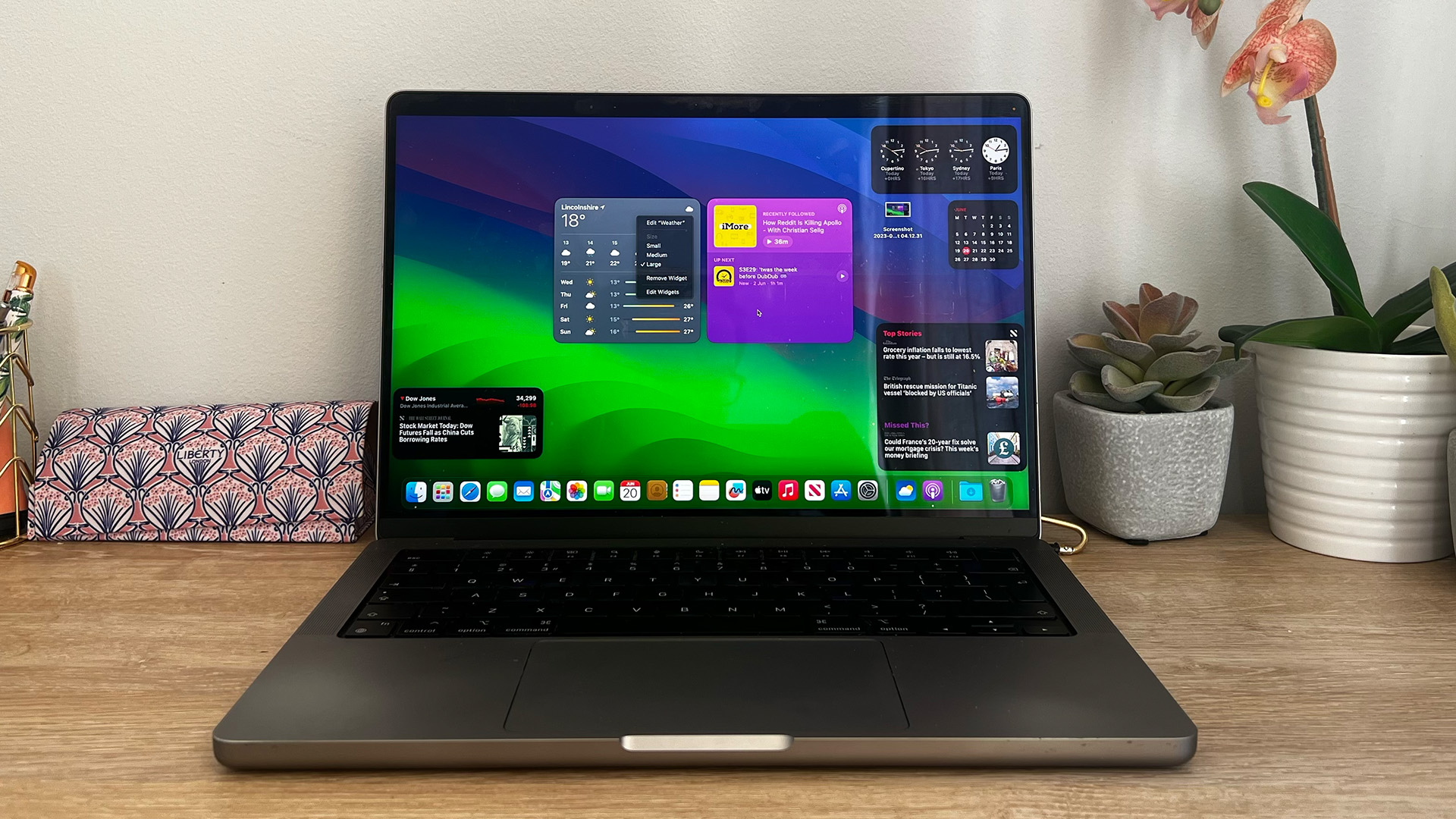
MacBook macOS Sonoma widgets on desk.

The public beta of macOS Sonoma 14.3 has arrived — but don’t expect anything new. Compared to 14.2, which brought new features such as iMessage Key Verification, there’s little to see here.

For those unaware, Apple’s beta program allows any user to install an upcoming update that’s currently being tested. These may bring new features, such as new emojis in macOS Ventura 13.3, or new apps like Journal in iOS 17.2.

Sometimes, however, a new update simply brings bug fixes — and that’s exactly what you’ll find with macOS Sonoma 14.3. Looking at the release notes, it seems to be a very small update that resolves an issue with transactions on the Mac App Store.

Regardless of how minor this update is though, we always recommend updating to the latest version if you’re running the beta. Once this is released to everyone running macOS Sonoma, you go to the Apple logo in the Menu Bar > System Settings > Software Update, where 14.3 will be available to download and install.

For 14.4, could widgets on the desktop be fixed please? — iMore’s take

(Image credit: Apple)

I’ve been enjoying macOS Sonoma since it came out in September 2023 — mainly thanks to desktop widgets. For the first couple of months, they worked well and proved how useful they were. I was able to look at my to-do list in a Things 3 widget, or have a huge Photos widget of my dog, Jolly, which changes every hour.

Since installing the 14.1 update, however, some widgets simply refuse to load. So instead, I’ll have a square widget with nothing in it — or I’ll have a desktop with no widgets at all. It dampens the excitement I had for widgets, ever since they were showcased back at WWDC 2023.

Apple, if these can be fixed in the inevitable 14.4 update, all will be forgiven. I’ll finally go back to checking off my to-do list from a widget without having to launch Things 3 from my dock.

More from iMore

Sign up to read this article
Read news from 100’s of titles, curated specifically for you.
Already a member? Sign in here
Related Stories
Top stories on inkl right now
Our Picks
Fourteen days free
Download the app
One app. One membership.
100+ trusted global sources.


