Get all your news in one place.
100's of premium titles.
One app.
Start reading
Windows Central
Windows Central
Technology
Ben Wilson

I've used these 7 shortcuts in Windows 11 more than anything else — stop using Ctrl+Alt+Del and learn something better

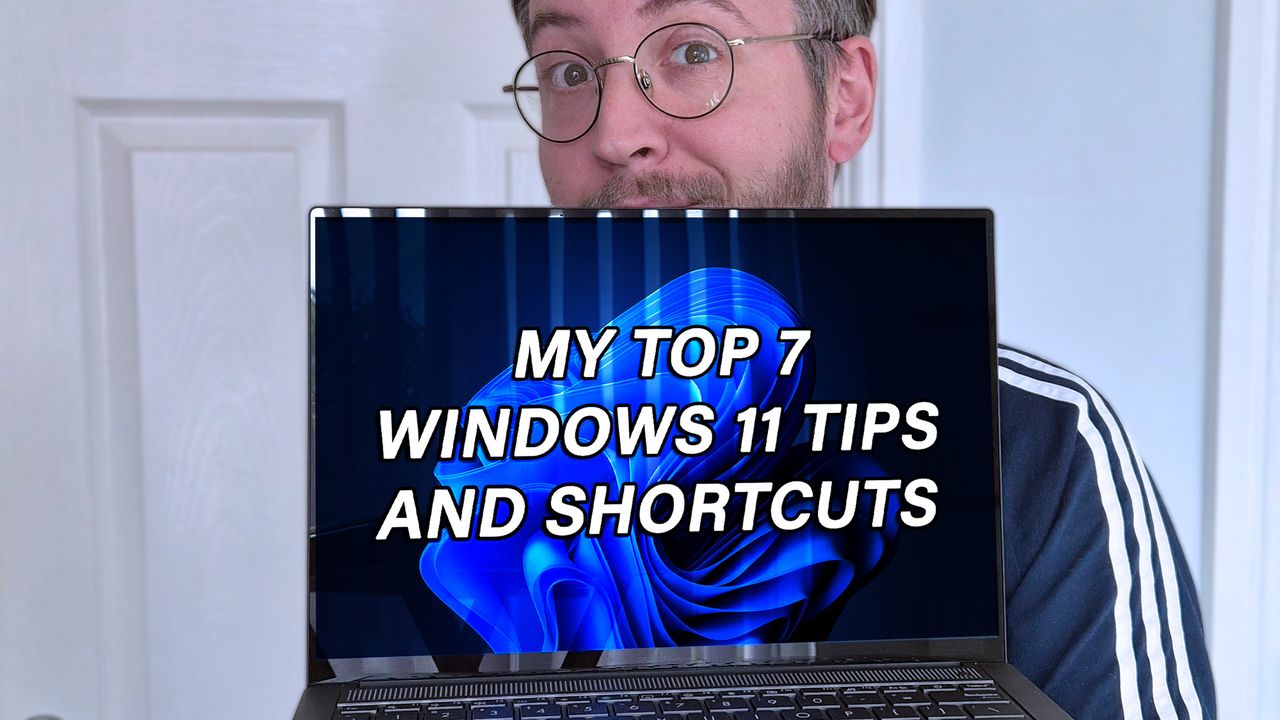
Ben Wilson of Windows Central holding a laptop with "MY TOP 7 WINDOWS 11 TIPS AND SHORTCUTS" displayed on the screen.

I've installed various versions of Windows more times than is probably necessary, across hundreds of laptops and desktop PCs that I've built, tested, and reviewed. Even if I narrow it down to Windows 11 alone, I reset devices back to a clean install practically every week, so I've built up a collection of useful commands and shortcuts.

For the most part, they aren't particularly innovative, and some won't even be surprising to enthusiasts, but they're definitely useful in my day-to-day experiences with Microsoft's operating system. Whether you consider yourself anything from a casual PC user to a service-hardened admin, you'll find at least some of these as useful as I do.

Sign up to read this article
Read news from 100's of titles, curated specifically for you.
Already a member? Sign in here
Related Stories
Top stories on inkl right now
One subscription that gives you access to news from hundreds of sites
Already a member? Sign in here
Our Picks
Fourteen days free
Download the app
One app. One membership.
100+ trusted global sources.