Get all your news in one place.
100's of premium titles.
One app.
Start reading
Windows Central
Windows Central
Technology
Sean Endicott

I've covered hundreds of apps for Windows Central, and I personally recommend these 6 to fix Windows 11 and replace Microsoft's apps

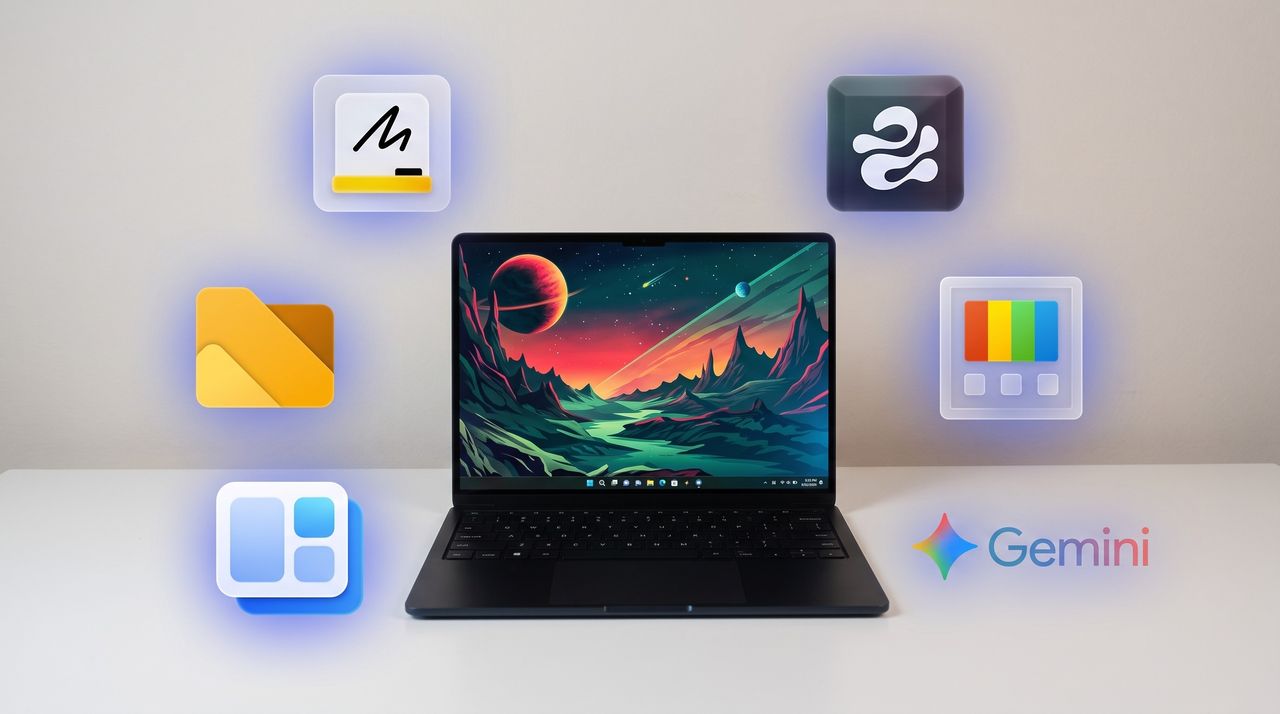
A black Windows laptop sitting on a white desk with six glowing app icons floating around it, including Microsoft Whiteboard, Edge Drop, PowerToys, Google Gemini, WidBar, and Files.

I've covered over 100 apps during my time at Windows Central. From powerful video editors to tiny utilities that change a hyper-specific part of Windows 11, there are a massive number of apps to install on a PC.

Sean Endicott

(Image credit: Future)

What I'm working on this week: I'm performing a clean install of Windows 11 on my PC and rebuilding my work setup with my favorite customization apps and tools.

One of my favorite categories of apps is those that enhance, improve, or replace the everyday computing experience. For example, on my smartphone I have several extensions to clean up the mobile browsing experience.

When it comes to Windows 11, I'm quick to install a third-party replacement of a default app, a tweaker that improves a default experience, or to use an app to replicate core functionality of a built-in app.

On top of providing unique functionality that enhances your computing experience, each of these apps can also be used to replace a built-in part of Windows 11 or a dedicated Microsoft app.

As I rebuild my clean Windows 11 installation this week, these will be the first six apps I download to replace Microsoft's defaults.

My top Windows 11 apps

Sign up to read this article
Read news from 100's of titles, curated specifically for you.
Already a member? Sign in here
Related Stories
Top stories on inkl right now
One subscription that gives you access to news from hundreds of sites
Already a member? Sign in here
Our Picks
Fourteen days free
Download the app
One app. One membership.
100+ trusted global sources.