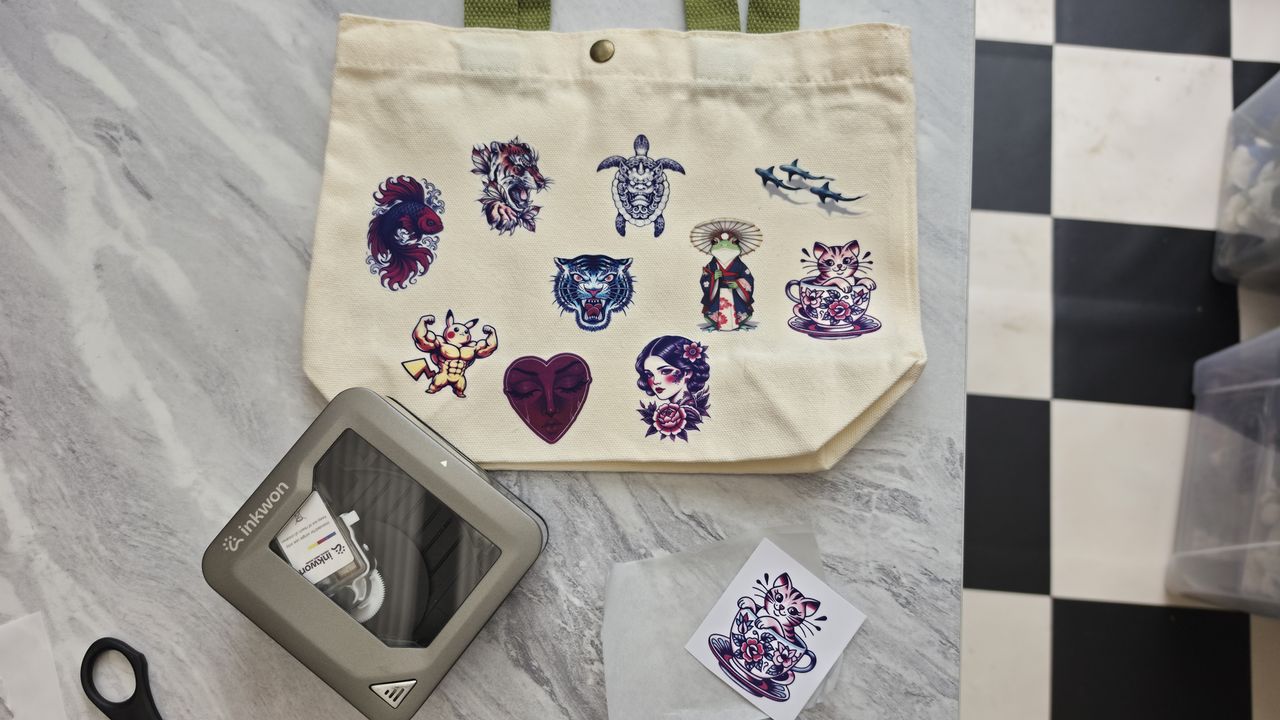
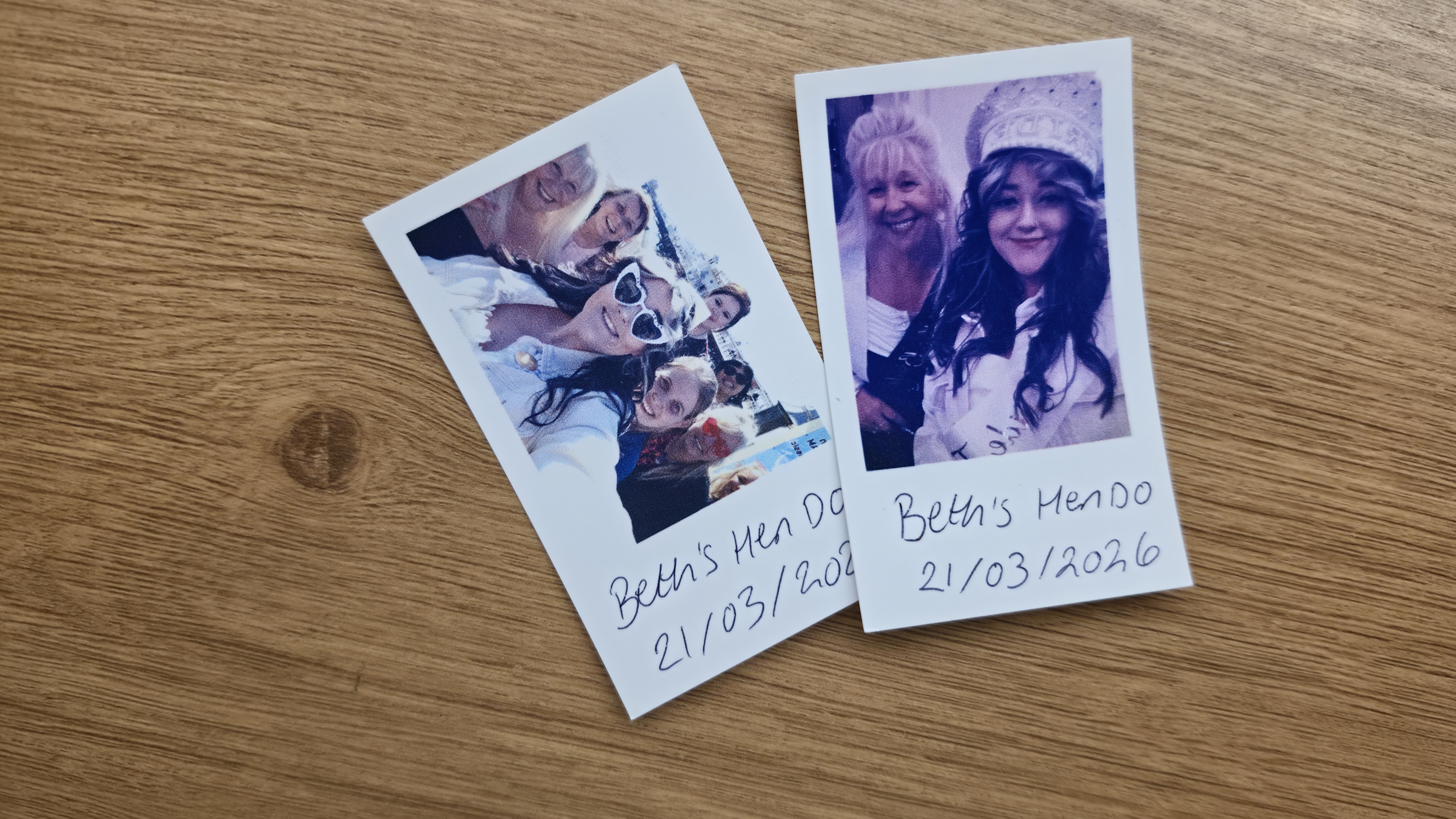
I'm what you might consider a very crafty person, so when I was offered the chance to beta test the world's first 4-in-1 Pocket Creative Studio, you know I jumped at the chance. The InkWon Tag is a pocket-sized printing machine that can create photos, stickers, tattoos, and heat transfer designs in a matter of minutes, no matter where you are.
InkWon Tag specs
Print resolution: 600dpi
Inkjet Cartridge: CMY 3-colour (1.2ml) dye based
Max print width: 54 x 89mm
Charging: USB Type-C (takes 2.5 hours)
Battery Life: 90 minutes on full charge
Cartridge lifespan: 60 sheets
Connectivity: Bluetooth 5.4
Dimensions: 105x97x45mm
Weight: 235g
At first, it can be tricky to think of situations where you might need to customise on the fly, but I've gotten so used to whipping the InkWon Tag out of my bag in spontaneous moments that I don't go anywhere without it now. What started as a novelty quickly became my favourite party trick.
The InkWon Tag has an autofeed design for easy insertion of paper, and it's incredibly easy and safe for kids to use, too. My 10-year-old nephew quickly adopted this machine as his own, and the AI app editing features are a fun and experimental way to add new life to existing images.
InkWon Tag 2-minute review
@creativebloqofficial ♬ original sound Creative Bloq
Take a look at my quick 2-minute video review of the InkWon Tag portable craft machine above. For more digital crafting recommendations, check out our picks of the best vinyl cutters and best Cricut alternatives.
Price
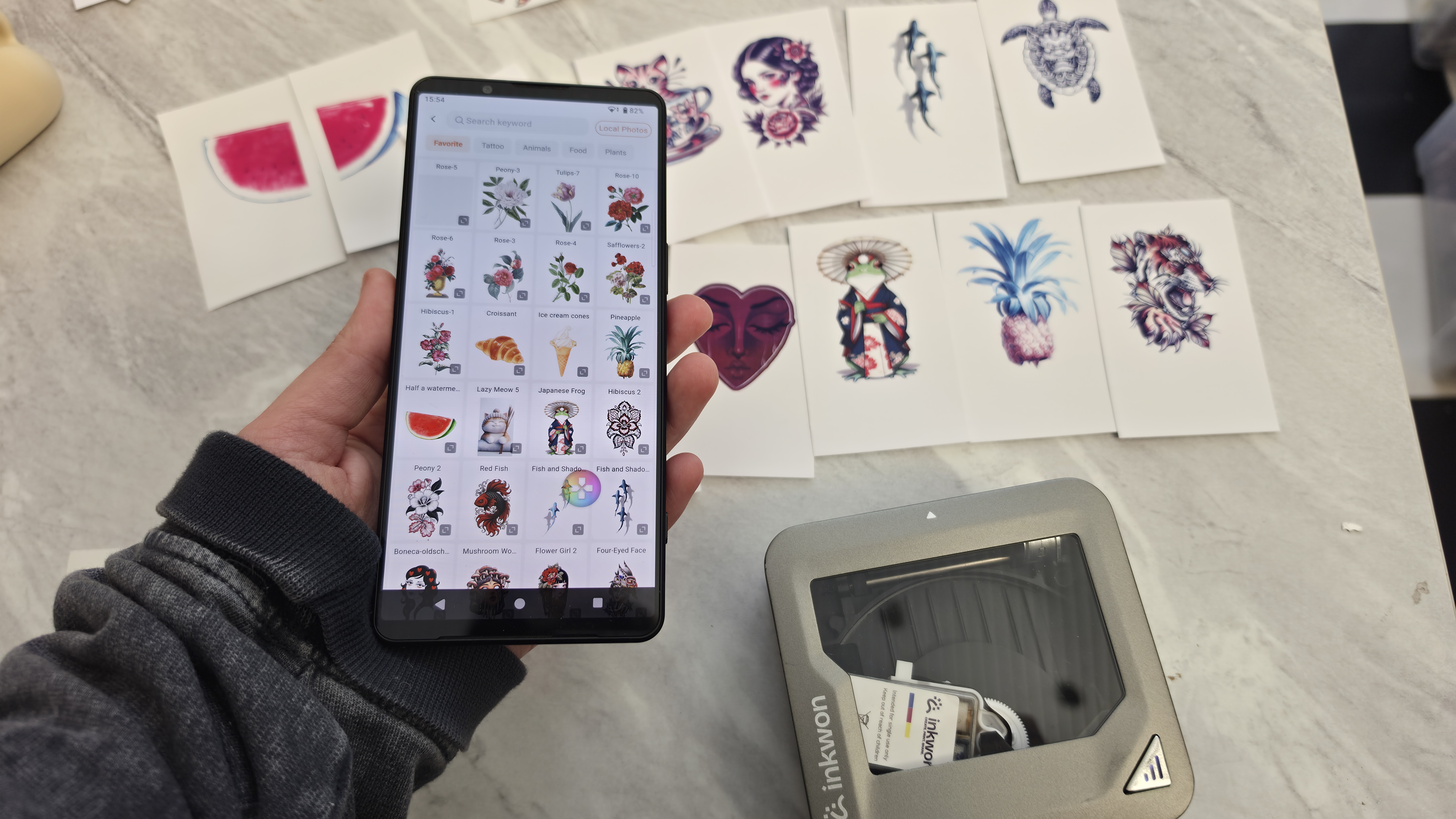
The InkWon Tag will be priced at $299 for the basic pack (with 1 ink cartridge and 60 sheets included), or $349 for a mega pack bundle option including 2 cartridges, 120 paper sheets, a photo frame, a tote bag, and a t-shirt.
While the machine is currently in its Kickstarter timeline, early backers can get the basic pack for only $169, or the mega pack for $199, which is a generous 43% saving on the expected RRP. Shipping is expected to start in July.
There will also be add-ons available to buy, such as the creator supply bundle featuring paper, a white shirt, and the tote bag you can see in my video above, for $49. Extra ink cartridges come in a bundle of 3 for $59, and paper refills are available starting at $19-$25 for 3-packs.
Sample creations
Performance and beta testing
My time with the InkWon Tag has been really fun, but not entirely smooth sailing. As a beta tester, I of course expected that the machine and app might not be up to premium launch standards. But all of the QR codes with instructions and demo videos were either not working or were all in Chinese.
This only meant that I had to figure a few things out on my own, and allowed me to really put the InkWon Tag through its paces. The first few prints with the portable machine were exceptional, and you can see in my review video that my first image of the Sagrada Familia stained glass window came out beautifully in vibrant colours.
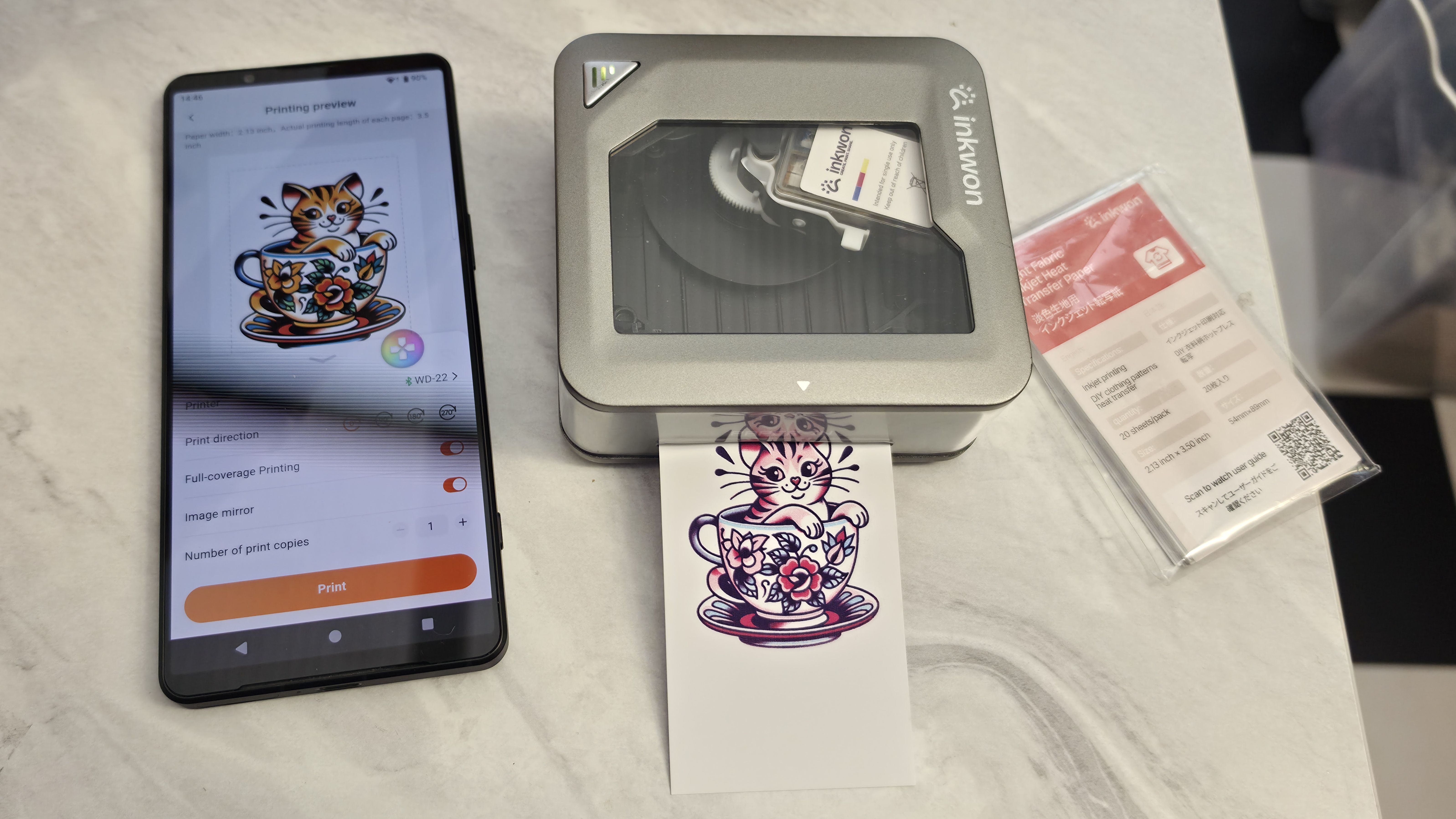
Several tattoos and photo prints in, I could see the quality changing from balanced to very warm-toned. This is when I discovered that there are self-cleaning and ink testing features in the app to ensure that the cartridge is performing properly. After I'd almost completed a 20-sheet pack of sticker/photo prints and 15 sheets of tattoos, the colours shifted again, and the test print indicated I was low on yellow.
The company only sent me one cartridge for testing, so it's odd that yellow would run out before the other two colours. By the time I came to testing out the heat transfer sheets, a lot of the designs appeared a darker shade of red than they should have.
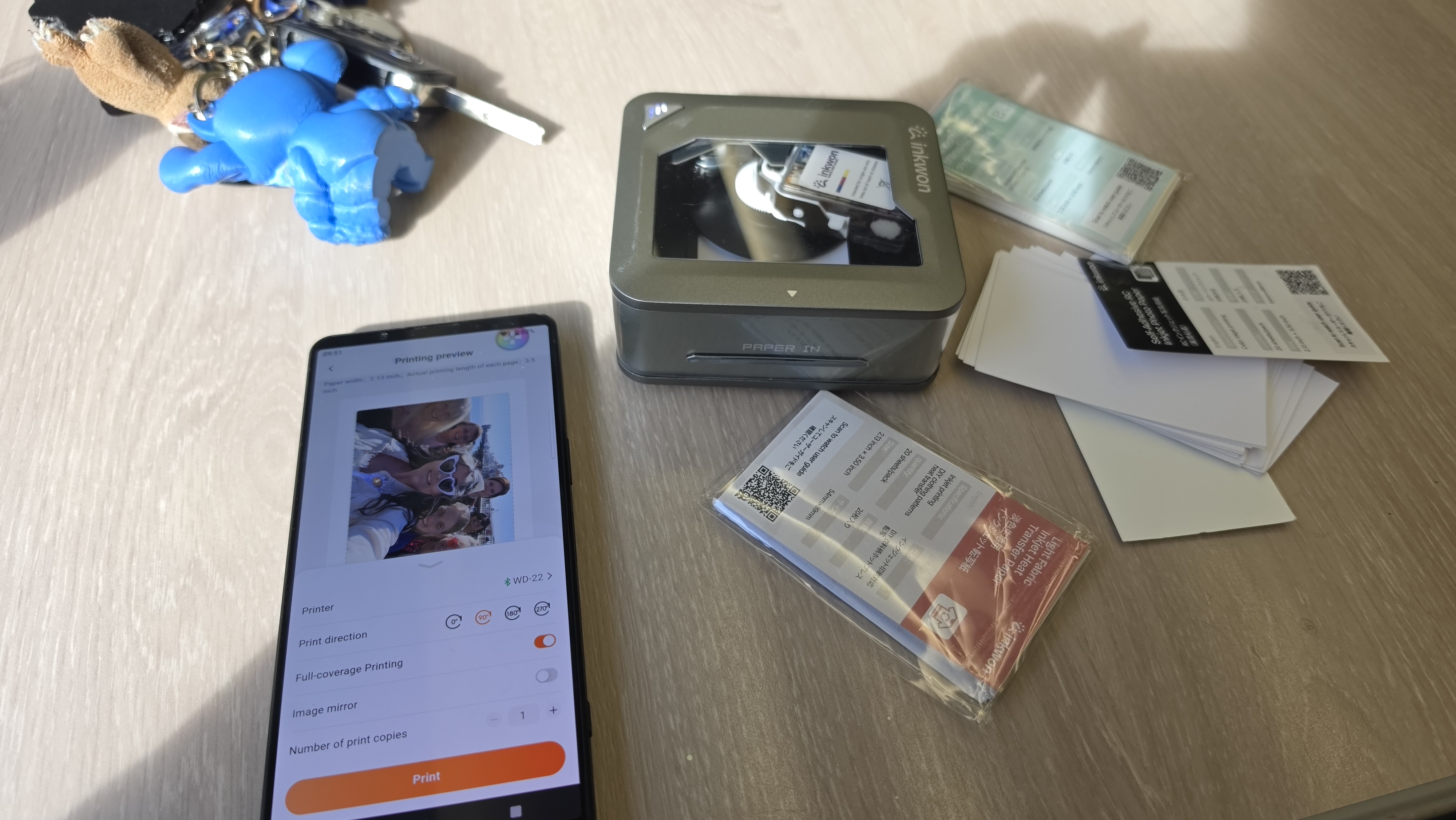
The most irritating experience was when the InkWon Tag refused to print any images at all, and would flag up with a "transmission in progress" error that eventually led to failure. The only fix was to mirror the images before sending them to print, and it miraculously worked again. Sometimes the printer would refuse to connect entirely, and other times it would say no ink cartridge inserted when there was.
I'm putting a lot of this down to it being a review unit, and I'm sure once the product is ready to ship, all of these bugs will be smoothed out. I now need to wait for the Kickstarter period to end so I can order myself a new cartridge and carry on.
Buy it if...
- You like the idea of having a fun, creative hub in your pocket
- You have kids or attend lots of craft fairs
- You're into scrapbooking, photography or crafting in general
Don't buy it if...
- You prefer to make larger-scale stickers and designs
- You need an industrial-level product for fast stock
- You don't need a portable device