
Get all your news in one place.
100's of premium titles.
One app.
Start reading
T3
T3
Technology
Bethan Morgan

Is your video doorbell violating your neighbour’s privacy? Here’s what you need to know

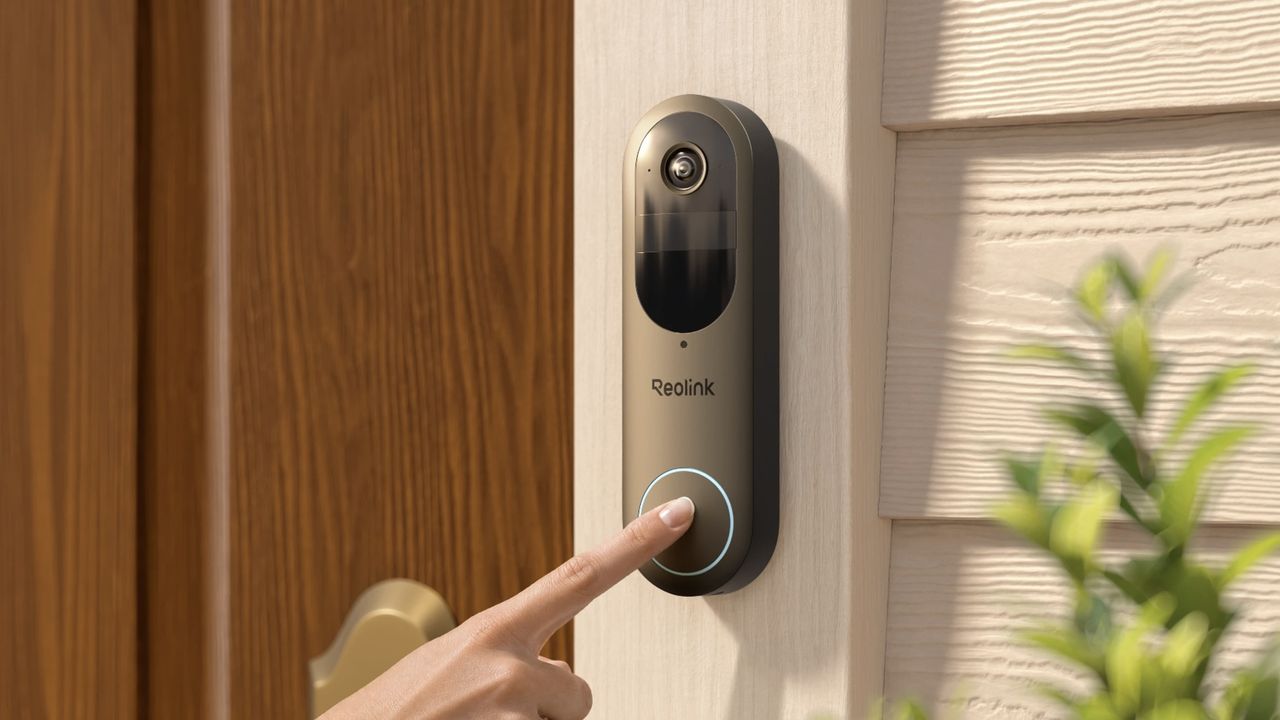
Reolink Video Doorbell (2nd Gen).

I’ve tested many smart home devices but my favourite of all time has to be a video doorbell. Being able to check on my home while I’m away is invaluable, and I hardly ever miss any deliveries now – plus watching my neighbour’s cat sit on my doorstep is very cute.

But speaking of neighbours, how do you know if your video doorbell is violating their privacy? With video doorbells getting more advanced, including expanding into AI detection features, there have been a lot more privacy lawsuits over the past few years.

Recently, both Ring and Google have seen themselves involved in privacy lawsuits, mainly due to the use of face recognition technology. This type of technology detects and analyses people’s faces so it can more accurately notify you to who’s at your door – but the people it’s analysing haven't consented which is why privacy concerns are being raised.

Whether you use this type of feature or not, it’s important to know about your video doorbell’s privacy rules and best practices. In the UK, video doorbells are fairly common and completely legal to set up, but you need to make sure it complies with privacy and data protection so you’re not violating your neighbours rights.

In general, your video doorbell should be set up to only view and record your property. If the coverage expands beyond that into public spaces, like streets, walkways or your neighbours front garden, this can become a problem. Here are five ways to avoid privacy concerns with your video doorbell.

5 ways to ensure your video doorbell isn’t violating anyone’s privacy

1. Position your video doorbell correctly

(Image credit: CNET)

Positioning your video doorbell should be quite self-explanatory – you want it to be by your front door, ideally on the door frame, and at a suitable height so that people can see it. But it’s important to place it properly so it’s able to see your property, including your doorstep and drive, without covering public spaces and your neighbours’ windows.

For more set-up advice, check out our guide on how to install a video doorbell.

2. Customise privacy zones

In your video doorbell app, you should be able to set up privacy zones within your settings. Not only does this narrow down your doorbell’s field of view so it doesn’t notify you about things happening away from your doorbell, but you can block public zones so you’re not capturing footage of your neighbours or pedestrians walking by.

3. Disable audio features

One of the best features of a video doorbell is two-way talk, where you can speak to whoever’s ringing the bell. But audio can be tricky, especially if it’s recording conversations that are happening outside your home which you’re not involved in. For most doorbells, you can deactivate its microphone so it doesn’t stream or record audio.

4. Store and share footage responsibly

Storing and sharing footage should be done properly at all times. The best option for storing footage is to save it locally on an SD card. This is the most cost-effective way and it keeps your data and footage private and protected. I’d also recommend deleting recordings regularly, and only showing footage if you need to do so from a legal standpoint, like if a crime has happened near your property.

5. Put up signs

Most video doorbells come with signs or stickers in the box which you can attach to the outside of your home. This lets your neighbours or any visitors know that they’re being recorded.

Sign up to read this article
Read news from 100's of titles, curated specifically for you.
Already a member? Sign in here
Related Stories
Top stories on inkl right now
One subscription that gives you access to news from hundreds of sites
Already a member? Sign in here
Our Picks
Fourteen days free
Download the app
One app. One membership.
100+ trusted global sources.