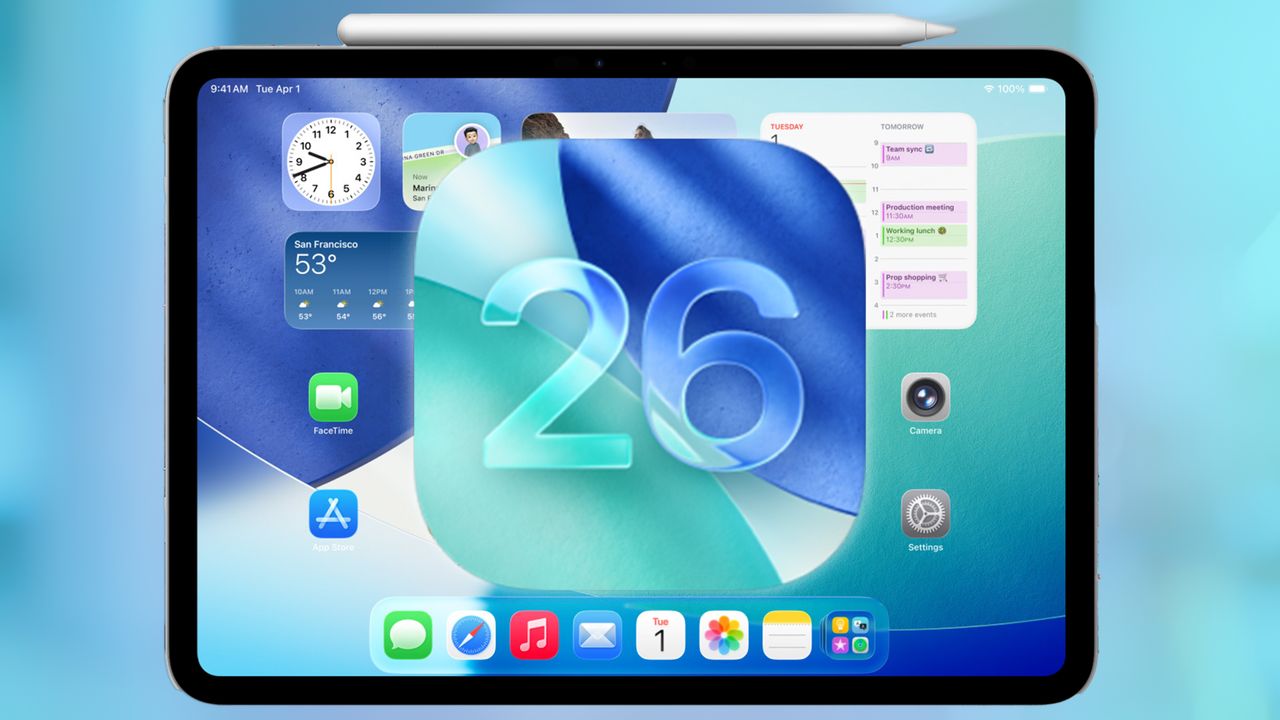
iPadOS 26 is now live for the best iPads that can run the latest software. While some of the previous updates have been incremental, iPadOS 26 changes how everything looks and adds several Mac-like features. Given all that’s new, you’ll want to be prepared for what you can now do on your iPad.
I’ve used iPadOS 26 all summer, and I can tell you that it’s a pretty substantial upgrade. Not only does it introduce the Liquid Glass design language that's also now available on iOS 26, macOS 26 and watchOS 26, but it has new features that make your iPad feel more like the best MacBooks. Toss in other productivity-focused features and Apple Intelligence updates, and iPadOS 26 has a lot going for it. Here are the 5 things you should try first on iPadOS 26.