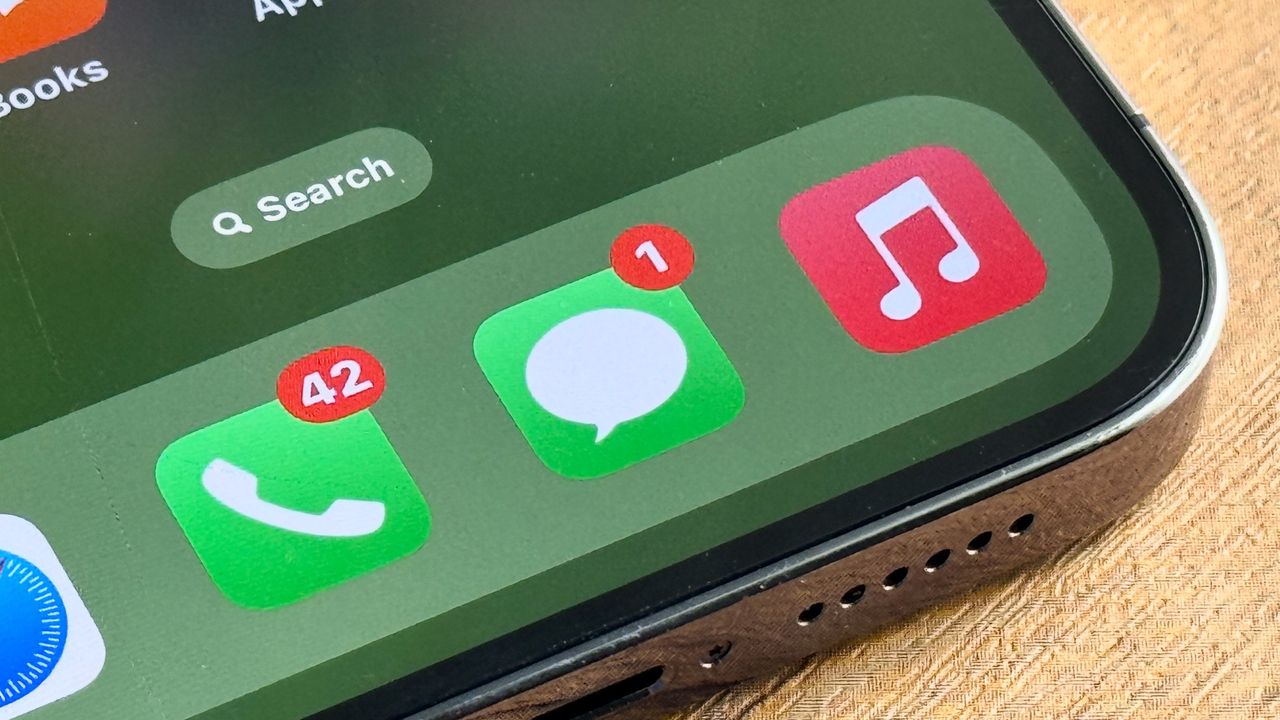
If you ever went diving into the various hidden features on offer in iOS 26, you may be aware of the handwriting option in the Messages app. Doing exactly what its name suggests, this feature lets you handwrite messages or draw pictures, and send them to contacts. Potentially very useful, even if it wasn't easy to find.
iOS 27 takes that idea and makes it a lot simpler, turning iMessage's handwriting mode into a dedicated applet within the Messages app. Or, in other words, Apple has tweaked the feature in such a way that it is easier to both find and use. Better still, a bunch of useful improvements were added in the process, making it more like the handwriting tools in Apple Notes.
Here's how to send handwritten messages and drawings over iMessage in iOS 27.
1.Open the Messages app
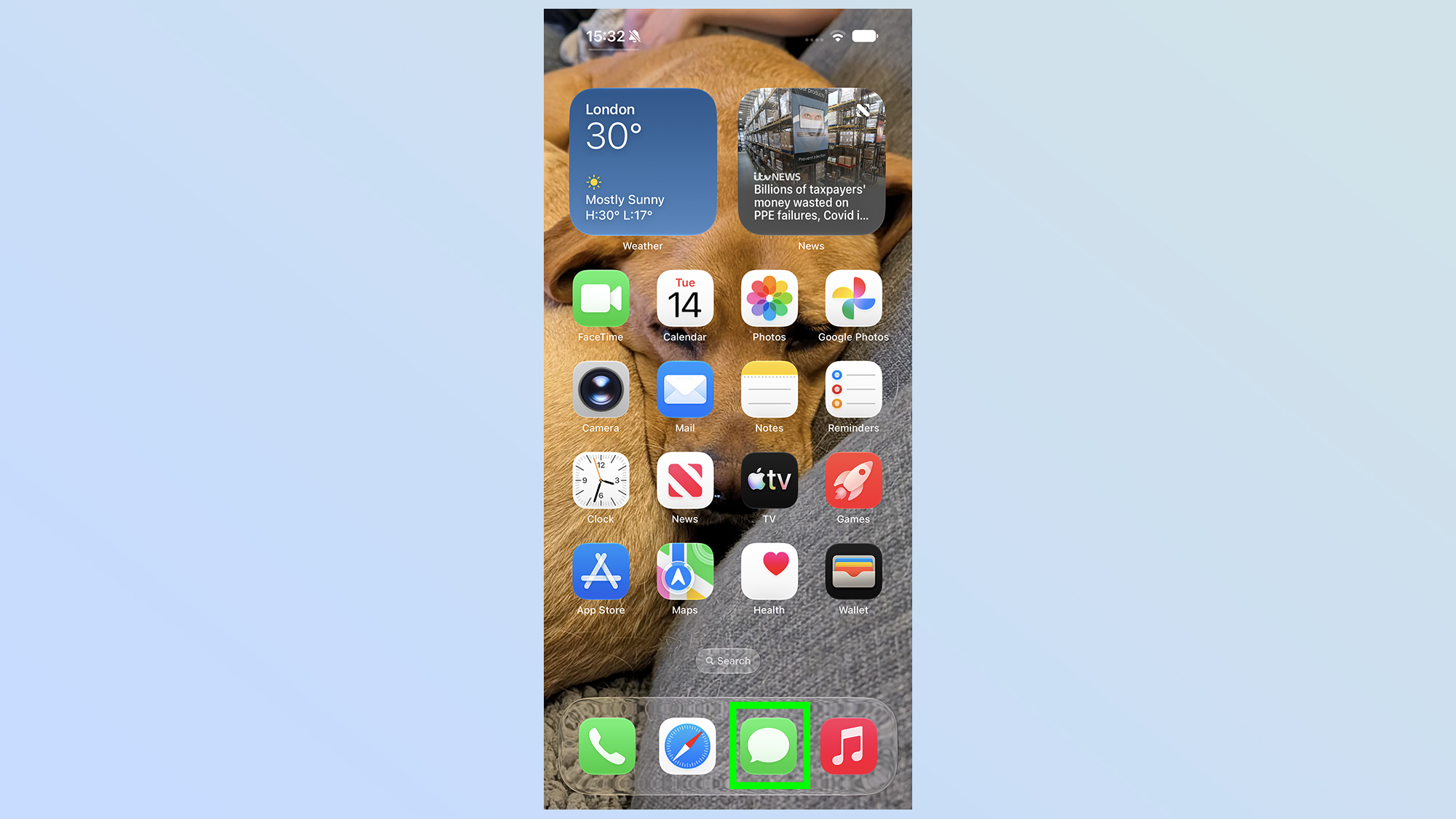
First thing's first, you'll need to open up the messages app
2. Select a conversation or start a new one
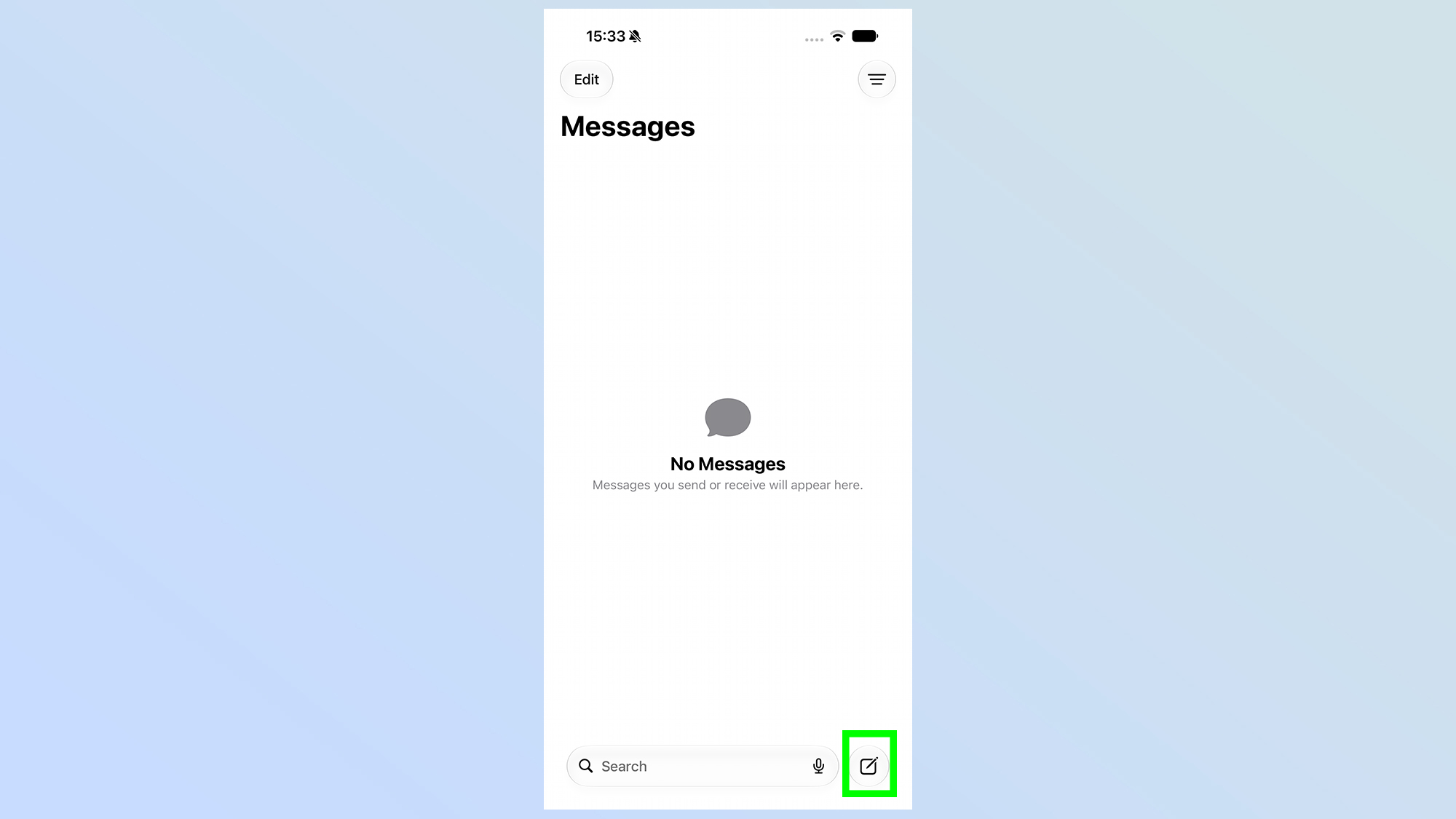
Next up you'll need to select one of your existing conversations within Messages, or start a new one. The latter can be achieved by tapping the pen & paper icon in the bottom right corner
3. Open the drawing applet
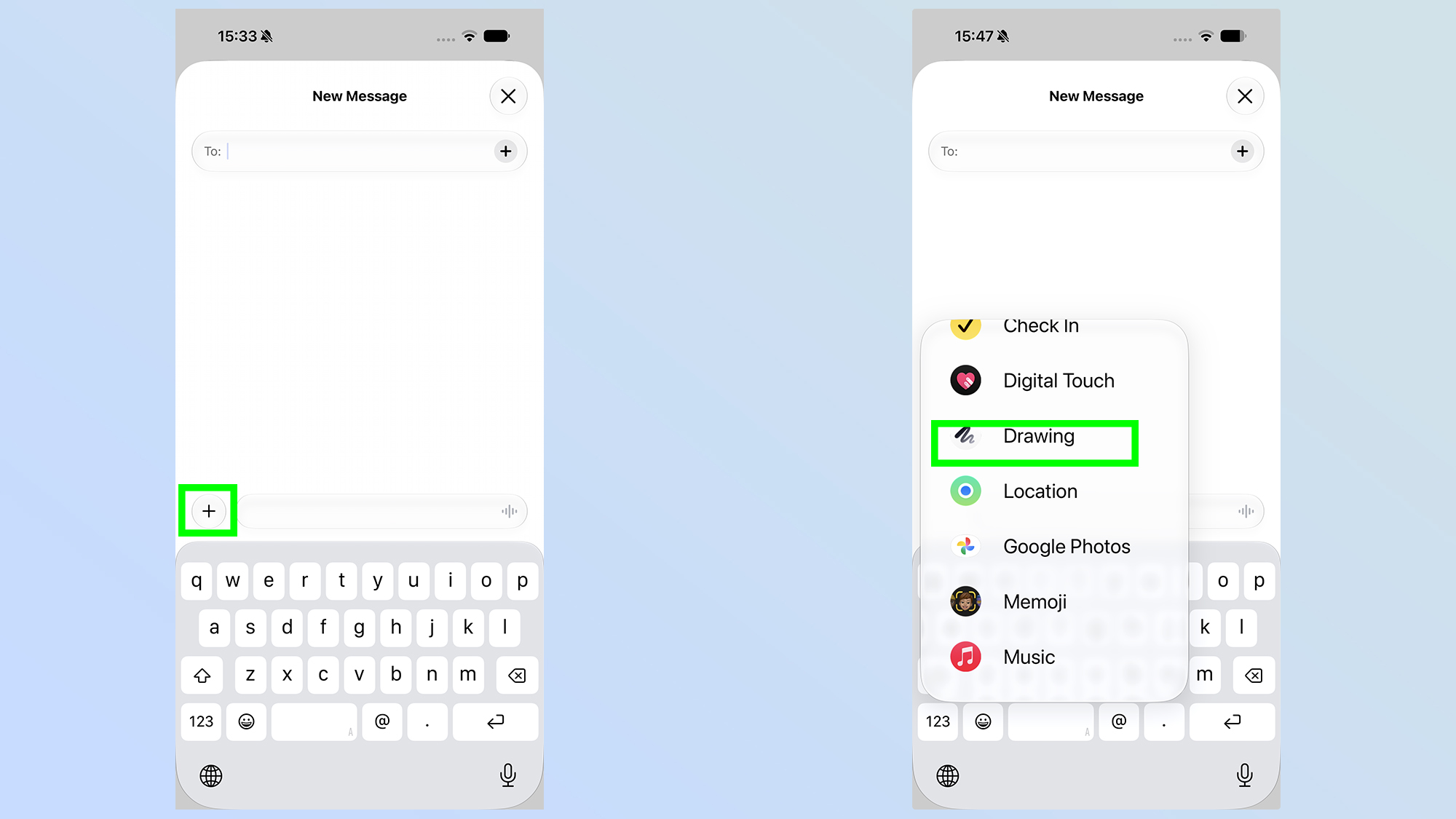
Next you'll need to open up the drawing applet by tapping the + icon on the left side of the screen, and scrolling down until you see Drawing
4. Start writing
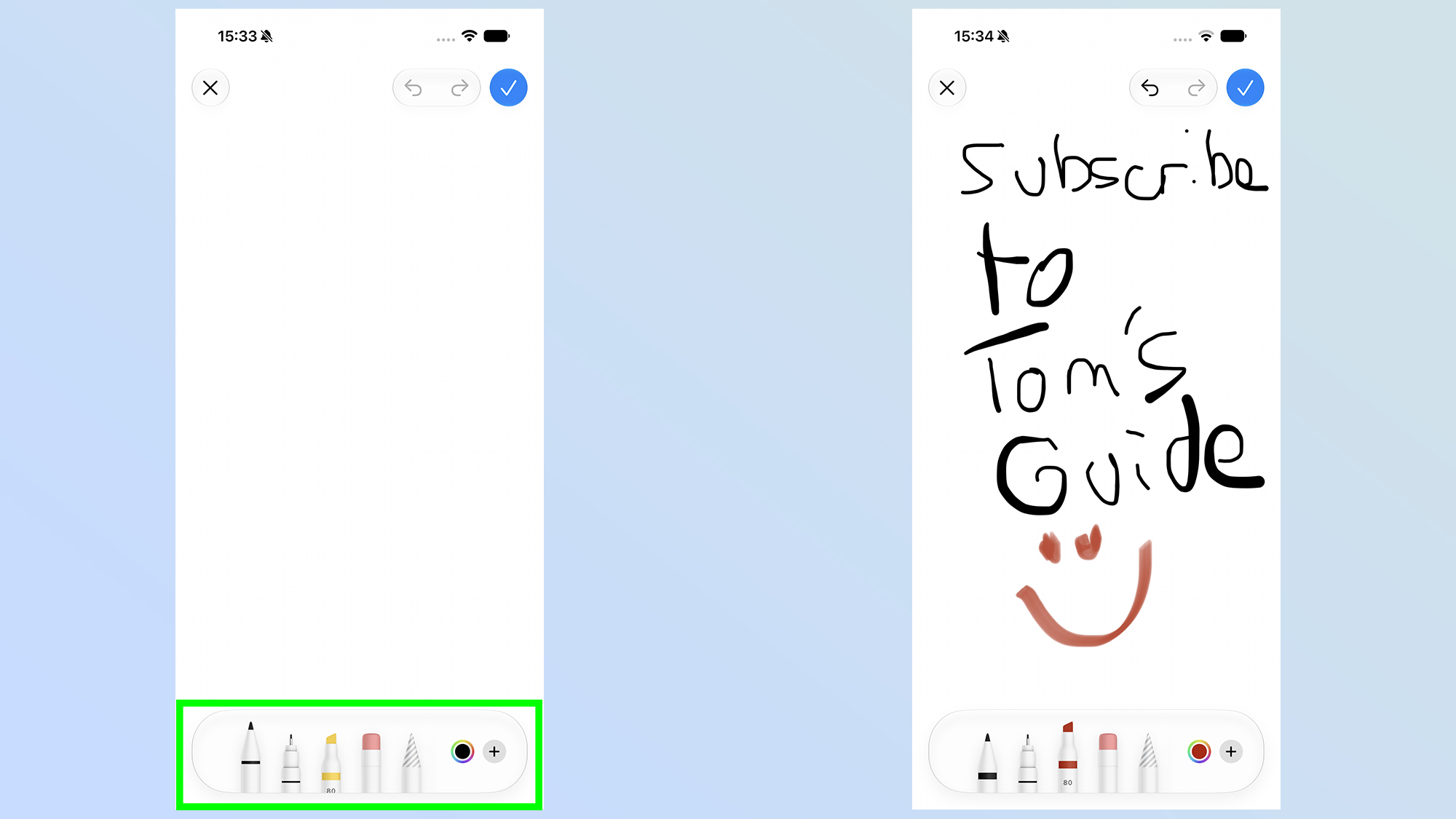
You're then presented with a blank canvas to draw from, with all the same tools you'd find in Apple Notes at the bottom. This lets you select your writing implement, color and even the size of the pen stroke.
5. Finish and send the handwritten message
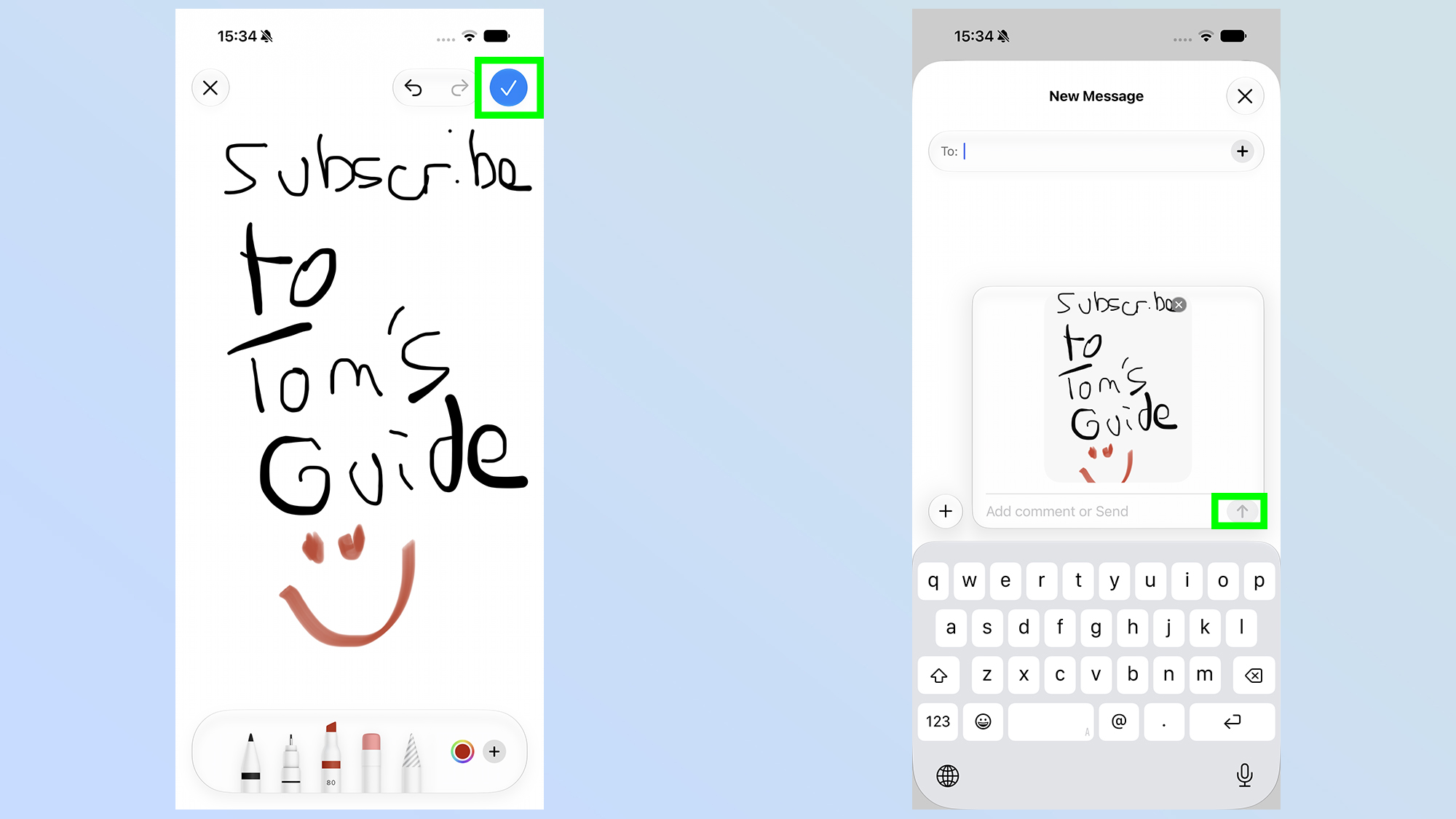
Once you've finished with your handwriting or drawing (possibly both), tap the blue tick icon in the top right, then press the Send button to actually fire the note to your contact.
There you have it, an easy and quick way to send handwritten messages in the Apple Messages app, and without being forced to use landscape mode in the process.
It may not be an entirely new feature for iOS 27, but Apple has taken this extremely well-hidden feature and made it that little bit more accessible for iPhone users everywhere. So you might as well take advantage of it and flex your handwriting muscles once more.