Get all your news in one place.
100's of premium titles.
One app.
Start reading
Tom’s Guide
Tom’s Guide
Technology
Kaycee Hill

iOS 27 finally gives you total control over your iPhone lock screen — here's what to change first

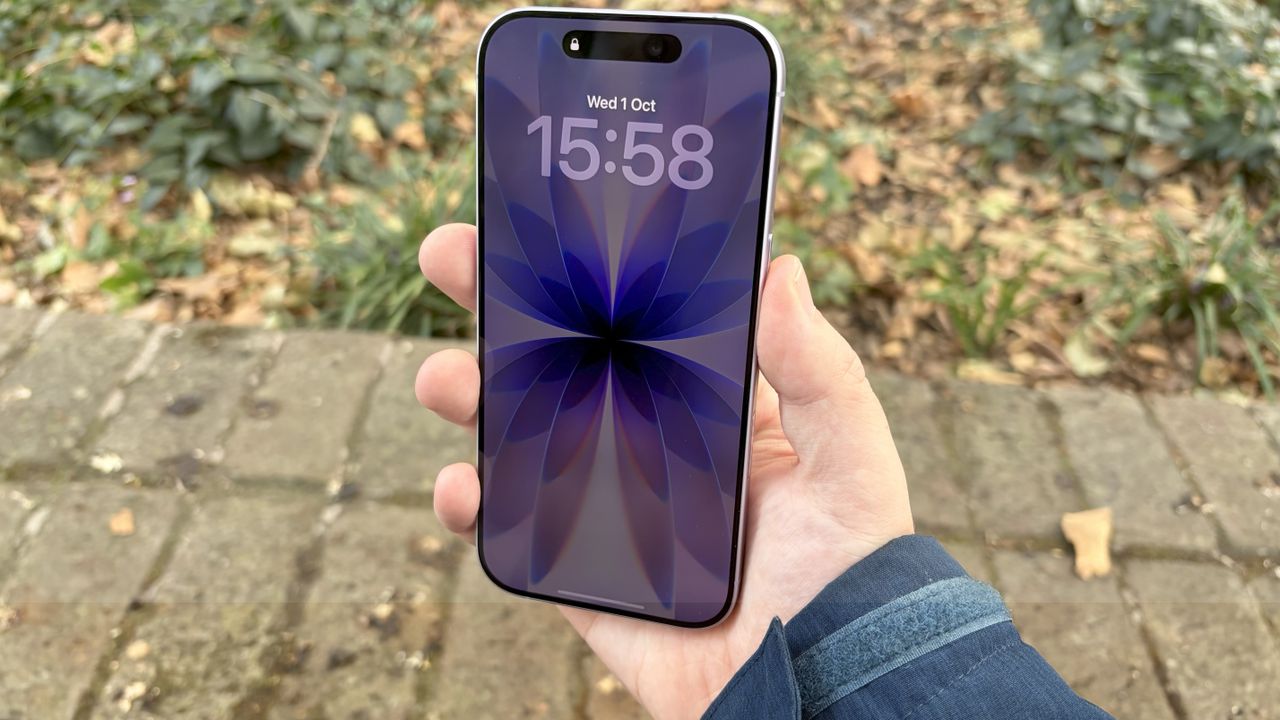
Iphoine 17 always on displays.

Your lock screen has always been Apple's canvas, not yours. iOS 27 changes that. Four new customization options hand control back to you, letting you expand photos to fit perfectly, generate custom wallpapers from scratch, reposition your clock, and banish distracting widgets.

For the first time, your Lock Screen can actually look like you designed it instead of like you accepted Apple's defaults. Here's what's new and how to use it.

Sign up to read this article
Read news from 100's of titles, curated specifically for you.
Already a member? Sign in here
Related Stories
Top stories on inkl right now
One subscription that gives you access to news from hundreds of sites
Already a member? Sign in here
Our Picks
Fourteen days free
Download the app
One app. One membership.
100+ trusted global sources.