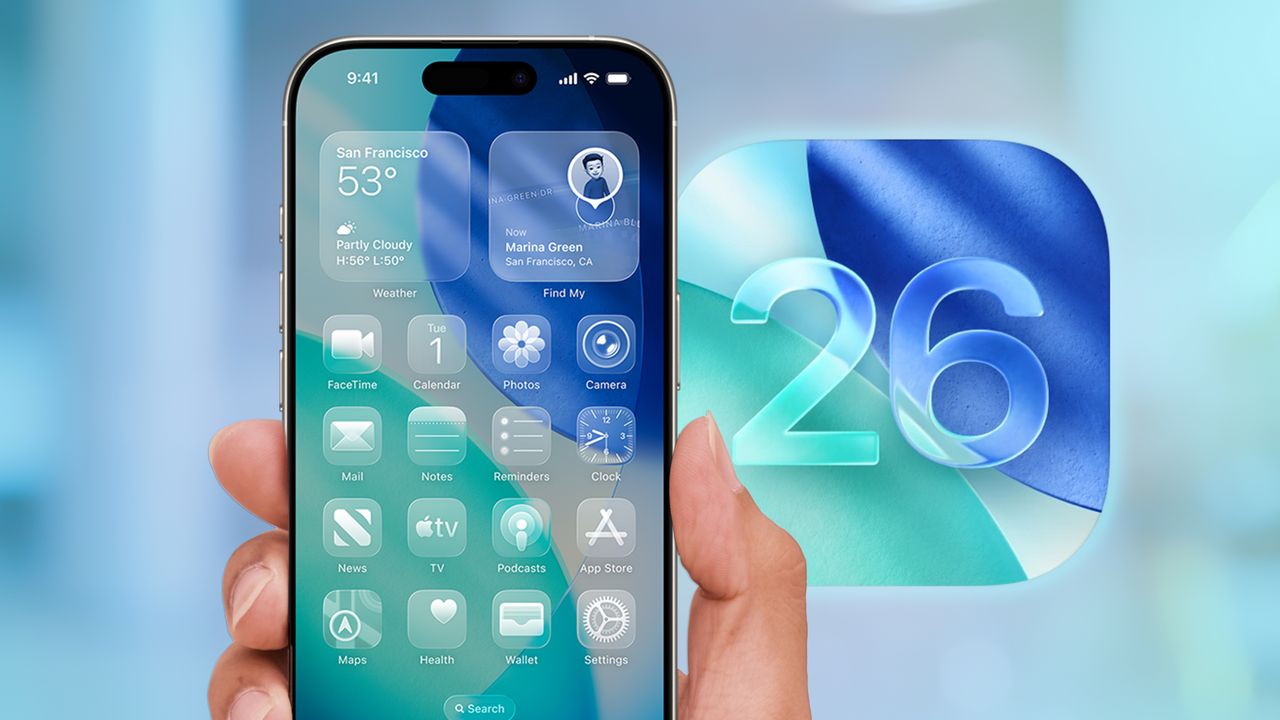
With iOS 26, Apple's introducing its biggest design update in more than a decade. Leading that overhaul is a new Liquid Glass interface that adds a translucent, layered look to on-screen elements on the best iPhones. Now that the iOS 26 public beta is out, you can give it a spin for yourself — and it's a game-changer for your homescreen.
The Liquid Glass interface basically adds a third way to view app icons in addition to the traditional Light and Dark modes. When enabled, every icon gets rounded edges and a translucent finish devoid of color, a new minimalistic design that lets whatever image is behind it bleed through as if you're looking through glass.