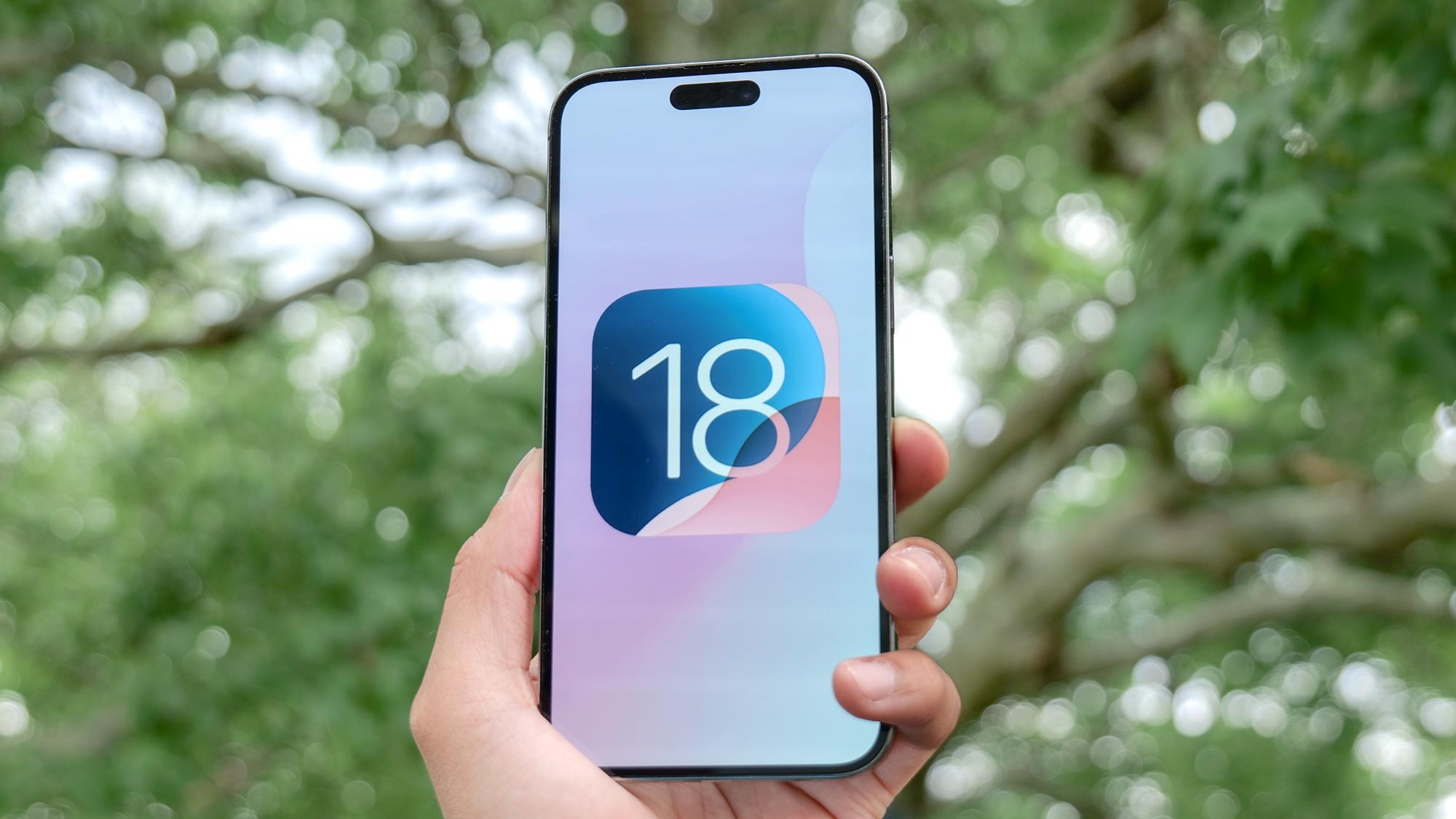
Know how to protect your apps with Face ID is a game-changer. Even with the best iPhones, accidentally leaving your device unlocked and in view of others can be a privacy concern. But iOS 18 introduces a feature that puts you in greater control: app locking.
This means you won't need to fret about someone meddling with your social media or photos if they get hold of your phone. Locking apps is easy and can be done individually, or you can go further and hide apps entirely. What’s more, when you lock an app, its content won’t appear in Spotlight searches, your call history, notifications or Siri suggestions which adds an extra layer of protection.