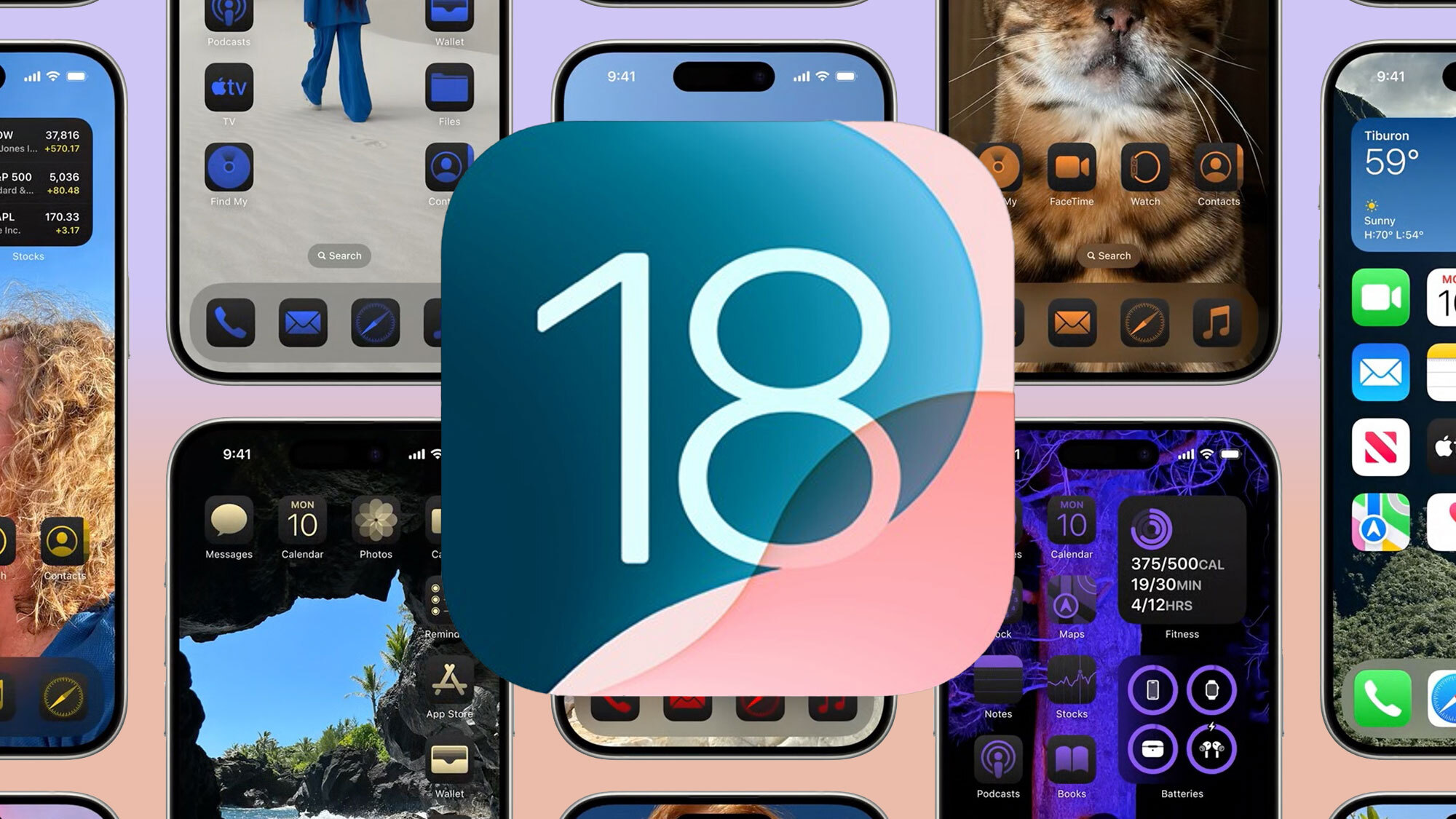
Remember how iOS used to be criticized for its rigid, one-size-fits-all approach to design and layout? At the rate it's introducing customization features to its iPhone software, Apple is doing its best to make you forget about all that.
Recent iOS updates have given you the ability to delete Apple's built-in apps, add widgets to your home screen and even alter the look of your home screen. iOS 18 contributes to this customization push with tools that leave the look of your home screen entirely up to you. No more grids of neatly arranged apps or icons with unalterable colors. Now you caan tweak all that, in the name of making the home screen's layout serve your idea of organization.