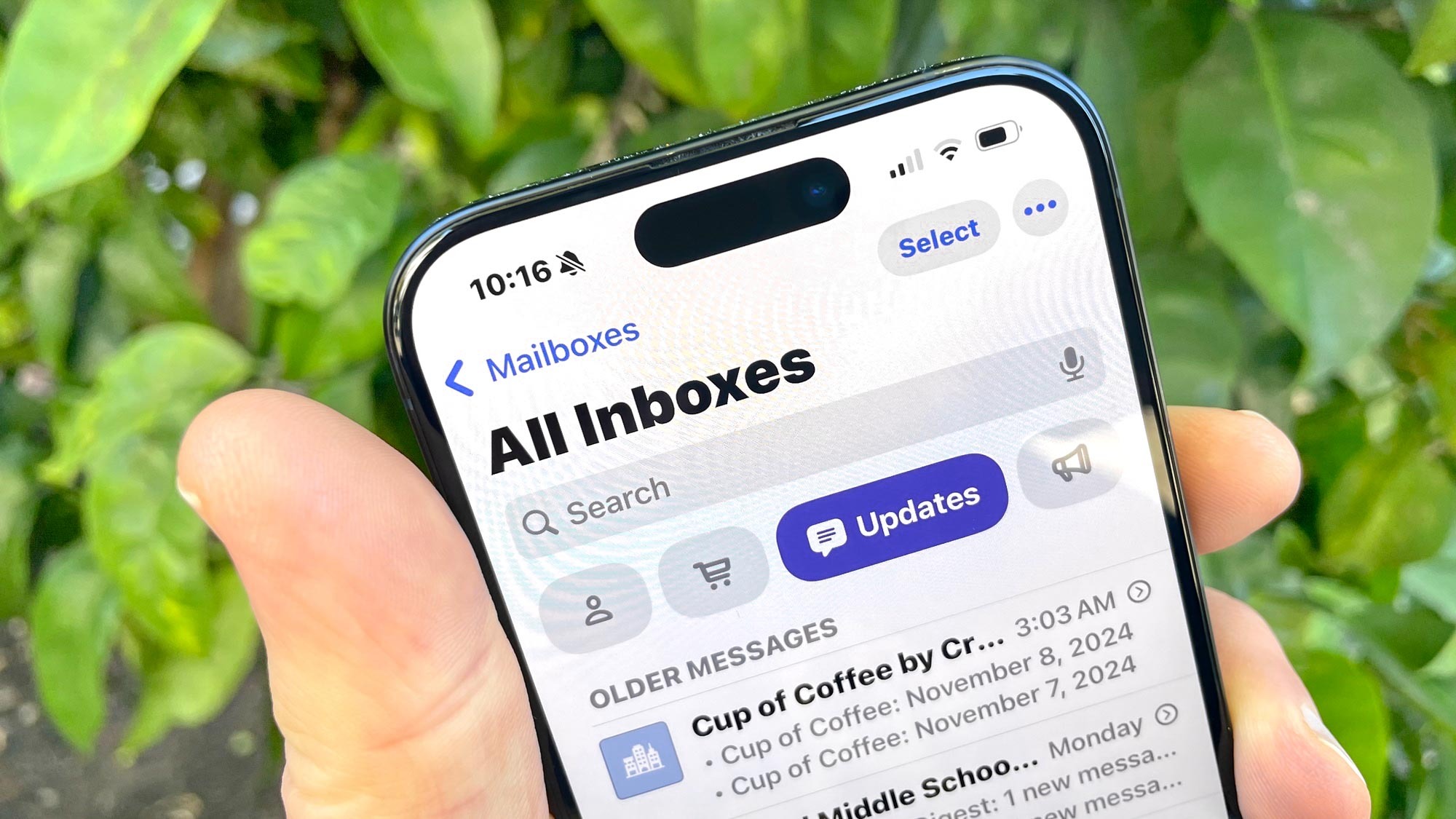
The iOS 18.2 beta brings a new look to your inbox in Mail. But if you're not a fan of the new look — or you're hoping to see Apple make some modifications to it during the beta process — it's easy to switch back to list view you're already accustomed to in Mail.
First, let's talk about Mail's reorganization in iOS 18.2. Apple now splits your inbox into four categories — Primary, Transactions, Updates and Promotions. Primary is the inbox where most of your mail will land, with receipts, orders and deliveries headed to Transactions. Updates features newsletters, subscriptions and other social-related messages, while Promotions is where you'll find deals and emails about sales.