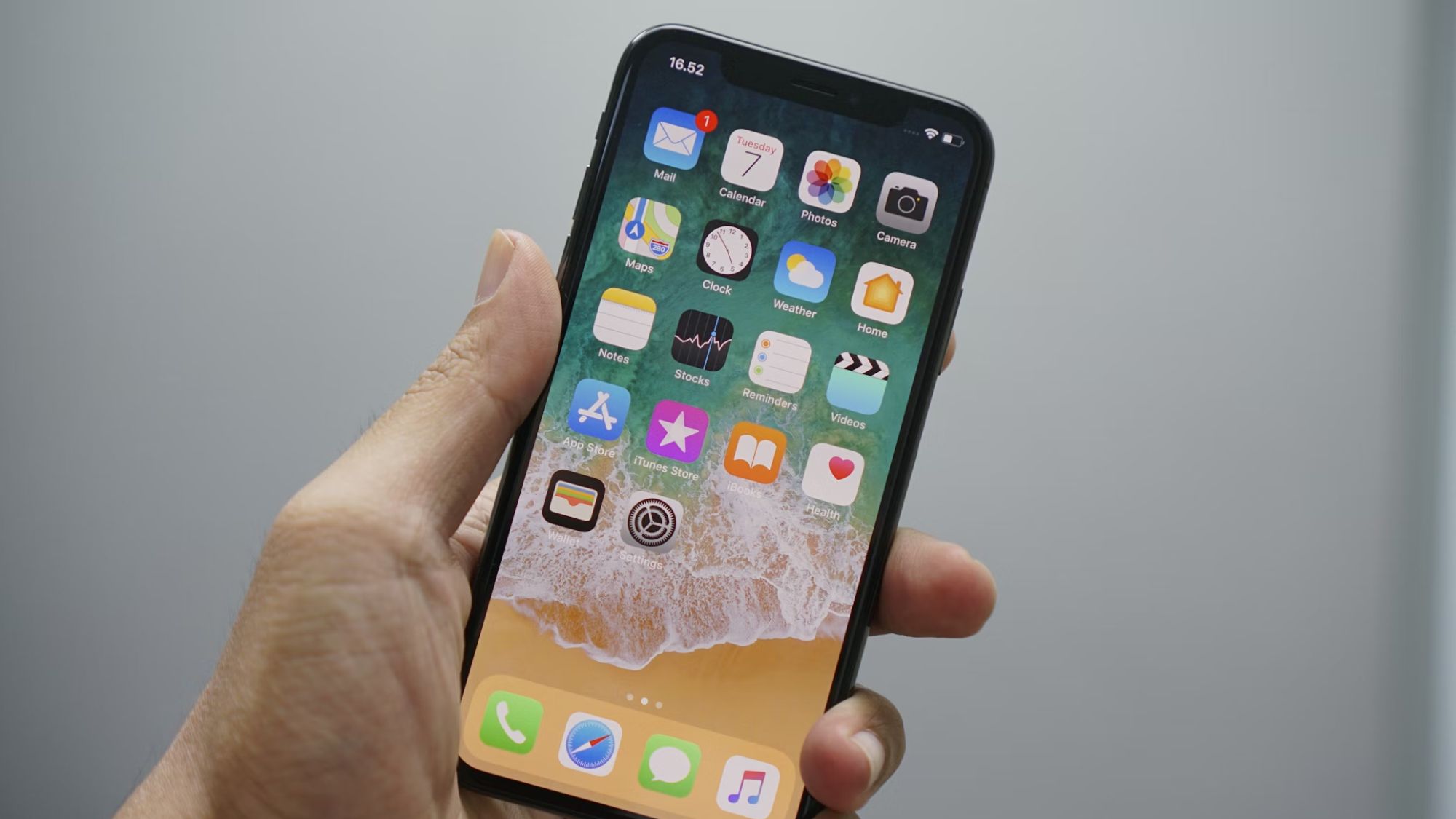
In the latest iOS 17.3 update, you'll find a new feature called Stolen Device Protection, and the backstory behind this new feature is... interesting. A recent investigation from Wall Street Journal columnists Joanna Stern and Nicole Nguyen (via TechCrunch) found that thieves were convincing victims to reveal their passcodes, after which the thieves would steal the phone and enter the passcode they learned earlier to gain access to private, sensitive data from the user's iPhone and iCloud accounts.
Although this scam isn't as obvious as an iPhone thief walking up to you and asking for your passcode, the signs that something's off are clearly there. One iPhone thief explained that he would ask victims to add them on Snapchat, saying that he'd type his contact details directly for ease. As soon as he got the phone, he'd lock it, and then ask the victim for the passcode to unlock it.