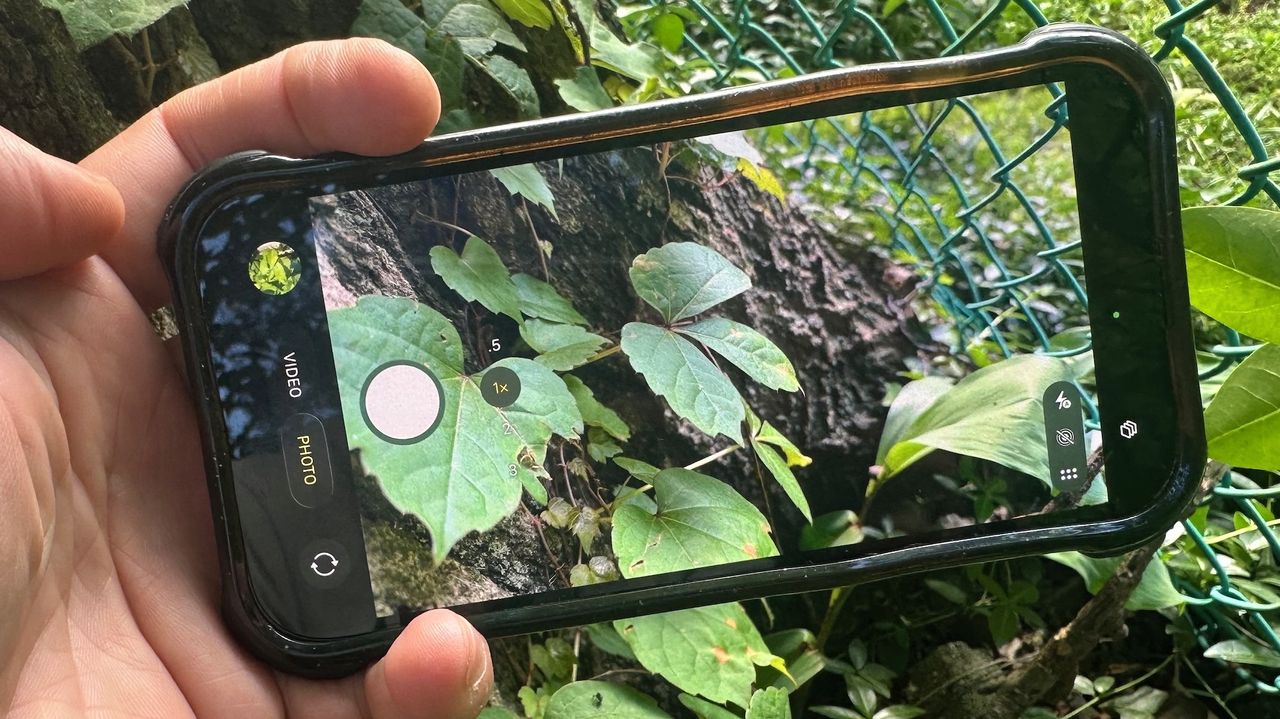
Every spring, my local gardening Facebook page starts filling up with countless pictures of three-leaved plants, each one framed with the same question: "Is this poison ivy?"
It's a legitimate concern. Poison ivy is not only invasive, but can cause a severe allergic reaction if you get its oils on your skin. I've had more than enough rashes over the course of my life to look askance at any plant that even remotely resembles poison ivy.

Rather than post something on my local social network and wait for would-be horticulturists to reply, I've started using a new Google Gemini feature on my phone to find out more quickly if the plant I'm about to grab will leave me itching and scratching.
Here's how you can use Gemini to identify poison ivy (or any other plant, for that matter), works on both Android and iOS devices, and it takes just seconds.
Take a picture of the plant in question
There's a few ways to go about plant identification. The first is to take a picture of the plant in question on your phone. Make sure that you can isolate its defining features as much as possible, such as a leaf, berries, or some other distinguishing characteristic.
Open the Google, Google Chrome, or Gemini app on your phone
Google gives you plenty of options here, as this works with the Google app, Chrome, or the Gemini app.
In the Google or Chrome app, press the small camera icon on the right side of the search bar. Make sure to allow Google access to both your camera and your photo library.
If you've already taken the photo, select the Album icon to the left of the shutter button. Then, select the image from your library.
As soon as the image is loaded, Google Lens will attempt to isolate the plant, and then beneath, will display an AI overview of what it thinks the plant is, along with a description and characteristics.
Using the Gemini app
If you're using the Gemini app, the process is fairly similar. Press the Plus sign on the left of the query bar, and select either Photos or Camera. Take a photo (or upload a picture), and simply ask Gemini "what plant is this"?
Similar to Google Lens, it will return an AI summary of the plant, tell you about its characteristics, and, in the case of poison ivy, let you know what to do in case you accidentally came in contact with the plant.
Using Gemini Live
Within the Gemini app, press the icon with the three vertical lines to the right of the text box. Gemini will then enter Gemini Live mode. Press the Camera icon on the left. Your phone's screen should then show a view of your camera, and the search bar will shrink. Then simply say "is this poison ivy," and Gemini will attempt to analyze what it's looking at.
When I tried it, it was a lot less specific than the other methods. "No, that doesn't look like poison ivy. Poison ivy usually has three leaflets, and these leaves look different."
Using Google Lens to identify plants isn't exactly the newest thing around, but as I've been going around my yard pulling plants, I've found it to be helpful in avoiding poison ivy. I have several other types of ivy and three-leaved plants, so it's been very useful while weeding. It's also come in handy if I'm out for a hike, and come across a new tree or shrub I haven't seen before.
So, just like Grampa's Weeder, this has become yet another important tool in my gardening kit.