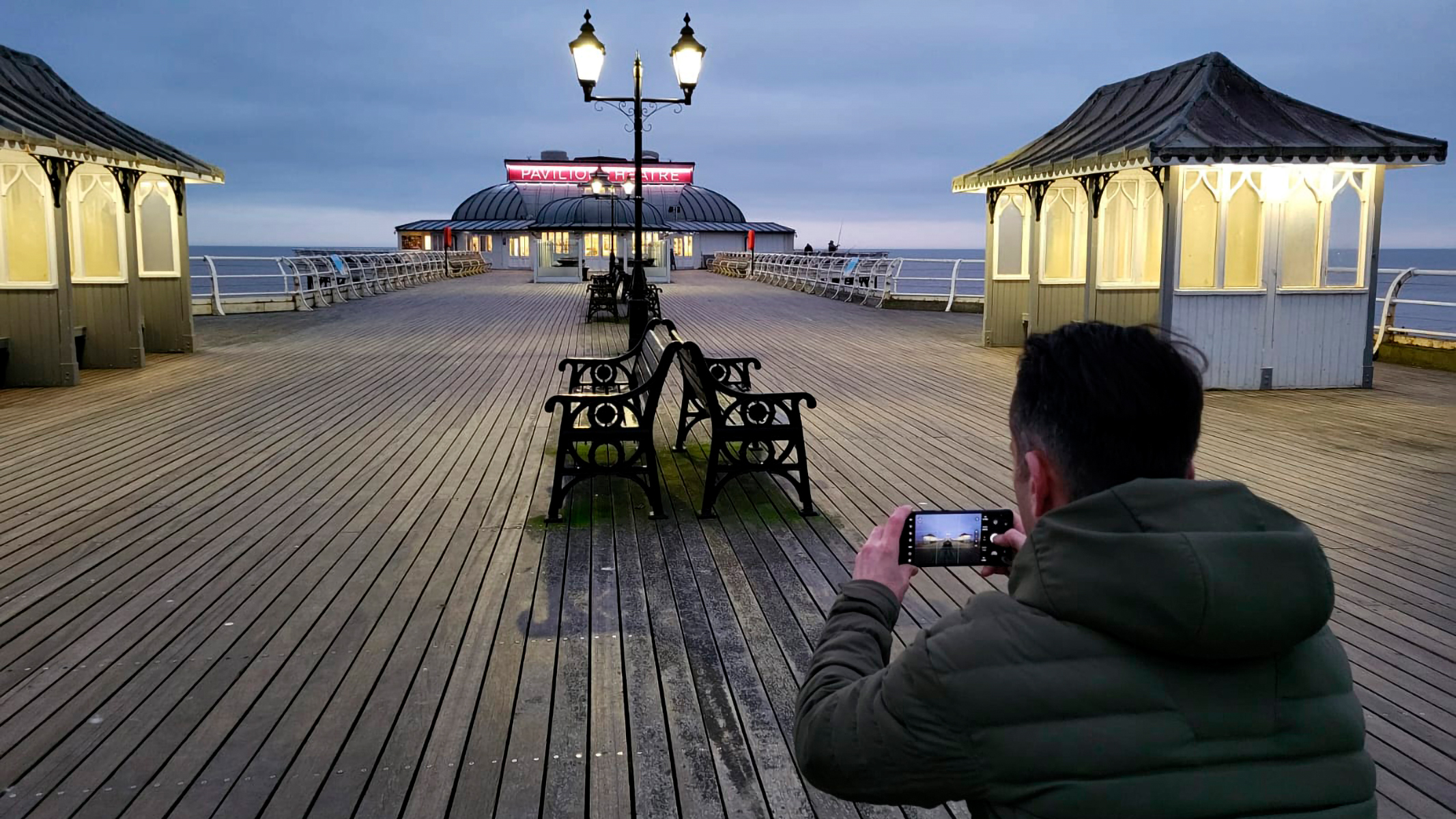
As a professional photographer who uses some of the best cameras, I never thought I'd ever say something like this – smartphones are amazing tools for photography. There plenty of apps that can help you to plan shoots, find locations and share your work, and most of all you have a high-quality camera in your pocket, with you at all times. We've even curated a best cameraphone guide to help you pick the right one.
If you're a serious photographer like me yet often find yourself out and about without your mirrorless camera, it's your trusty smartphone that has to pick up the slack. I still believe my Samsung Galaxy S23 Ultra isn’t anywhere near as good as my professional camera kit, but by shooting in raw image format – yes, most flagship smartphones can capture in raw – and processing photos in Adobe Lightroom Mobile, it's possible to achieve professional image quality, like I was able to recently (see below).