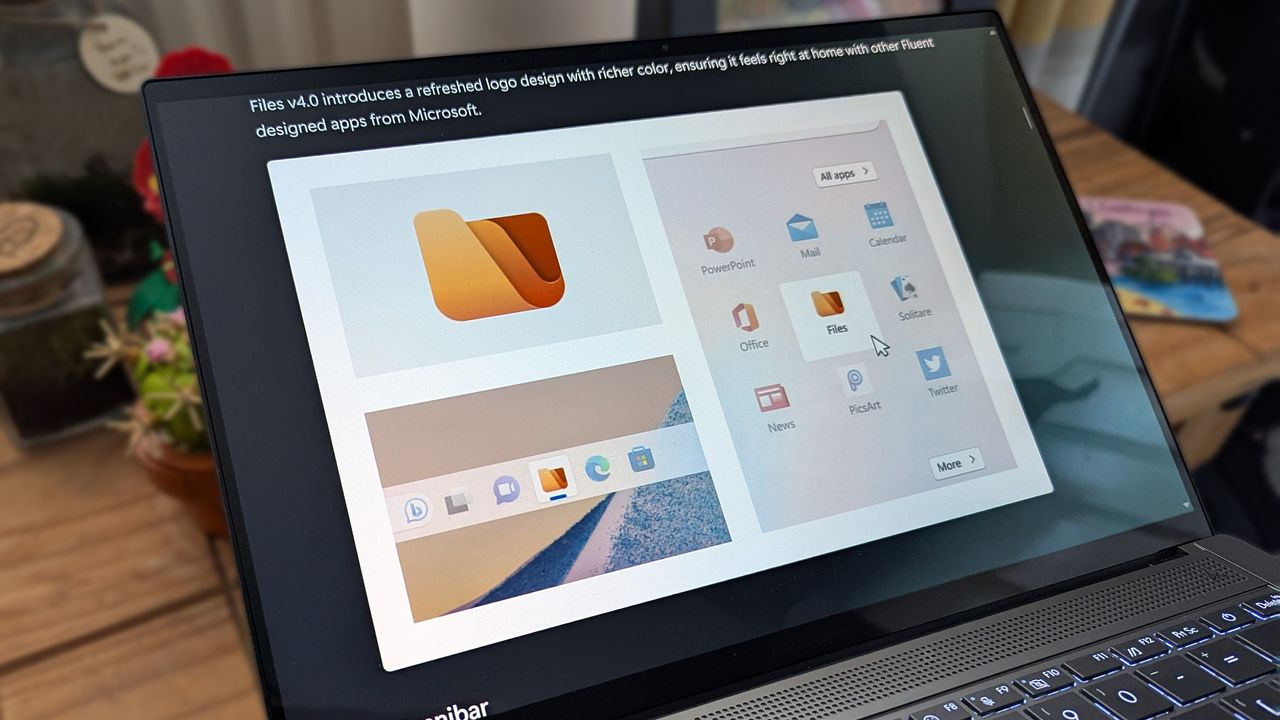
Built as an alternative to the standard File Explorer in Windows 11, Files is an open-source project that always seems to stay one step ahead of Microsoft. Its latest update to Files v4.2.7 is a perfect example, as it focuses on improving the speed and overall responsiveness of the right-click menu before the official context menu upgrade comes to Windows.
The optimization trend extends to multitasking in Files, as v4.2.7 also improves its memory cleanup habits when any tabs are closed. Efficient tabs are a headline feature of the app, even if the experience feels quite similar to File Explorer — including its support for keyboard shortcuts — but Windows PC enthusiasts will undoubtedly appreciate any efforts to lower memory usage.