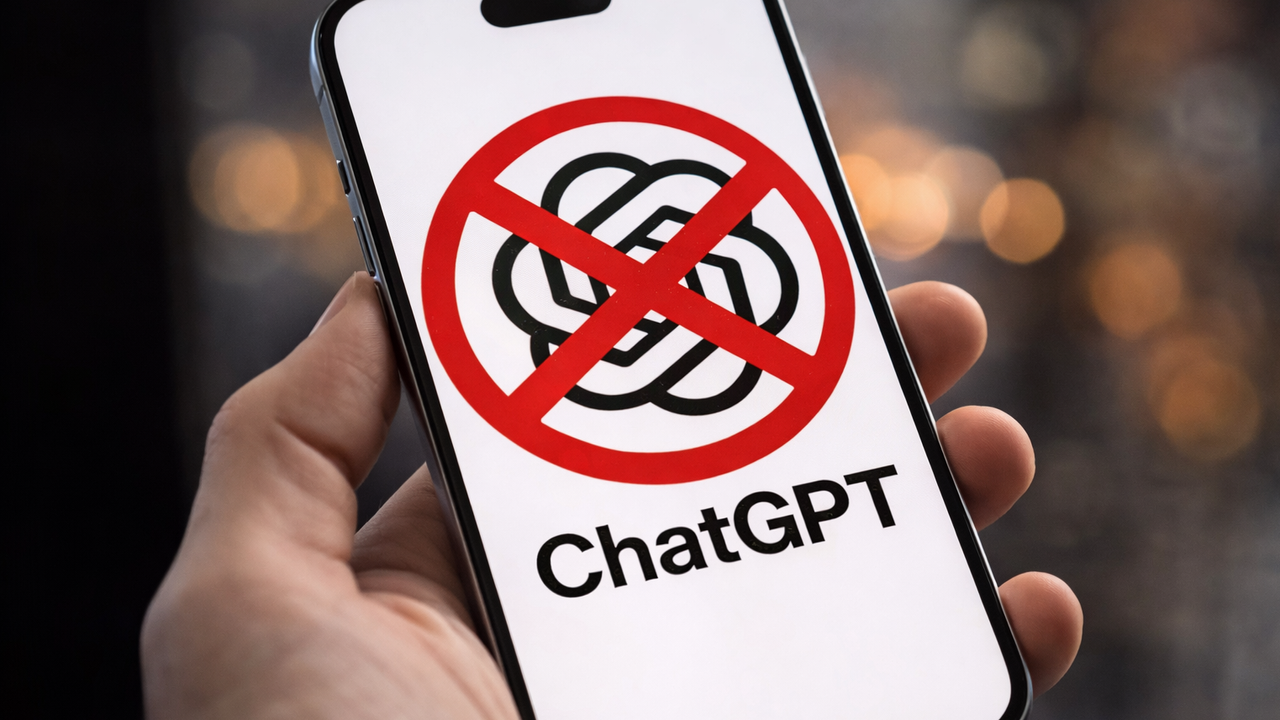
Breaking up with ChatGPT shouldn't mean losing three years of digital memory. Whether you're chasing Claude's superior reasoning or Gemini's deep Google Workspace integration, you don't have to start from scratch — and in 2026, you finally have somewhere better to go.
The AI landscape has shifted dramatically this year. Competition is fierce and users are looking in new places to scale productivity. The QuitGPT movement has quietly become one of tech's most interesting migration stories, and the good news is that moving your digital brain to a new assistant is now a 15-minute job if you know what you're doing.

I quit ChatGPT as an exercise to see how easy it can be. (I'll be back because it's part of my job to cover the platform.) Here's the exact playbook.
Phase 1: Build your 'Digital Passport'

Before you hit cancel on your ChatGPT subscription, you need to extract everything ChatGPT knows about you. Skip the official "Export Data" button — it fires off a messy JSON archive that can take up to 48 hours to land in your inbox and is almost unreadable when it does.
Instead, use what I call the "Instruction Manual" prompt. Open ChatGPT and paste the following:
"I am migrating to a new AI assistant. Write a comprehensive 'User Operating Manual' for me. Summarize my writing style, professional background, recurring projects, and how I prefer to receive information. Include my 'Custom Instructions' and 'Memory' profile verbatim. Format as a clean Markdown document."
Copy that output. This is your Digital Passport — a clean, portable snapshot of your preferences, quirks and context. It's the secret to making a brand-new AI feel like it's known you for years from day one.
Phase 2: Moving to Claude (the power user's choice)

As a power user, I can honestly say that Anthropic's Claude is a good choice for productivty. Its Artifacts feature is purpose-built for exactly this kind of structured, persistent context — something ChatGPT has only ever approximated. You'll also want to take advantage of Claude's Skills one of the smartest features available within the platform.
Sync your memory. Create a new Artifact in Claude — name it something like "Work" or "Creative Writing" — and paste your Digital Passport directly into the Project Instructions. Claude will now draw on that context for every conversation inside that workspace, without you having to re-explain yourself each time.
Rebuild your GPTs as Skills. If you relied on a custom "Editor GPT" or "Coder GPT," Claude's Skills feature is the equivalent. Take the system prompt from your old custom GPT, save it as a SKILL.md file, and upload it under Settings > Capabilities. Your specialized assistant survives the migration.
Build a permanent knowledge base. Stop re-uploading the same PDFs every time you open a new chat. Upload your brand guidelines, reference documents, or core datasets to a Claude Project once, and they stay indexed and accessible for every future conversation in that workspace.
Phase 3: Moving to Gemini (best for ecosystem choice)

If your life runs on Google Workspace, Gemini is a total game changer — it's an integrated layer across everything you already use.
Check for the Import Beta. As of early 2026, Google is rolling out a native "Import Chat History" tool to select users. Head to Gemini Settings and look for it — if you have access, you can upload your OpenAI .zip export directly and carry your conversation history across.
Set up your Gems. Gems are Google's answer to Custom GPTs. Create a "Writing Assistant" Gem, then paste the style and tone section of your Digital Passport into the instructions. Your voice, your preferences, preserved.
Activate the sidebar. Enable the Google Workspace Extension and Gemini becomes a persistent co-pilot. You can prompt it to draft emails, summarize Docs or pull from your calendar — all using your established style, without ever leaving the tab you're already working in.
Phase 4: The clean break

Once your data is settled in its new home, it's worth closing the door properly rather than just letting your subscription lapse.
Go to Settings > Personalization > Memory in ChatGPT and manually delete your memory bank before you cancel — don't assume canceling the subscription wipes your data. For an extra layer of peace of mind, type "Delete all my memory and personalized data" into a final chat window as a closing command.
Then cancel the subscription. Take a screenshot of the confirmation screen. In 2026, posting it with #QuitGPT has become the tech equivalent of deleting X (formally Twitter), except you actually have somewhere better to go and you brought everything with you.
Final thoughts
The AI switching cost that once felt insurmountable — losing your context, your custom tools, your carefully trained digital memory — turns out to be mostly psychological. Trust me on this one. The hardest part is literally making that switch.
With these few steps, migrating from ChatGPT to Claude or Gemini is more like forwarding your mail. The Digital Passport prompt alone eliminates the biggest barrier most people face.
Whether you land on Claude for its reasoning depth and project organization or Gemini for its Google Workspace roots, the message is the same: the era of being locked into a single AI assistant is over because your context belongs to you.

Follow Tom's Guide on Google News and add us as a preferred source to get our up-to-date news, analysis, and reviews in your feeds.