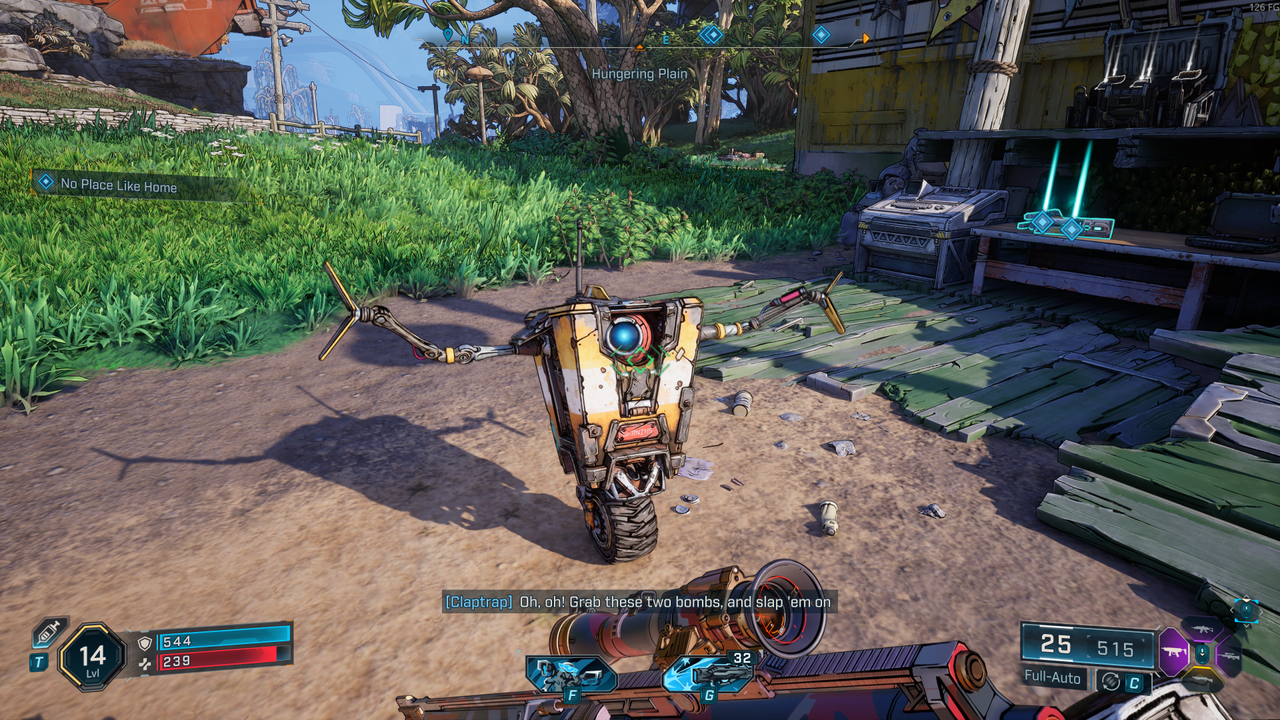
Well, it's my own fault, really. Despite writing an article about the reaction to Nvidia's brutal optimised settings charts for Borderlands 4, and being well aware of stuttering issues thanks to Nick's performance testing piece, I jumped into the game this weekend anyway. And, lo and behold, the stuttering was very much there—until I discovered a fix that's virtually eliminated the issue on my machine.
It's not my own discovery, in fact, but that of YouTuber Ki11er Six, who posted a review of the game along with a crucial performance tip a few days ago. On Nvidia graphics cards, it's possible to manually adjust the shader cache size in the Control Panel—which Ki11er Six suggests should be set to 100 GB to prevent stuttering.