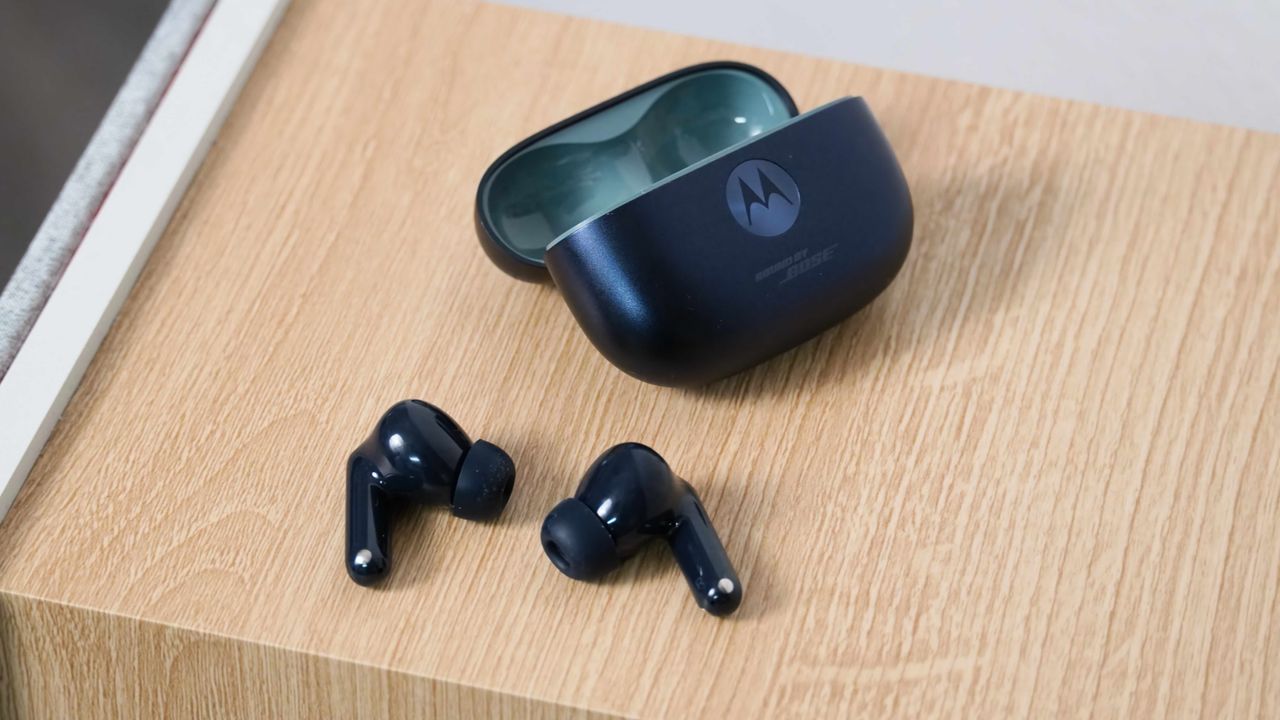
Motorola's latest midrange earbuds, the Moto Buds 2 Plus, aim to deliver high-quality sound at an affordable $150 price point. Compared to the regular Moto Buds 2, the Plus version adds Sound by Bose tuning, featuring 11mm dynamic drivers and 6mm micro-planar magnetic drivers. In other words, the Moto Buds 2 Plus have the hardware chops to sound as good as any of its competitors at this price point.
To realize the Moto Buds 2 Plus's potential, you'll need to tweak your software to match your listening preferences. Spatial audio is enabled out of the box, but extras like hi-res audio, gaming mode, and equalizers aren't on by default. I adjusted these settings on the Moto Buds 2 Plus, and it improved everything from sound and call quality to the multi-device connections. Here's how you can, too.