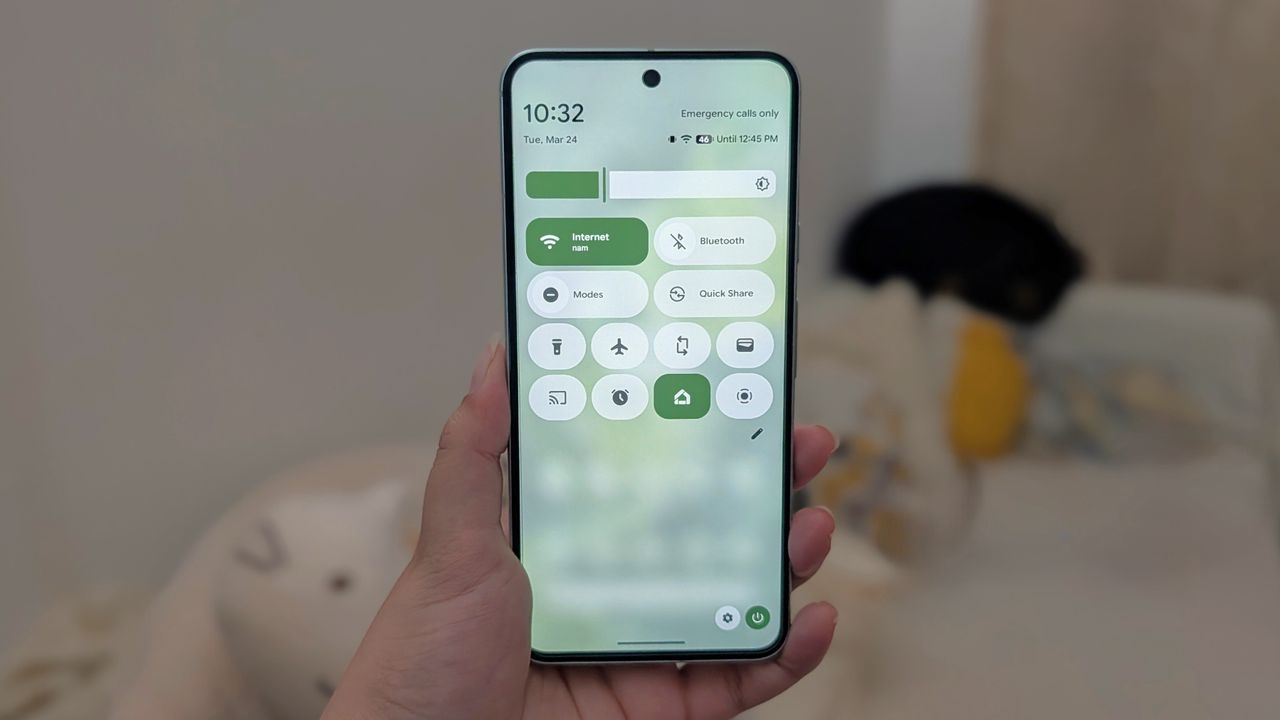
Quick settings look really neat and clean on Android 16, specifically on phones running "stock" Android, like the Pixel 10. You can add and remove tiles, reorganize them, add third-party tiles, and even change their sizes. The bare bones version comes with a few basic tiles out of the box. There are plenty of quick settings tiles we all need daily that are missing from the stock settings.
This is why I like to add at least six of the most important tiles to the quick settings as soon as I set up a phone for the first time. A few of them are quite surprising, because why would Google not add those tiles to the quick menu off the bat?