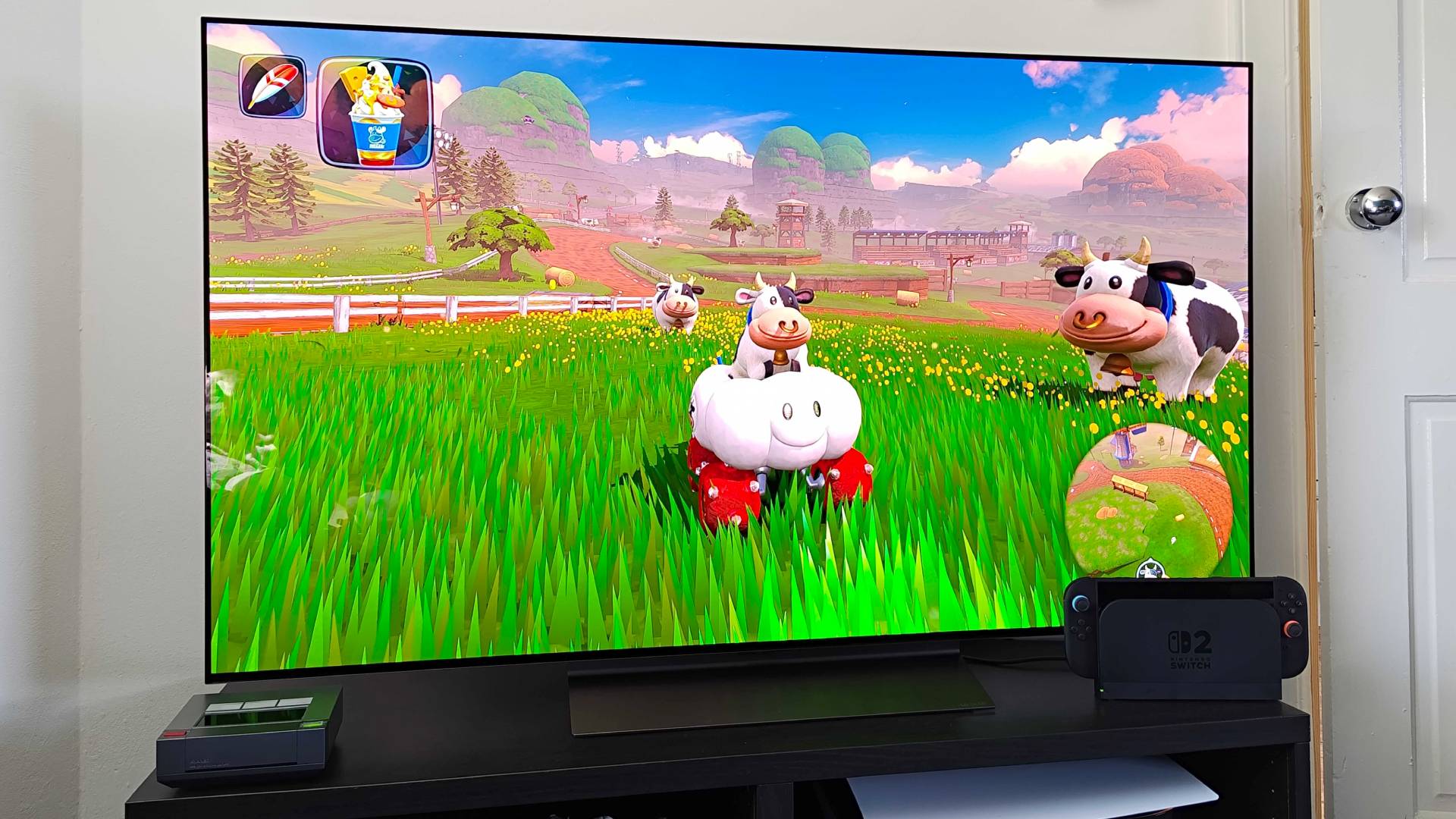
It's safe to say that I was initially puzzled by the bare-bones Nintendo Switch 2 HDR settings screen during setup. I'm accustomed to experimenting with multiple dials in an effort to make an image "almost visible" or select my preferred scene based on colors, but the gaming handheld sticks with a singular option. Or, at least that's what I thought before realizing there's a hard-to-spot slider that will help prevent overexposure.
Accessing the additional Switch 2 HDR settings is admittedly easy, and in truth, it's not exactly hidden. Nintendo even tells you how to adjust things once you get to the last screen, as it says, "This is how the brightness will look when playing software. If you'd just like to adjust the brightness, you can do so by pressing Y."