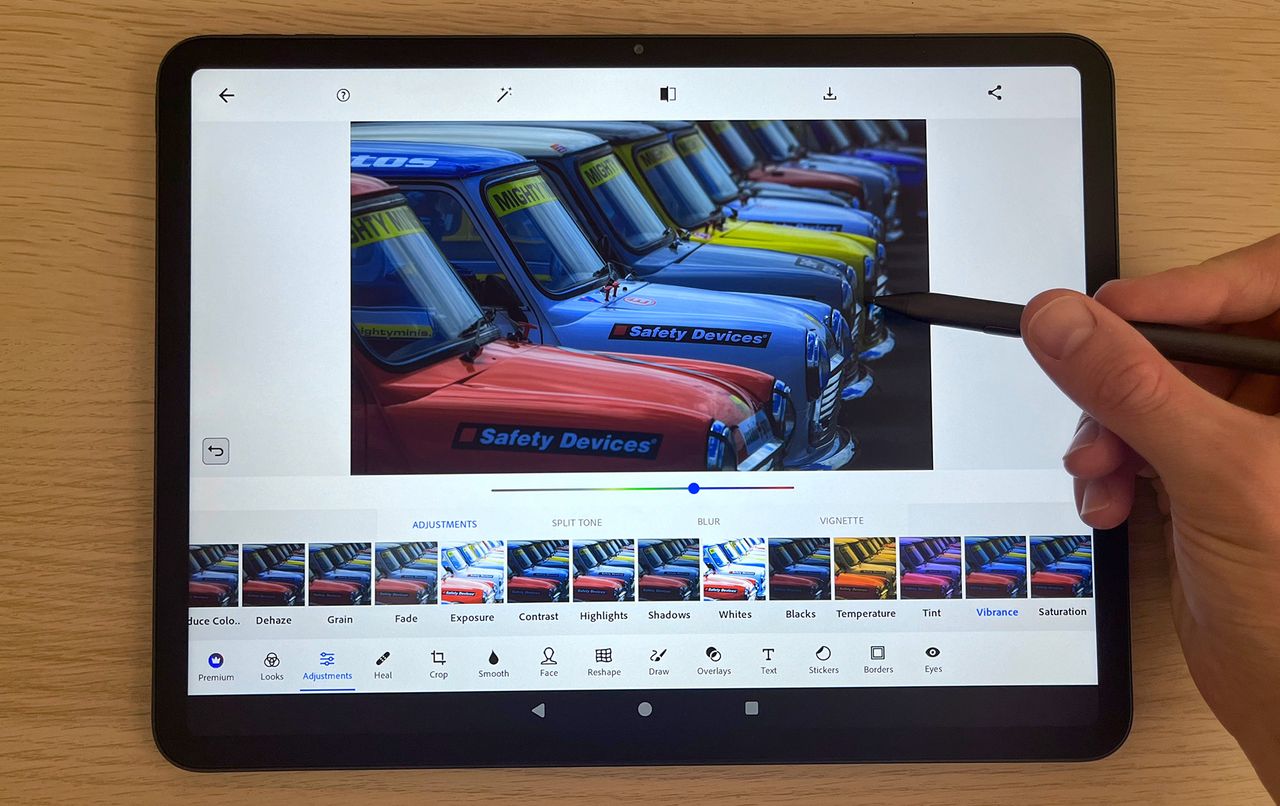
The Huion Kamvas Slate 11 and 13 are part of Huion’s standalone tablet range, which means they feature the core functionality of a traditional Pen Display, like the Xencelabs Pen Display 16, but run under their own steam, no laptop or computer required. Just like its standalone competitor, the XP-Pen Magic Drawing Pad, the Huion Kamvas Slate runs Android and grants access to the Google Play Store.
Ultimately, there’s not much difference between a standalone pen display and a consumer tablet and stylus. It largely comes down to a few quality-of-life upgrades and accessories, designed to enhance the drawing experience. Most notably, the Kamvas Slate has what Huion calls a Nano-Etched surface, a matte texture to provide a paper-like feel for extra comfort when drawing. The display is also fully laminated (also common among consumer tablets), which reduces the parallax from stylus tip to input, providing a more natural pen-to-paper drawing experience. The tablet is also bundled with Huion’s H-Pencil, a drawing glove (stops your bare palm from interfering with the touch screen), and spare stylus nibs.