
Get all your news in one place.
100’s of premium titles.
One app.
Start reading
WhatToWatch
WhatToWatch
Entertainment
Roy Delgado

How to watch ESPN on your TV

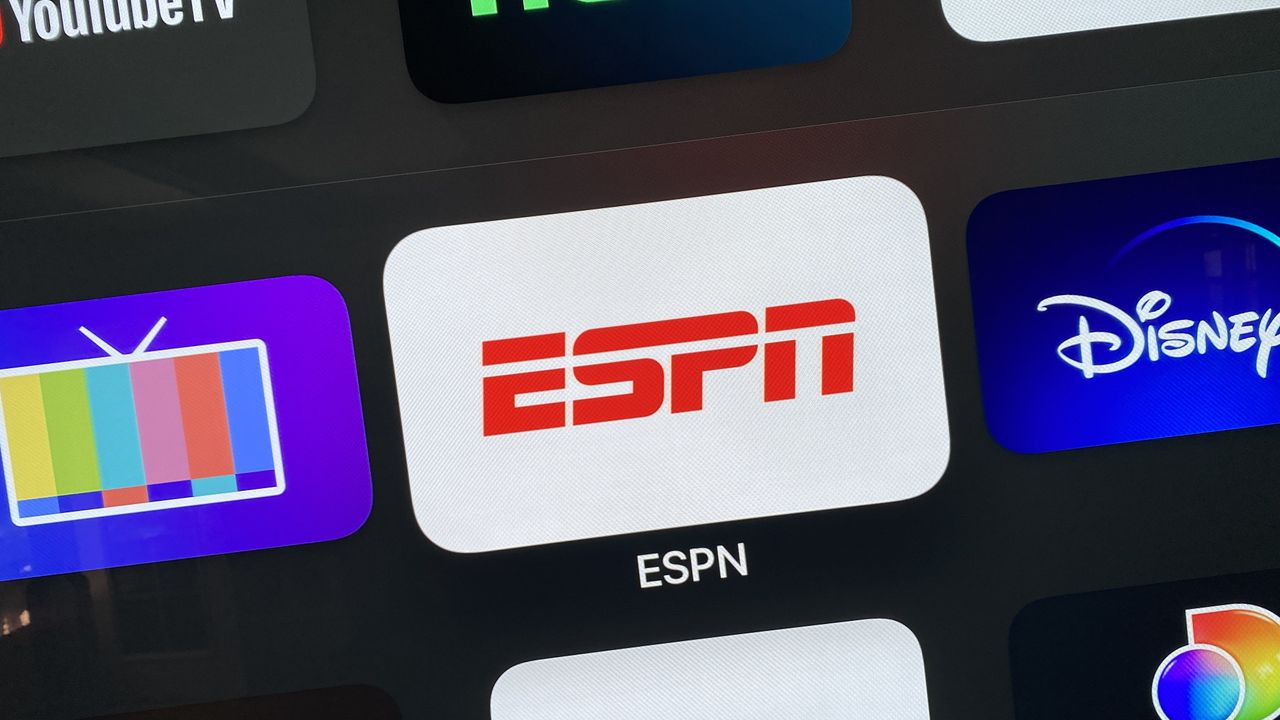
ESPN app on Apple TV.

Can't get enough sports in your weekly diet? Sounds like you'll appreciate a live sports streamer like the mighty ESPN. Once you've signed up, the next step is to work out the best way to watch the sports streaming service from your screen of choice.

Inarguably ESPN is one of the best streaming service for all your sporting needs, whether that be live sports, documentaries or factual videos. Covering the likes of football, college basketball, MLB, NHL, the PGA, rugby, MMA, boxing, cricket and a variety of other sports, this is truly the streamer you want for 24/7 coverage of live sports.

So, how will you watch ESPN? On your laptop, computer, smartphone or tablet? For our money streaming on the TV is the best bang for your buck enabling you to experience your favourite sports on big and high-res displays, with an audio set-up to match.

If you want to take our advice and watch the big games on the big screen then follow this handy guide to naviagate to the special content on ESPN. Available on Apple TV, Android TV, Fire TV, Xbox, the Roku platforms, smart TVs and in web browsers, the navigation is largely the same on every one of them but read on to discover more...

How to watch ESPN on your TV

  1. Open the ESPN App on your streaming device. If it's not yet installed, get it from your device app or channel store
  2. Highlight the settings gear icon in the upper right corner of the screen
  3. Click to enter the settings menu
  4. Open Account Information
  5. Choose "Login to ESPN Account" to see your activation code
  6. Visit es.pn/activate on your phone, tablet or PC
  7. Follow the directions on the site to login with your ESPN account
  8. Your TV will confirm when you've successfully linked your account
  9. Back on the ESPN TV App main screen, select ESPN

Now your TV is all set up to watch ESPN content. The ESPN section has live content and original shows including documentaries all waiting for you. Just select the ESPN section each time you open the app to see what's new.

If your streaming device doesn't have an ESPN app, you have options. If you have a Chromecast, you can cast ESPN from your phone to your TV. If you have an older Apple TV, you can use AirPlay ESPN from your iPhone to your TV. Or you can pick up a new streaming device that can run the ESPN app. Make sure to stop back after for help getting everything set up.

ESPN is a great option to stream sports outside of a bundle. You will need to have a subscription to watch ESPN sports and shows on your TV.

But if you do have an interest in bundling, ESPN has that too, as it is part of the Disney Bundle, pairing it with Disney Plus and Hulu for a monthly fee of $19.99. ESPN is also now a standard feature of the Hulu with Live TV streaming service.

ESPN supported TVs

Here are all the supported devices that allow you to watch ESPN directly on your TV:

  • Android TV
  • Amazon Fire TV
  • Apple TV
  • Facebook Portal TV
  • Roku
  • Samsung Smart TV
  • Xfinity XClass, Flex, X1

Other ways to watch

Sign up to read this article
Read news from 100’s of titles, curated specifically for you.
Already a member? Sign in here
Related Stories
Top stories on inkl right now
Our Picks
Fourteen days free
Download the app
One app. One membership.
100+ trusted global sources.