Get all your news in one place.
100's of premium titles.
One app.
Start reading
Input
Input
Lifestyle
Sam Hill

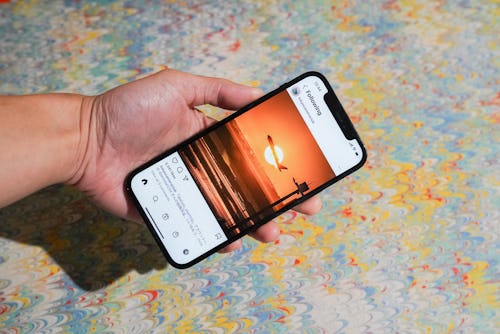
How to view your Instagram feed in chronological order and only see your fave accounts

After years of users begging for its return, Instagram has finally relaunched the chronological feed.

With a couple of taps, you can switch up your feed to show the most recent posts at the top instead of being served days-old posts that the algorithm wants you to engage with. You can also customize your feed further by only viewing accounts you’ve set as “favorites” for a quicker, more personal scrolling experience. We’ll hit the like button on that.
Sign up to read this article
Read news from 100's of titles, curated specifically for you.
Already a member? Sign in here
Related Stories
Top stories on inkl right now
One subscription that gives you access to news from hundreds of sites
Already a member? Sign in here
Our Picks
Fourteen days free
Download the app
One app. One membership.
100+ trusted global sources.