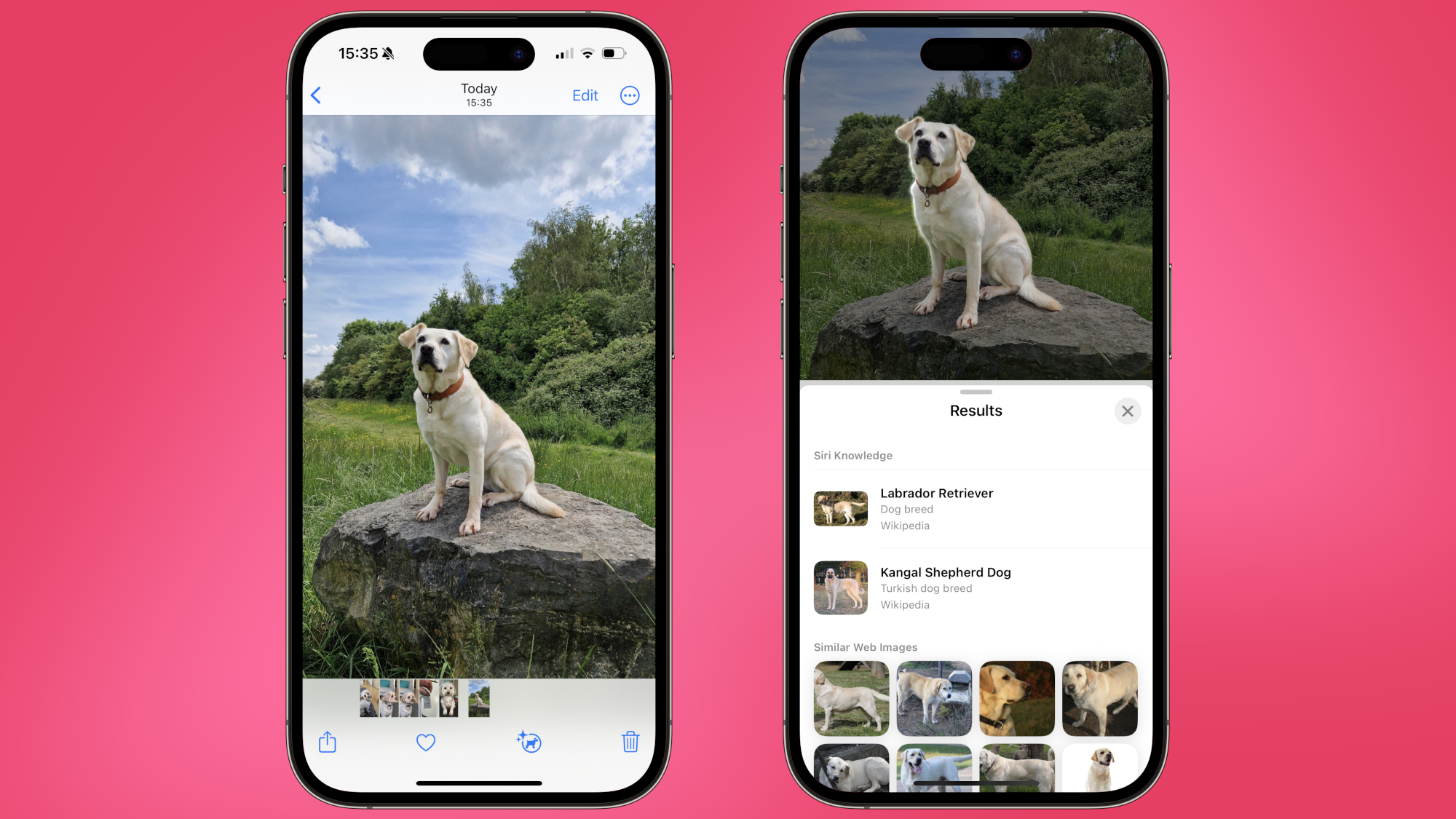
Be honest: at some point or another, you’ve messaged your mom to ask how best to wash your favorite jumper. Or you’ve called on your dad to help make sense of that pesky warning light on your car dashboard. Yes, 'adulting' can be hard – but your iPhone can now stand in for your parents when domestic life throws a curveball your way.
Visual Look Up is a Google Lens-style, post-processing iOS feature that’s designed to help you identify objects in photos. It debuted as part of iOS 15, and was initially capable of identifying things like animals, paintings, books, and landmarks. TechRadar’s US editor in chief, Lance Ulanoff, has found the feature a useful tool for identifying plants, while others have used Visual Look Up to add their pets to their iPhone’s People gallery.