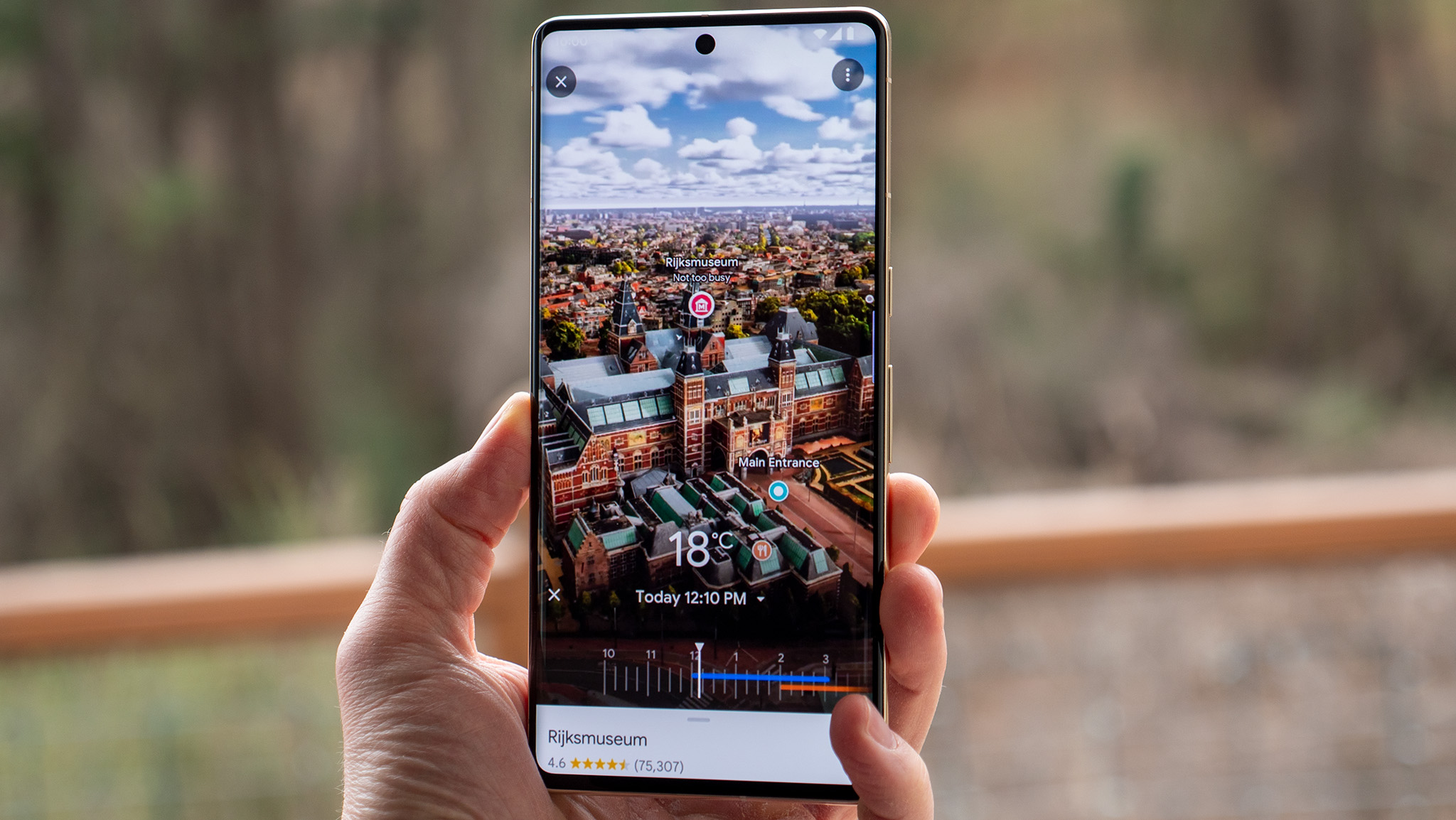
Google Maps is probably the most popular navigation app out there, thanks to its accurate routing, live traffic, community reviews, and more. Features like Street View and Live View also bring a whole new dimension to the app, giving users a closer street-level look at a particular environment. But now, Google Maps has taken things up another notch with the new Immersive View feature, which helps put things into perspective even more.
Immersive View uses computer vision and AI to create 3D maps of a city, allowing you to really get an idea of the scale of everything from buildings to attractions. It's quite a fun feature, especially if you're trying to scope out an area before you actually visit.