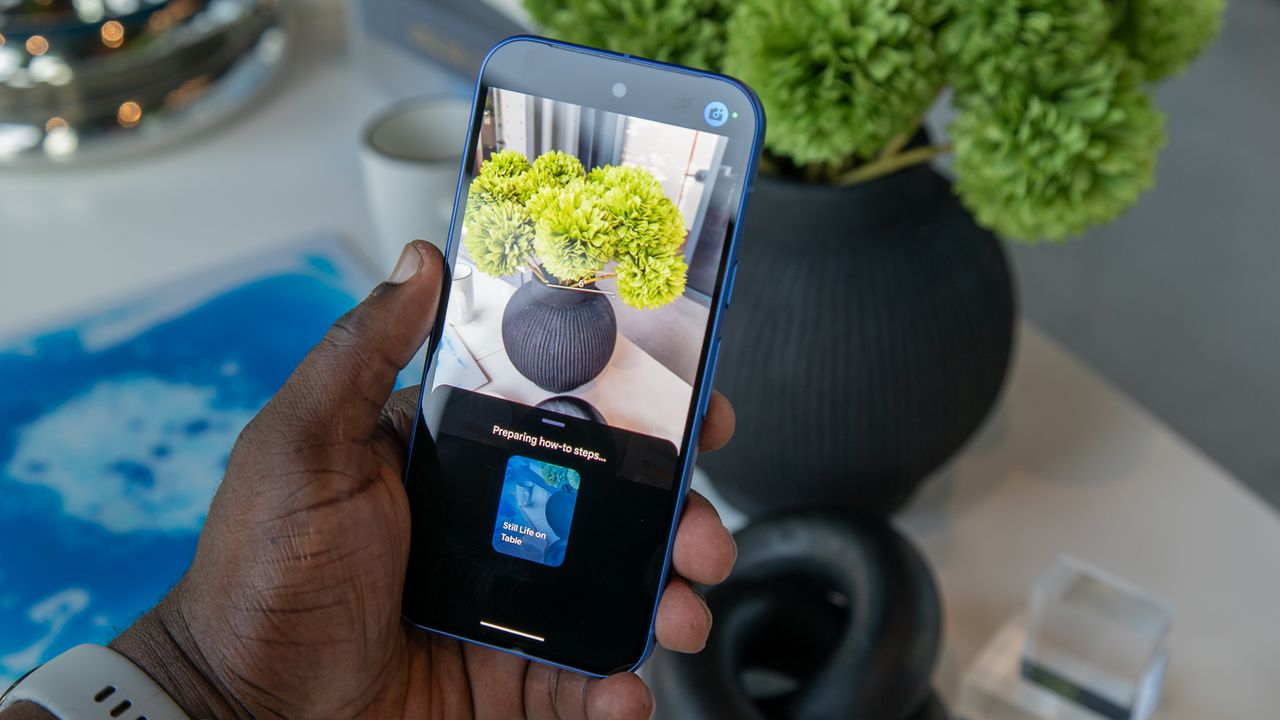
The Google Pixel 10 is here with improved camera quality thanks to revamped color science and a new image signal processor, but can the average user really take advantage of the upgrades? That's the question Google probably tried to answer when developing Camera Coach. It's a software feature that uses AI to give you all the tips you need to take excellent photos with your new Pixel 10.
Camera Coach is optional and requires off-device cloud processing. It won't be for everyone, but it's one of the Google Pixel 10 series' flagship software features and is certainly worth a try. Whether you're using it once or every time, this guide will teach you how to use Camera Coach.